

Connect your channels in a single Support Inbox to improve the effectiveness of your team.
- Stores using it
- — Not detected yet
- Rating
- —
- Price
- Free
- Launched
- February 2023 Spain
Screenshots

About Aunoa CRM and Support Agents
Connect your channels in a single Support Inbox to improve the effectiveness of your team.
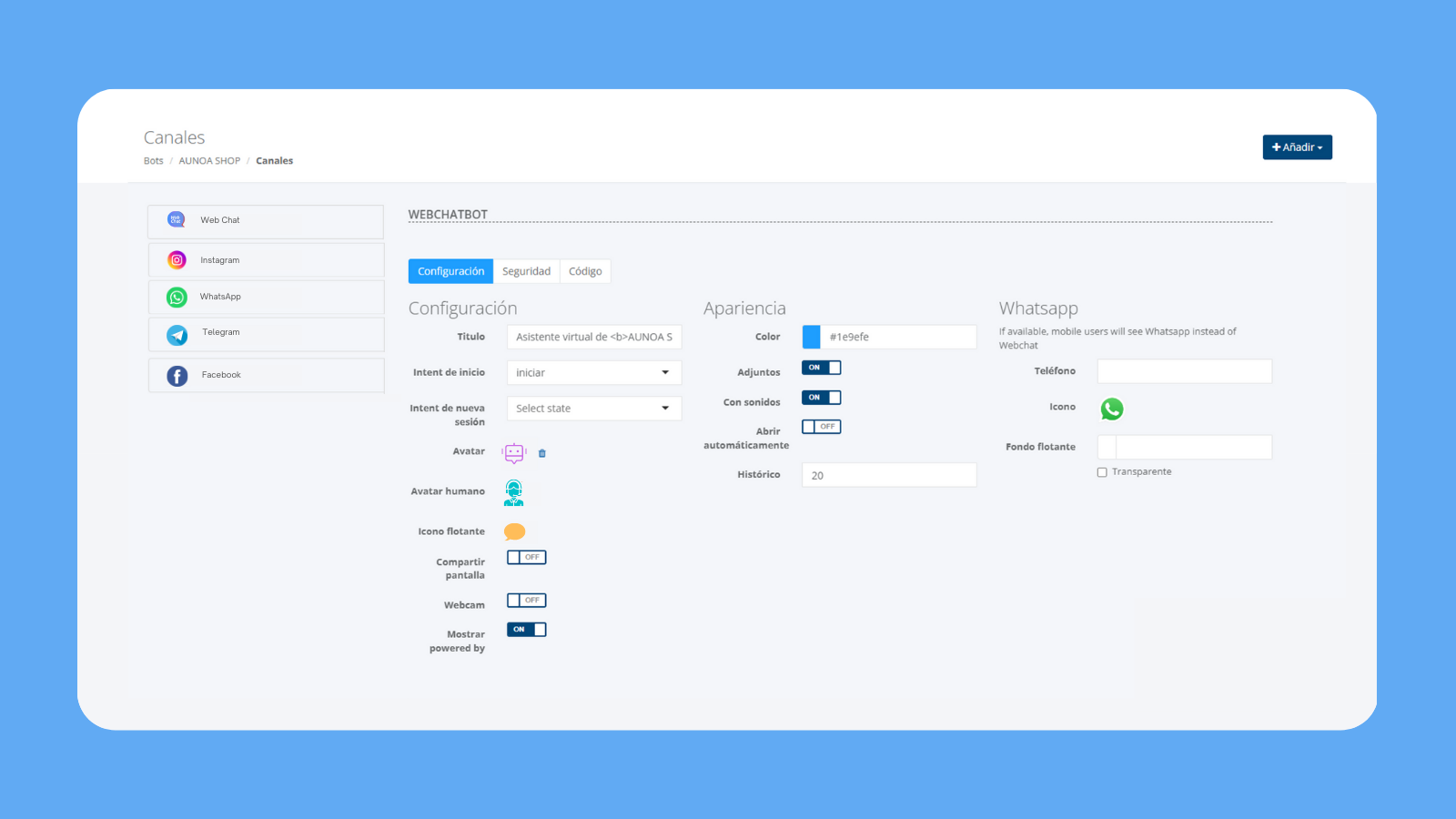
Connect your live chat, social media, and messaging apps so you can view, manage, and reply to all interactions from a single centralized Inbox. ¡Surprise your customers and prospects with real-time and effective responses! Use our conversations software to reduce response time, improve the shopping experience and offer personalized conversations that boost online sales and improve your customer support quality.
- Centralize all your support conversations in one single Inbox.
- Generate more sales from your messaging channels with real-time support.
- Create, manage, prioritize and organize tickets directly from your Inbox.
- Get in one view the full record of every conversatión and contact’s timeline.
- Save time and free your team from repetitive tasks using AI.
Shopify stores using Aunoa CRM and Support Agents
We haven't detected Aunoa CRM and Support Agents on a live Shopify store yet. We recognise the apps that leave a trace in a store's code; some apps run only in the admin or the checkout.
Detect apps on any storeFAQ
Aunoa CRM and Support Agents: FAQ
Connect your channels in a single Support Inbox to improve the effectiveness of your team.
Yes, Aunoa CRM and Support Agents is free to use.
We haven't detected Aunoa CRM and Support Agents on a live Shopify store yet. Scan any store on ShopScan to see the apps it runs.
Aunoa CRM and Support Agents is built by Aunoa, based in Spain, and launched in February 2023.