Skip to content

Google Chrome extension icon Discover Shopify App Detector Extension. Free Chrome extension

Add to Chrome

Free Shopify app detector · 2M+ stores tracked

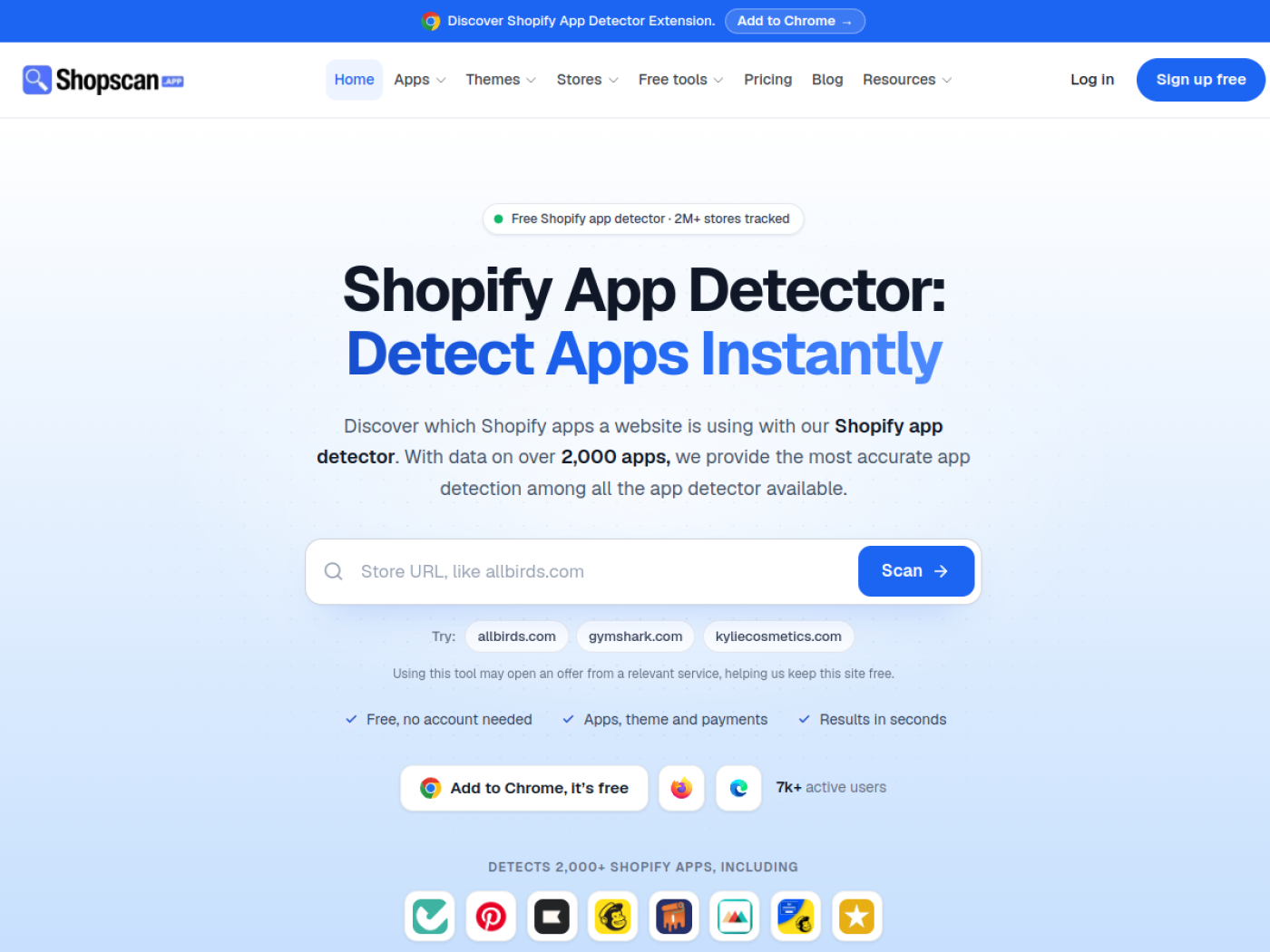
Shopify App Detector: Detect Apps Instantly

Discover which Shopify apps a website is using with our Shopify app detector. With data on over 2,300 apps, we provide the most accurate app detection among all the app detector available.

Try:

Using this tool may open an offer from a relevant service, helping us keep this site free.

7k+ active users

App

Stores using this app

How it works

How Our Shopify App Detector Works?

Shopscan uses advanced AI technology to instantly detect the apps installed on any Shopify store. By analyzing raw store data in seconds, it reveals detailed app information to help you gain insights, optimize your store, and stay ahead in the eCommerce game.

  1. Shopify App Detector Scan Button
    Step 1

    Scan in Seconds

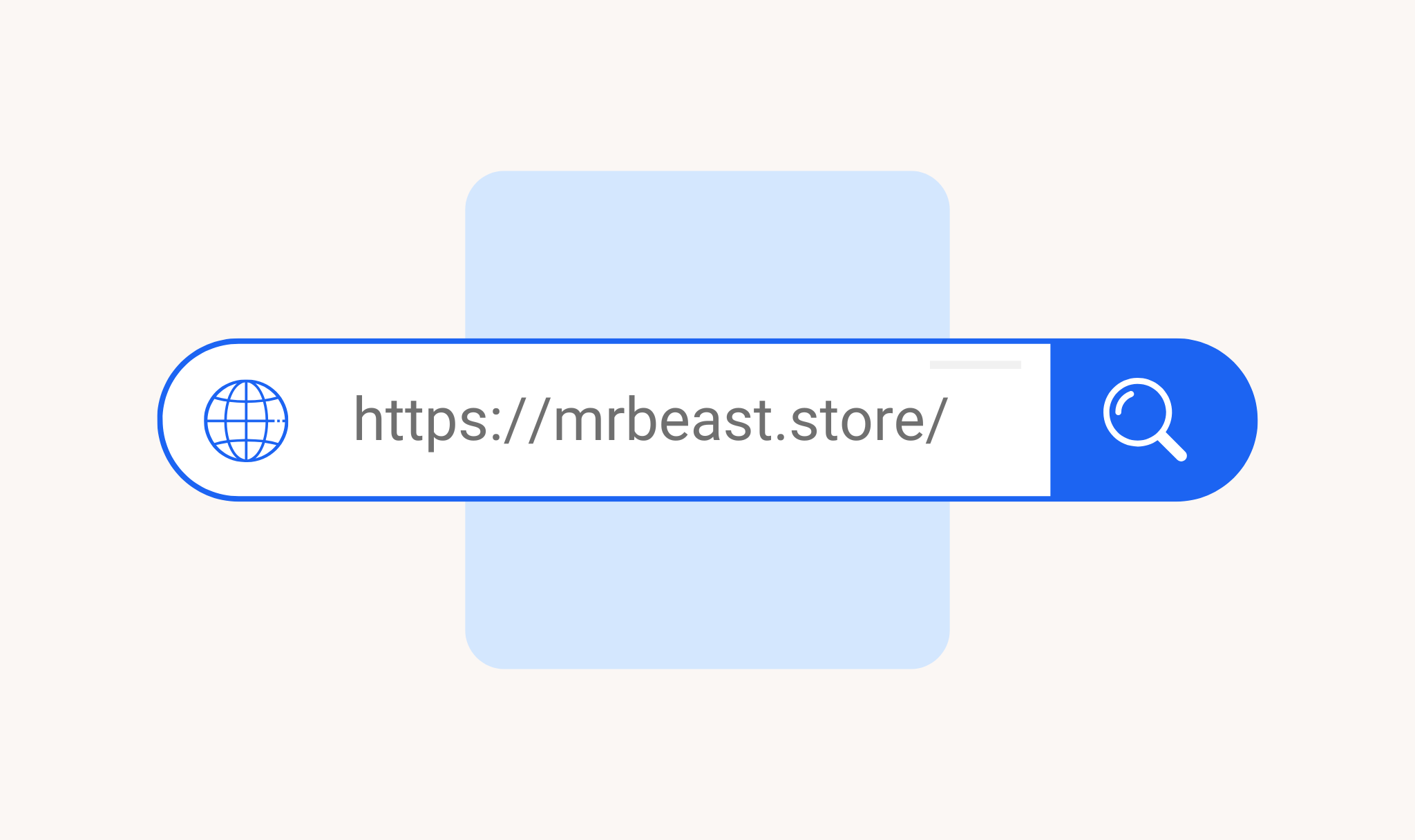
    Simply copy the URL, paste it in the input field, and hit 'Scan' to get started..

  2. Shopify App Detector Result
    Step 2

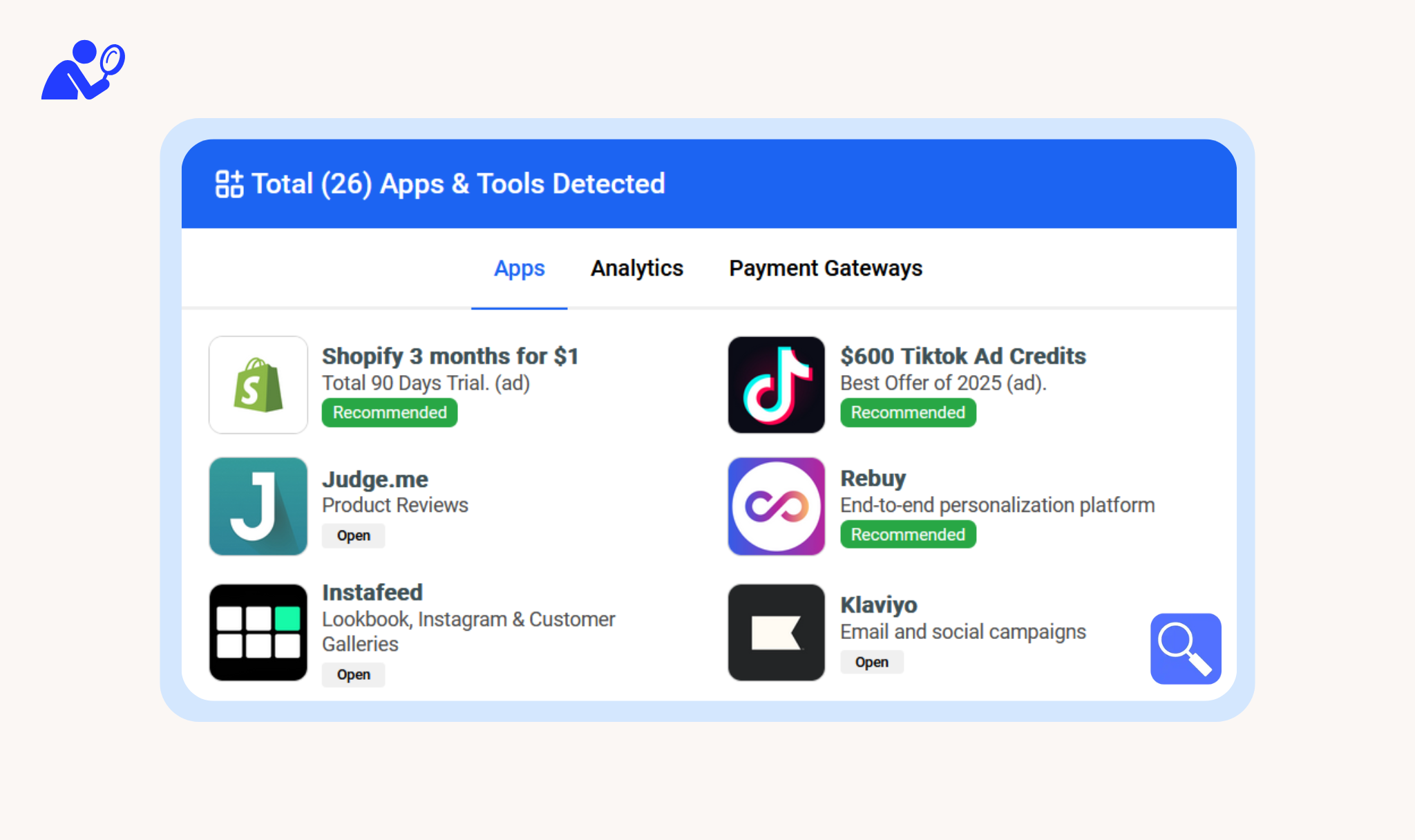
    Discover Installed Apps

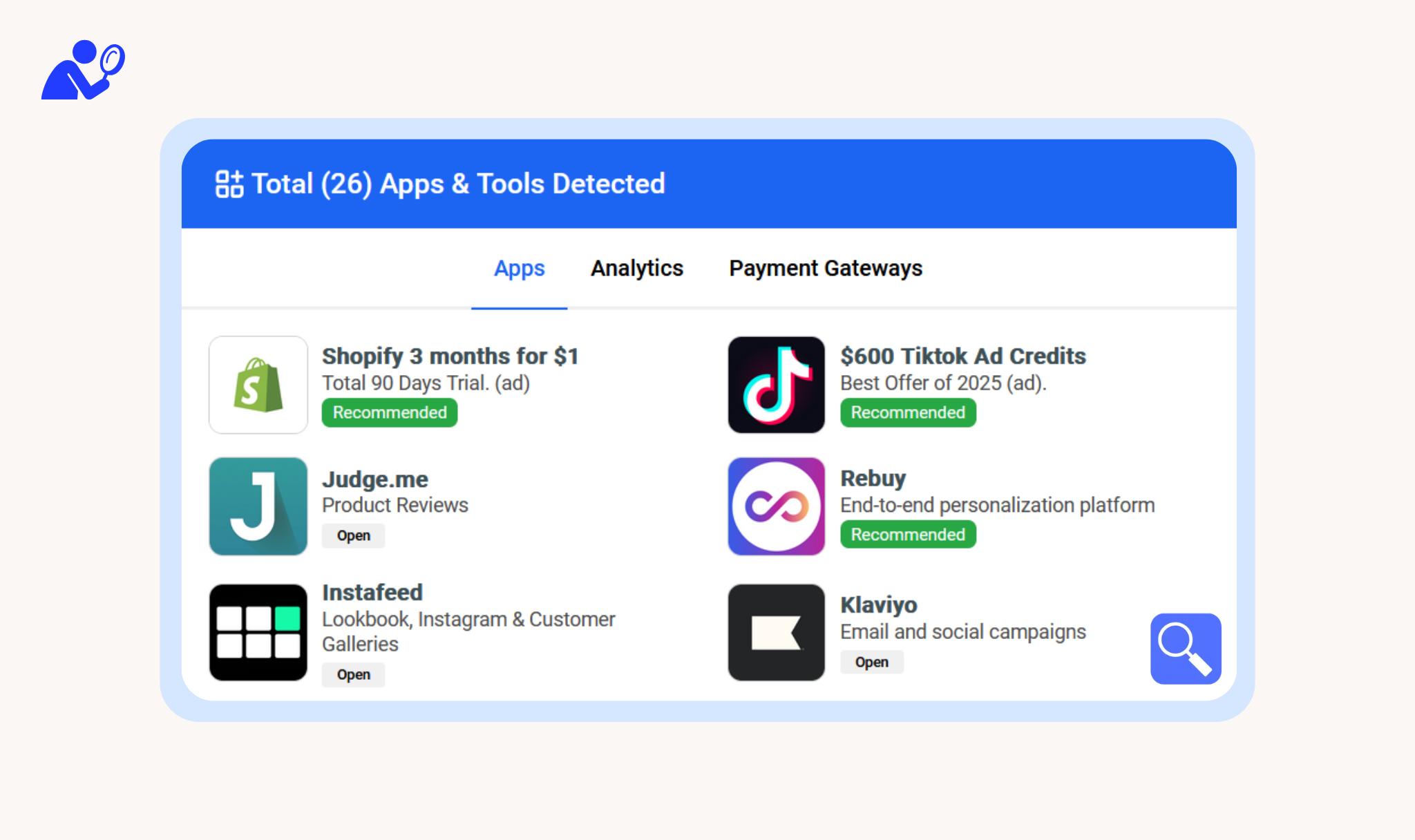
    Get the list of apps, analytics tools, and payment gateways used by the store, with easy tab switching for quick access.

  3. Shopify Theme Detector Result
    Step 3

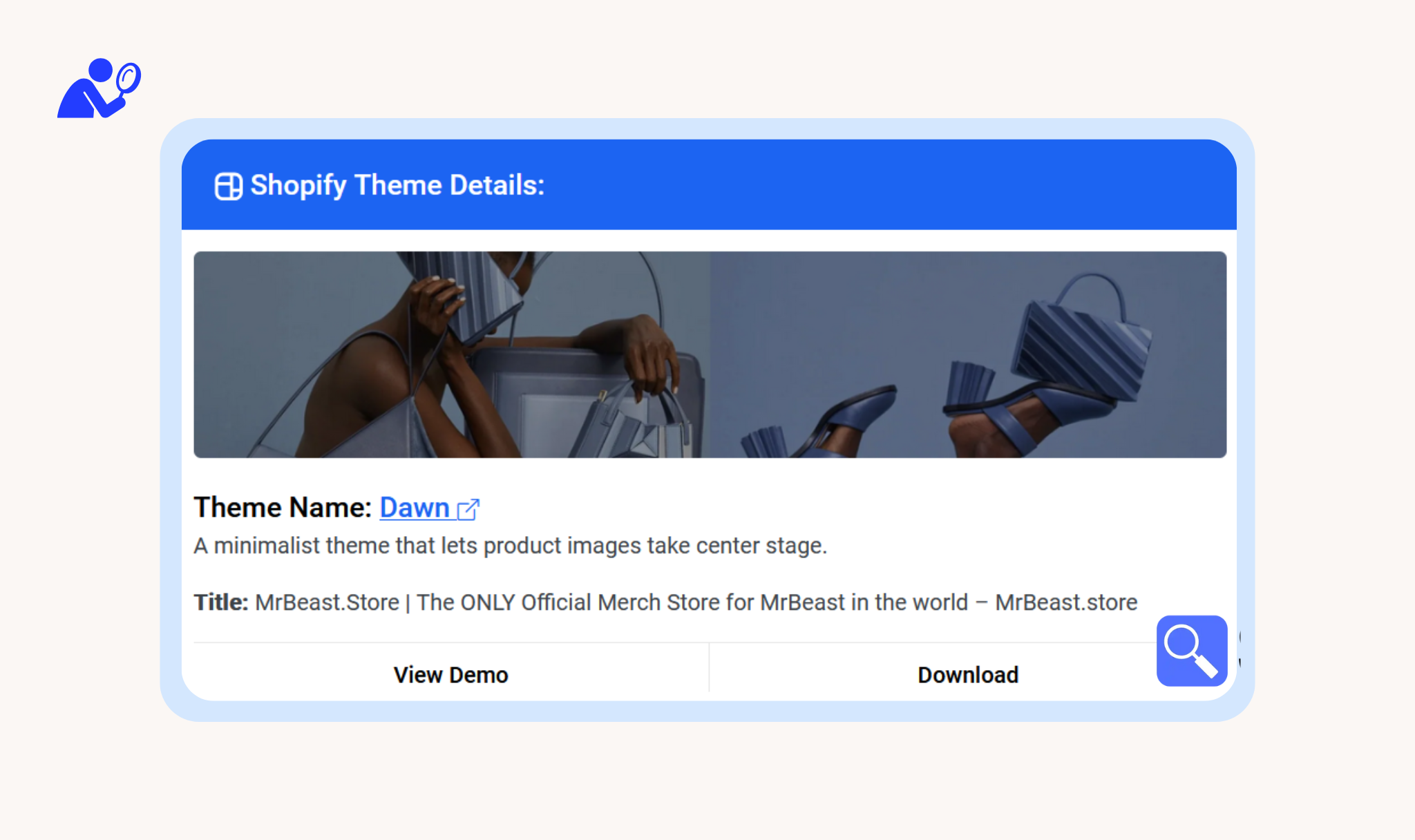
    Theme Name & Insights

    Uncover the theme name along with essential meta details, including location, product counts, and collections.

ShopScan app features

Everything You Need to Analyze Any Shopify Store

ShopScan helps you quickly identify the apps and themes used by any Shopify store, enabling swift action. It also offer Shopify products scraping and analysis.

Get the Extension

Explore Shopify apps

See exactly which apps are powering any Shopify store. Use this insight to improve your own store or replicate winning strategies.

Extensive App Database

With data on over 2,300 Shopify apps, Shopscan provides the most detection accuracy.

Theme Detection

Instantly find out which Shopify theme your competitor is using—no technical skills needed.

Product Scraping

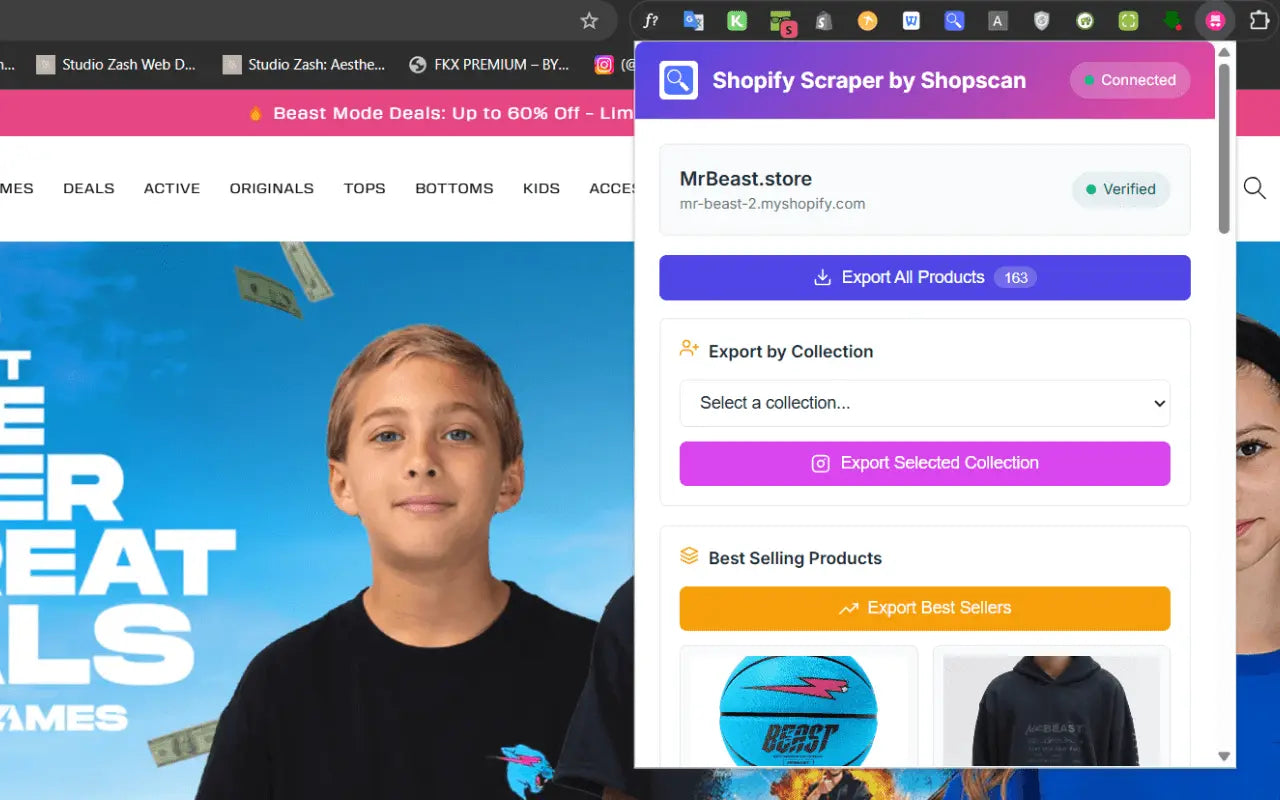
Easily scrape and export products from any public Shopify store. No coding, no fees—just fast data.

Shopify stores tracked
2,045,277
Countries covered
225
Store categories
33
Apps we detect
2,300+

Who it's for

Who Is It For?

Perfect for anyone working with Shopify - whether you're selling, building, or analyzing.

Shopify Merchants

Research competitors tech stacks and improve your own store or replicate winning strategies.

Developers

Quickly extract app, theme and product data for client projects.

Dropshippers

Find winning products and reveal apps and theme behind successful dropshipping stores.

Market Researchers

Discover the hottest trending themes, apps, and products in the market.

No technical expertise is necessary—just install and use. Perfect for beginners and experts alike.

Get Started Now - It's Free!

FAQ

Frequently Asked Questions about Shopify and App Detection

Find answers to the most common questions about Shopify, Shopify apps, and how to effectively use Shopscan.app for app detection.

Still have a question?

Ask us about missing apps, partnerships or anything else.

Contact us

A Shopify app detector shows which apps a Shopify store uses. Enter the store’s address and ShopScan lists the apps it finds, along with the theme, the analytics and ad tracking tools and the payment methods.

Enter a store’s address and press Scan. ShopScan detects the apps the store uses, out of more than 2,300 Shopify apps it knows, and shows them with the theme, the analytics and ad tracking tools and the payment methods in a few seconds.

Paste the store’s address into the app detector at the top of this page and press Scan. The apps, the theme and the payment methods appear in a few seconds.

Yes. Scanning a store is free, and so are the browser extensions for Chrome, Firefox and Edge. Without an account you can scan a few stores a day; a free account shows every app a scan finds and gives you more scans.

Yes. Shopify calls its plugins apps, so a Shopify plugin detector and a Shopify app detector do the same job: enter a store’s address and ShopScan lists the plugins it uses.

No detector can. It detects the apps that run on the store’s pages. Apps that work only in the Shopify admin, such as accounting, inventory and fulfillment tools, apps that run only in the checkout, and custom apps that don’t run on the store’s pages can’t be seen from outside.

Use the website to check a store from any device. If you check stores often, the free extension shows a store’s apps and theme with one click while you browse, without copying its address.

Use the Shopify theme detector: enter the store’s address to see its theme and who makes it. A scan with the app detector shows the theme too.

Shopify apps are tools built by developers to add features to a store, from reviews and email marketing to upsells and analytics. Most stores run several of them.

To see what successful stores run behind the scenes. Whether you’re researching competitors, looking for ideas or finding stores that use a particular app, it shows which tools are worth a closer look.

Yes. Scan any competitor’s Shopify store to see the apps, theme and payment methods it uses, and open an app to see which other stores run it.

Blog

Read Our Latest Articles

Practical guides to Shopify apps, themes and store research, written from what we see across millions of live stores.

★★★★★

Awesome Extension to Spy on Shopify Stores!

“Shopscan makes it super easy to see all the apps and theme a Shopify store is using in just one click. It’s been a huge help for me to figure out what successful stores are using and improve my own. Definitely recommend it to any Shopify store owner!”

Jahin Shahriar - Shopify Expert Review

Jahin Shahriar

Shopify Expert

Cookie preferences

Choose which cookies to allow. You can change this at any time from “Cookie settings” at the bottom of every page.

  • Strictly necessary

    Needed for the site to work, such as security and remembering this choice.

    Always on