

How to See What Shopify Apps a Store Is Using (4 Ways)
-
 Ibn Hisham
- Last Updated :
By purchasing through the links on this page, you are giving us the opportunity to earn a commission.
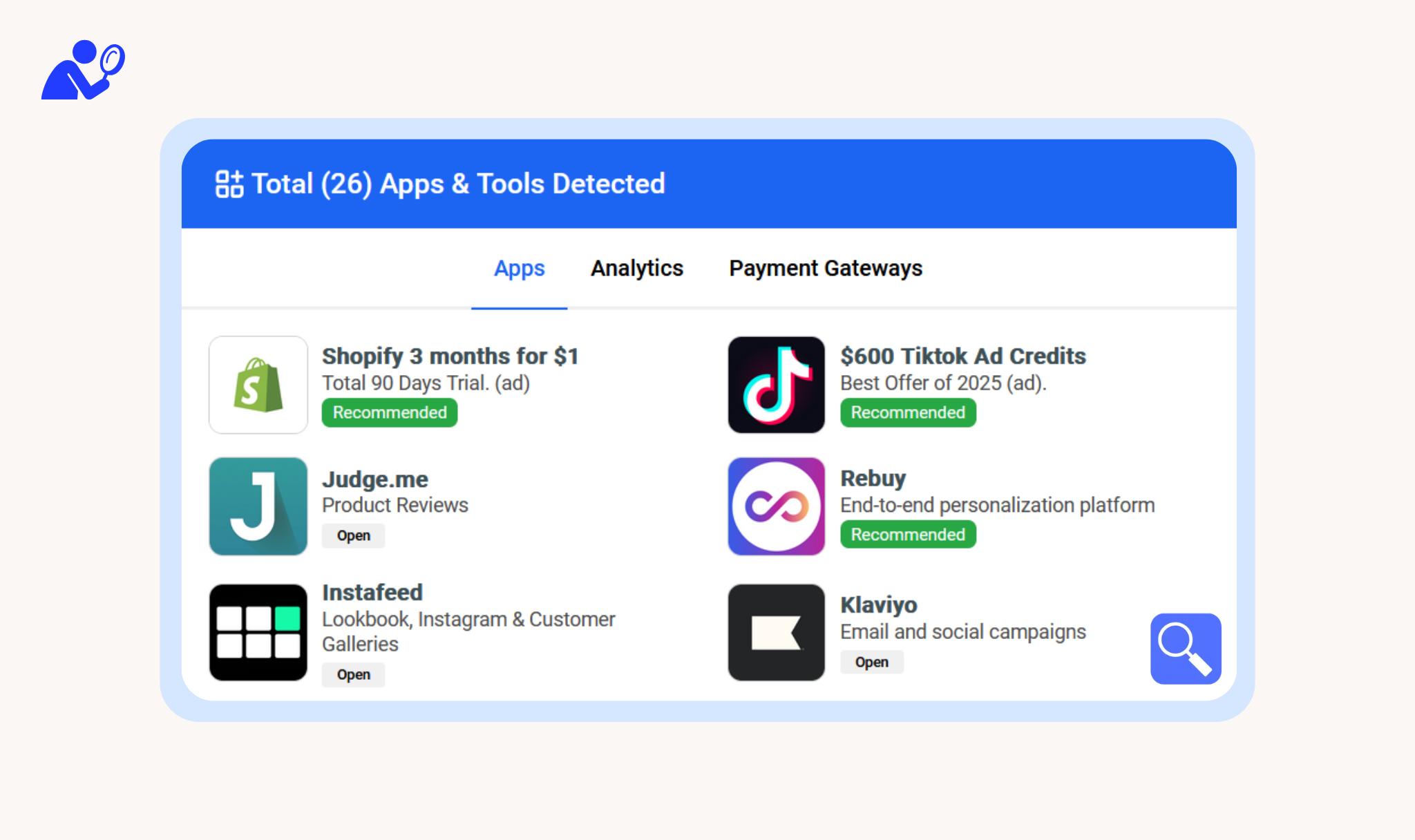
To see which apps a Shopify store uses, paste its address into a Shopify app detector. It detects the apps the store uses and lists them, along with the theme. You can also use a browser extension or check the code yourself. This guide covers all four ways, and what none of them can show you.
The four ways at a glance
| Method | Time | Best for |
|---|---|---|
| App detector website | A few seconds | Checking one store quickly |
| Browser extension | One click per store | Checking many stores as you browse |
| Page source | 5 to 10 minutes | Confirming one specific app |
| Browser DevTools | 10 minutes or more | Developers who want to see every script |
1. Use a Shopify app detector
A detector checks a store and lists the apps it finds. ShopScan’s detector recognizes more than 2,300 Shopify apps.
- Open the ShopScan Shopify app detector.
- Paste the store’s address, for example
examplestore.com. - Press Scan.
The result lists the apps found, the theme, and the analytics and payment tools on the store. Select an app to see how many other stores use it.
2. Use the browser extension
If you check stores often, the extension saves the copying and pasting.
- Install the ShopScan extension for Chrome, Firefox or Edge.
- Open any Shopify store.
- Click the ShopScan icon in the toolbar.
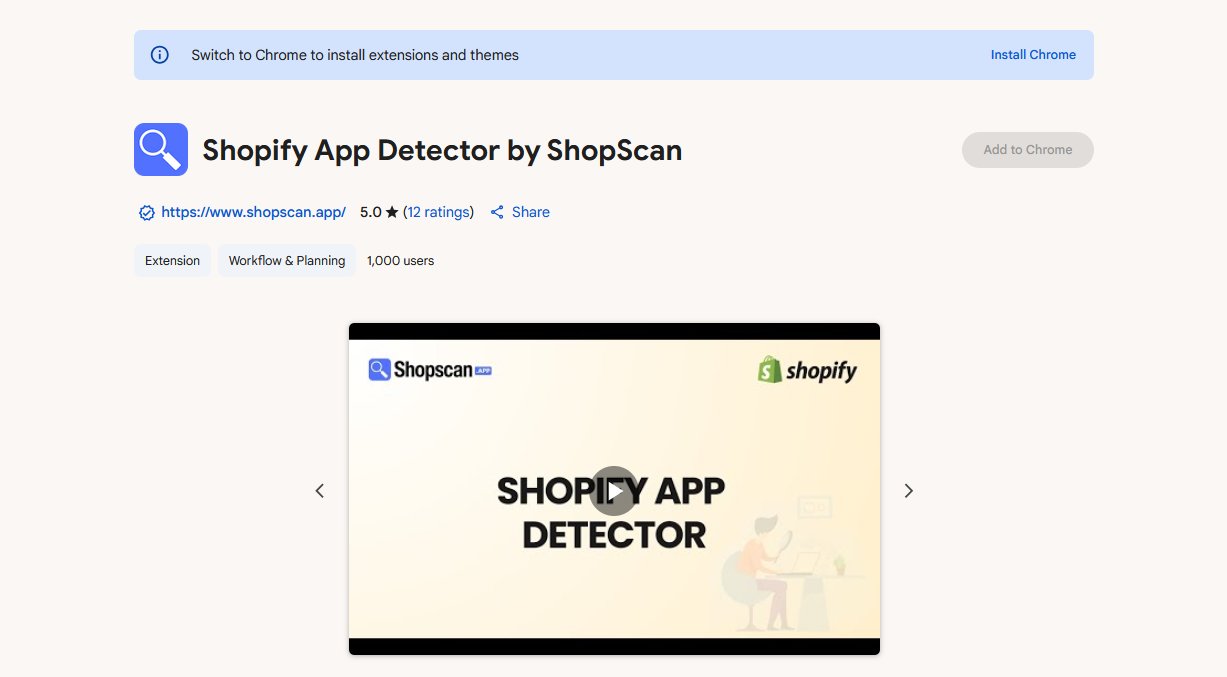
The apps and the theme appear in a panel, without leaving the store.
3. Check the page source
You can confirm one specific app by hand.
- Open the store, right-click and choose View page source. The view source tool does the same from any device.
- Press Ctrl+F (Cmd+F on a Mac) and search for the app’s name or the address its script loads from.
Some common footprints:
| App | Search for |
|---|---|
| Klaviyo | static.klaviyo.com |
| Judge.me | judge.me |
| Loox | loox.io |
| Any app installed as a theme app extension | cdn.shopify.com/extensions/ |
In the last case, the address after extensions/ usually includes the app’s name.
This works, but it is slow, and it misses apps whose scripts load after the page opens.
4. Watch the network requests
- Right-click the page, choose Inspect and open the Network tab.
- Reload the page and filter by JS.
- Look at the domains the scripts load from. Third-party domains usually belong to apps.
This also catches the scripts that load late.
What no method can show you
All four methods see only what a store shows to every visitor. An app that leaves no trace there stays invisible:
- apps that work only in the Shopify admin, such as accounting, inventory and fulfillment tools
- apps that run only in the checkout
- custom apps that don’t run on the store’s pages
Treat any result as the apps that could be seen, not as the complete list.
The apps detected most often
Across the 2,045,264 live Shopify stores ShopScan tracks, these ten apps turn up most often (November 2026):
| App | Stores | Share of stores |
|---|---|---|
| Judge.me Product Reviews | 414,469 | 20.3% |
| Klaviyo: Email Marketing & SMS | 260,284 | 12.7% |
| 222,912 | 10.9% | |
| Mailchimp Email SMS Marketing | 109,029 | 5.3% |
| Mailchimp Forms | 99,036 | 4.8% |
| Shopify Product Reviews | 97,553 | 4.8% |
| Microsoft Clarity | 93,657 | 4.6% |
| Brevo PushOwl | 82,037 | 4.0% |
| Google & YouTube | 80,295 | 3.9% |
| LimeSpot | 71,748 | 3.5% |
The Shopify apps directory has the full ranking.
Other tools
General technology checkers such as BuiltWith and Wappalyzer work on any website and report its whole technology stack. Shopify-only tools such as ShopScan and Koala Inspector focus on Shopify apps and themes. If two tools disagree about an app, the page-source check in method 3 settles it.
Related tools
- To find the theme, use the Shopify theme detector.
- To check whether a site runs on Shopify at all, use the Shopify checker.
- To estimate a store’s sales, use the Shopify revenue checker.

Frequently asked questions
How can I see what apps a Shopify store is using?
Is there a free Shopify app detector?
Can a detector find every app on a store?
Is a Shopify plugin detector the same thing?
How do I see which theme a Shopify store uses?
Does it work on stores that are not on Shopify?
Ibn Hisham
I have been working as a Shopify developer since 2020. Now I run a Shopify development agency call Devluxx.com, and I love to write about Shopify and online businesses.