


Provide users with a fast way to call you directly from your website
- Stores using it
- — Not detected yet
- Rating
- —
- Price
- $5 / mo Free trial
- Launched
- October 2019 Armenia
Screenshots
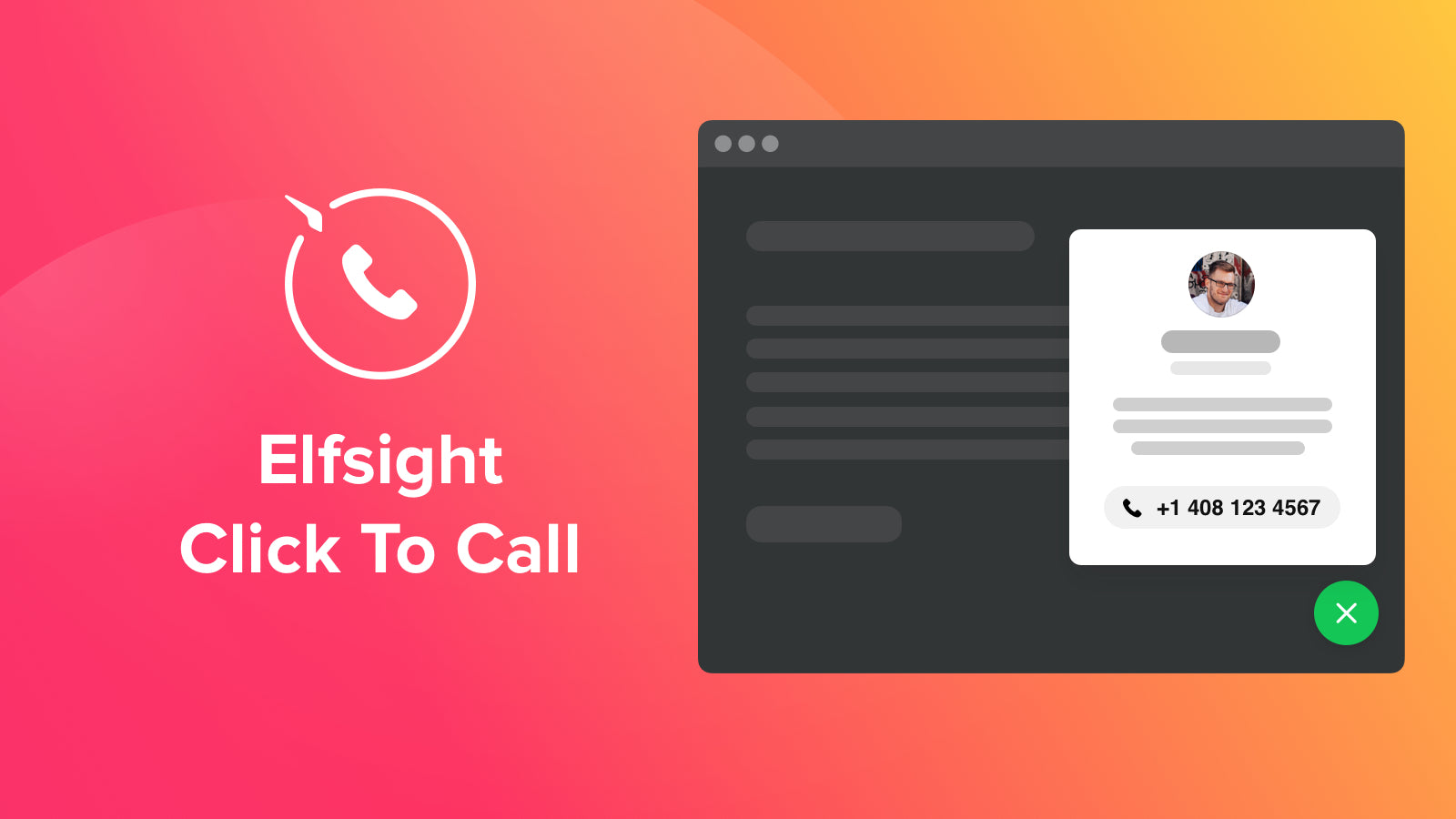

About Elfsight Click To Call Button
Provide users with a fast way to call you directly from your website
With the help of the Call button on Shopify you can Stay easy-to-reach with handy one-click dialing on your web page. Your visitors will appreciate it with one-click dialing and phone number demonstration, calling you will be maximum easy and receiving calls from new potential clients, you can increase your client database.
- Making a call is maximum easy
- Control the displaying of the widget
- Switchable elements of the call window
Elfsight Click To Call Button pricing
Free trial · From $5 / month. Prices in USD; check the App Store for the latest.
-
Unlimited
$5 / month
59 billed yearly (save 2%)
- Floating or Inline Button
- Display Settings: Schedule, Devices, Pages, Audience
- Call Triggers
- Animations
- Mobile Ready
- No Coding
Shopify stores using Elfsight Click To Call Button
We haven't detected Elfsight Click To Call Button on a live Shopify store yet. We recognise the apps that leave a trace in a store's code; some apps run only in the admin or the checkout.
Detect apps on any storeFAQ
Elfsight Click To Call Button: FAQ
Provide users with a fast way to call you directly from your website
No. Plans start at $5 a month, with a free trial.
We haven't detected Elfsight Click To Call Button on a live Shopify store yet. Scan any store on ShopScan to see the apps it runs.
Elfsight Click To Call Button is built by Elfsight, based in Armenia, and launched in October 2019.