


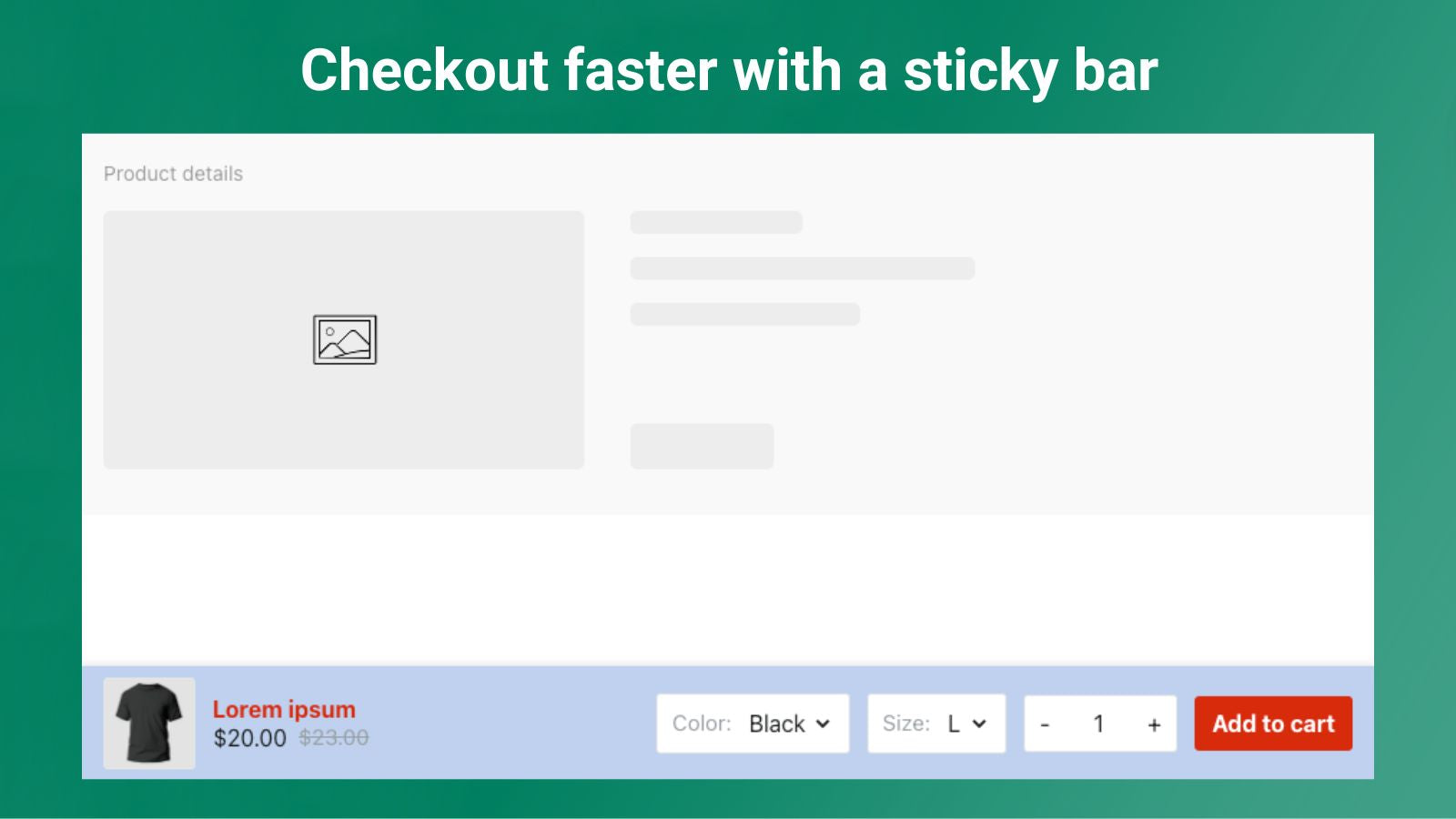
Checkout faster and potentially boost sales with a sticky Add-To-Cart button
- Stores using it
- — Not detected yet
- Rating
- 3.7 / 5 3 reviews
- Price
- Free
- Launched
- June 2023 United States
Screenshots
About Zeno Sticky Add To Cart
Checkout faster and potentially boost sales with a sticky Add-To-Cart button
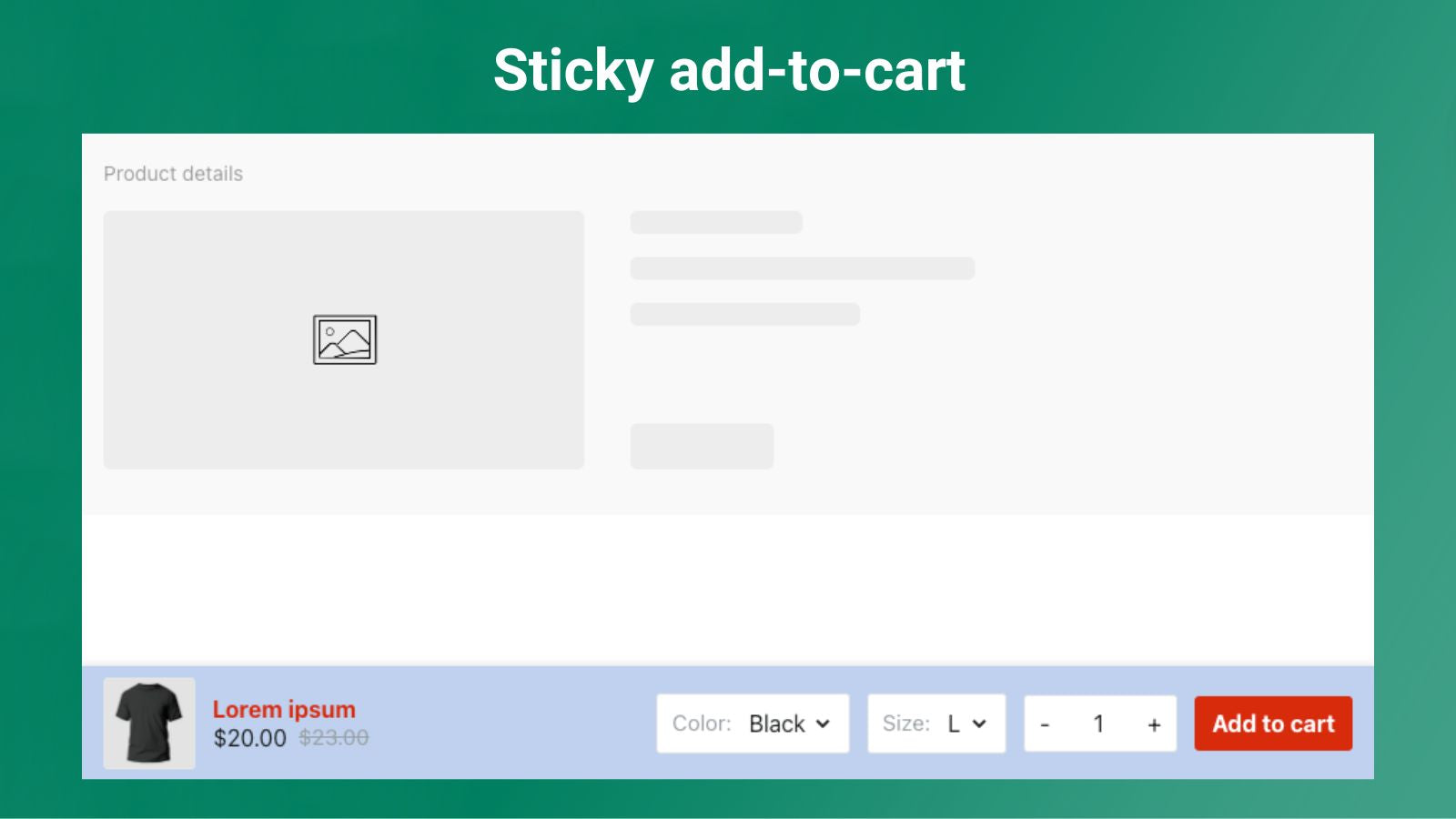
Zeno Sticky Cart is an app that adds a sticky add-to-cart button to your store's product pages. The button is customizable and optimized for mobile devices, simplifying the shopping experience for your customers. With Zeno Sticky Cart, customers can easily add items to their cart without having to scroll up and down the page. Try Zeno Sticky Cart today and deliver a seamless shopping experience for your customers!
- Customize the sticky add-to-cart button to match your store design.
- Optimized for mobile devices, making it easy for customers to shop on-the-go.
- Works seamlessly with your themes, with no code inserted into the theme.
Features
- Mobile responsive
- Sticky cart
Shopify stores using Zeno Sticky Add To Cart
We haven't detected Zeno Sticky Add To Cart on a live Shopify store yet. We recognise the apps that leave a trace in a store's code; some apps run only in the admin or the checkout.
Detect apps on any storeFAQ
Zeno Sticky Add To Cart: FAQ
Checkout faster and potentially boost sales with a sticky Add-To-Cart button
Yes, Zeno Sticky Add To Cart is free to use.
We haven't detected Zeno Sticky Add To Cart on a live Shopify store yet. Scan any store on ShopScan to see the apps it runs.
Zeno Sticky Add To Cart is built by Zenonian, based in United States, and launched in June 2023.
3.7 out of 5 from 3 reviews on the Shopify App Store.