


Add a scroll to top button in a minute.
- Stores using it
- — Not detected yet
- Rating
- 4.9 / 5 39 reviews
- Price
- Free
- Launched
- July 2019 Vietnam
Screenshots

About XO Scroll to Top
Merchants highly recommend this app for its customizable "scroll to top" button, ideal for long websites. It enhances user experience and potentially increases conversion rates with its easy customization of size, color, and position. The installation is simple, and it performs reliably across devices without affecting loading speeds. Merchants praise its smooth integration and functionality, and appreciate the responsive and efficient support team.
Add a scroll to top button in a minute.
The button allows users to smoothly and quickly navigate to the top of the page without any hassle and frustrating wait. It's a little yet important detail which enhances user experience to convert visitors to your potential customers. This app does not require any coding skills or complicated steps but automatically installs on your website in a few simple clicks.
- Browse long pages easier
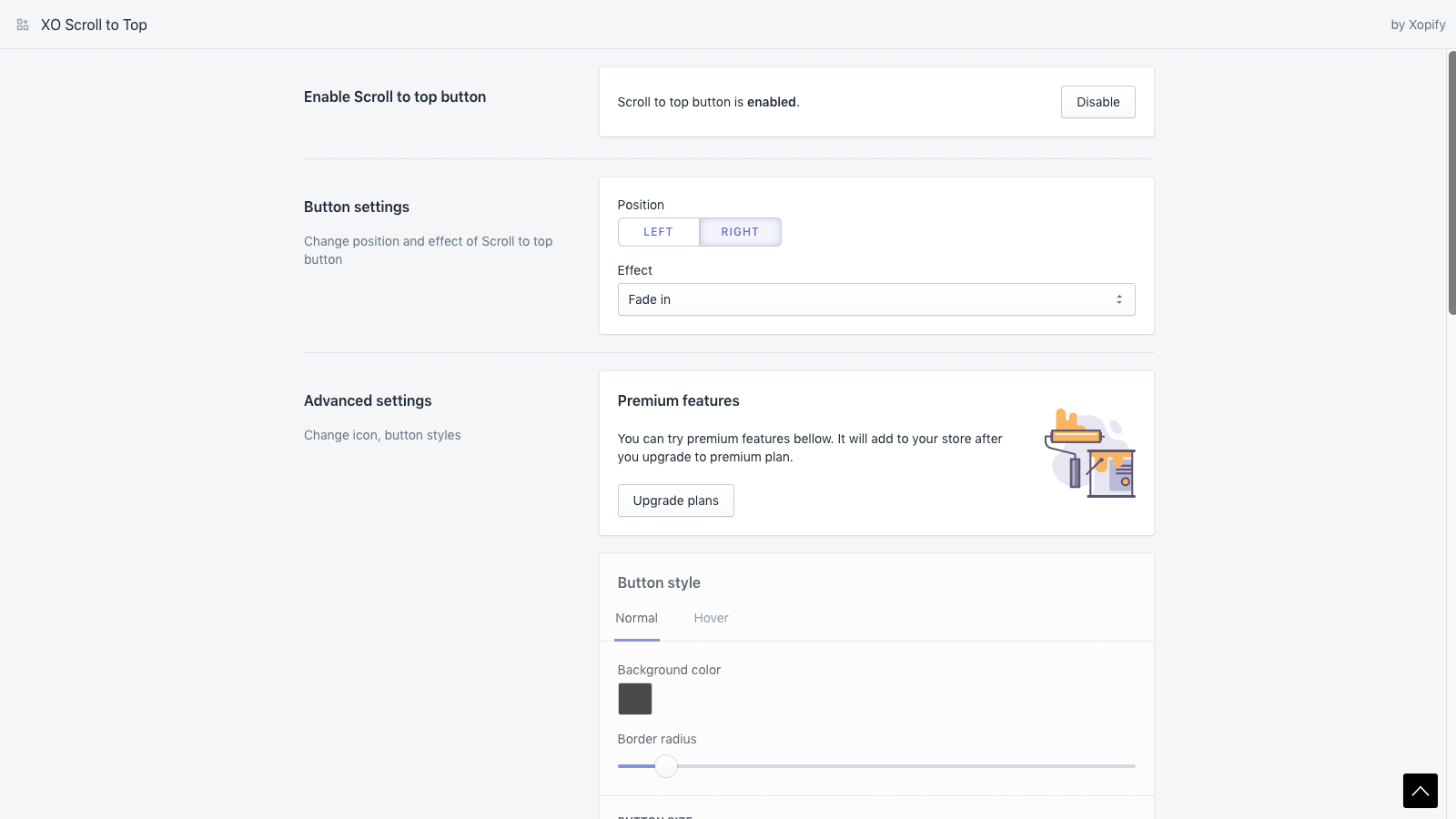
- Advanced options: background, hover, size, position, appear effect, icon
- Only show when scroll down
- Show/hide button on specific pages
Shopify stores using XO Scroll to Top
We haven't detected XO Scroll to Top on a live Shopify store yet. We recognise the apps that leave a trace in a store's code; some apps run only in the admin or the checkout.
Detect apps on any storeFAQ
XO Scroll to Top: FAQ
Add a scroll to top button in a minute.
Yes, XO Scroll to Top is free to use.
We haven't detected XO Scroll to Top on a live Shopify store yet. Scan any store on ShopScan to see the apps it runs.
XO Scroll to Top is built by Xotiny, based in Vietnam, and launched in July 2019.
4.9 out of 5 from 39 reviews on the Shopify App Store.