


Post purchase surveys made simple! Easily create, analyse and edit your post purchase survey.
- Stores using it
- — Not detected yet
- Rating
- —
- Price
- Free
- Launched
- November 2022 Australia
Screenshots
About Whisper Post Purchase Survey
Post purchase surveys made simple! Easily create, analyse and edit your post purchase survey.
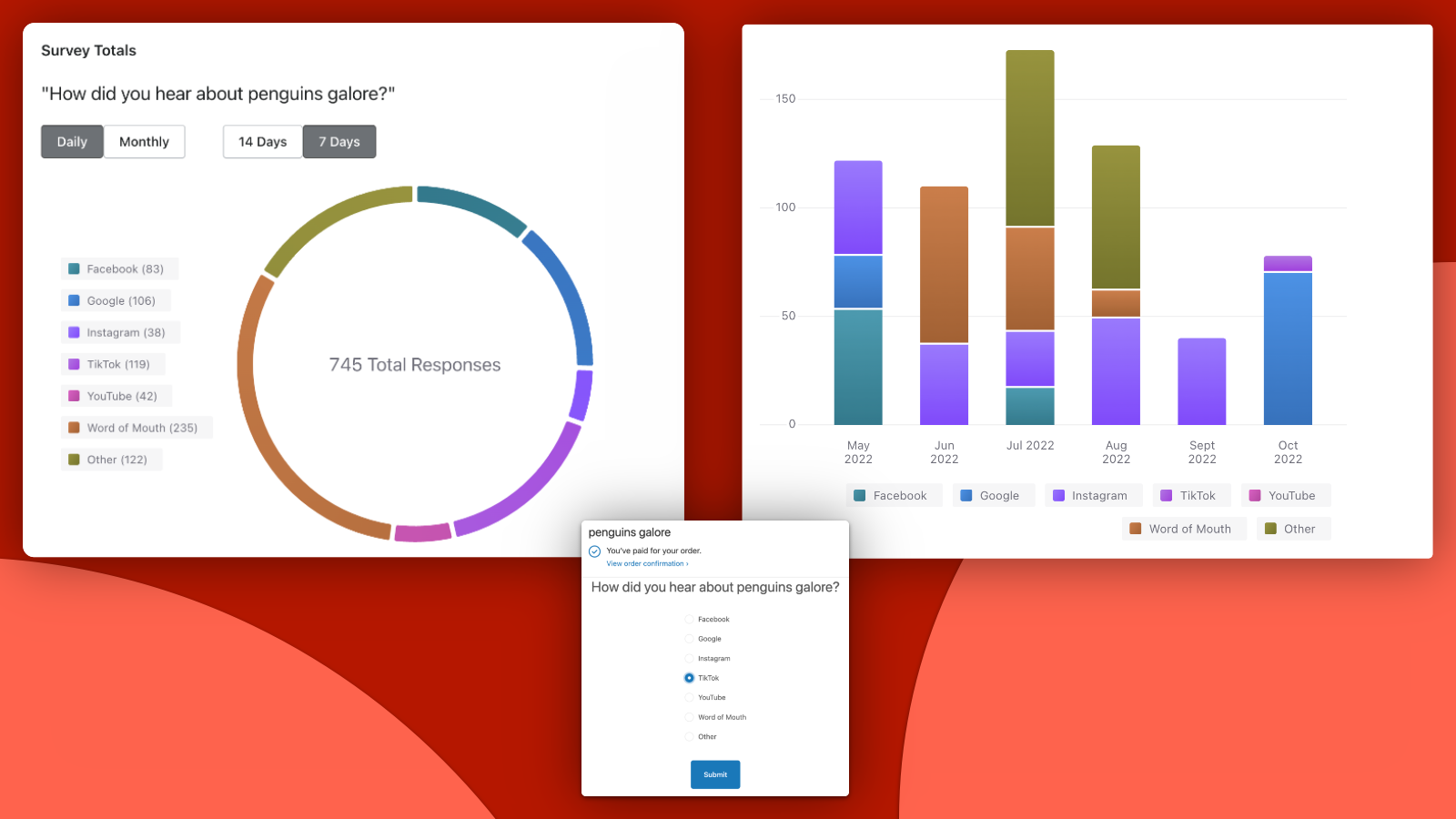
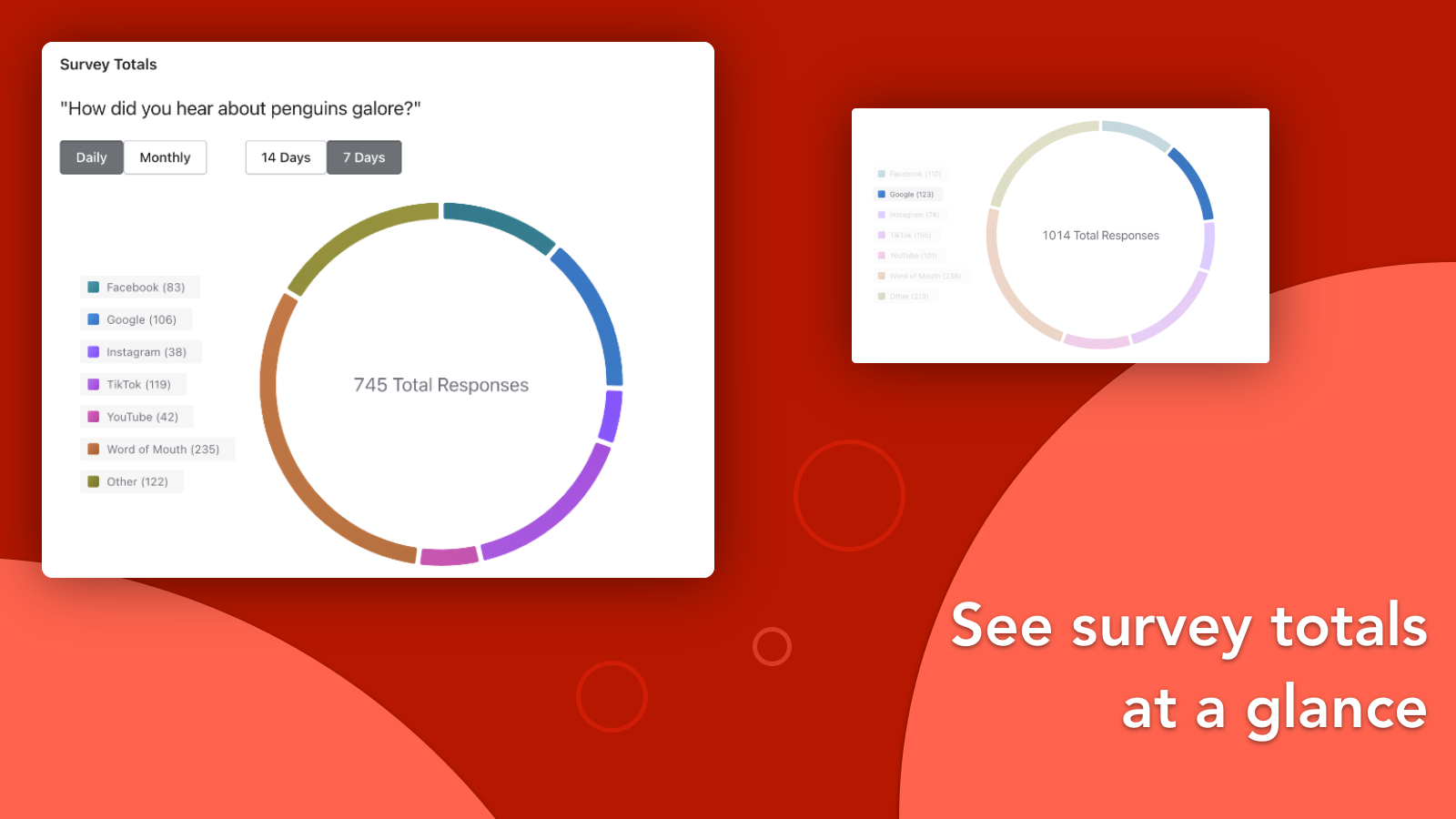
With Whisper it's easy to create a post purchase survey to ask questions like `How did you hear about us?`. Once your survey is live, Whisper makes it easy to see which survey choices are selected most by customers to help you answer questions like `Which is my most successful marketing channel?`. Drill down in to more detail with interactive charts that show totals by choice, day or month. Easily edit your surveys at any time, hide choices, reorder them, change the text.
- Easy to create a post purchase survey that customers see on checkout.
- Easily analyse totals by choice / popularity. See breakdowns by month/day.
- Easily edit, reorder, add or hide choices. Your changes take effect instantly.
Shopify stores using Whisper Post Purchase Survey
We haven't detected Whisper Post Purchase Survey on a live Shopify store yet. We recognise the apps that leave a trace in a store's code; some apps run only in the admin or the checkout.
Detect apps on any storeFAQ
Whisper Post Purchase Survey: FAQ
Post purchase surveys made simple! Easily create, analyse and edit your post purchase survey.
Yes, Whisper Post Purchase Survey is free to use.
We haven't detected Whisper Post Purchase Survey on a live Shopify store yet. Scan any store on ShopScan to see the apps it runs.
Whisper Post Purchase Survey is built by Bitnext, based in Australia, and launched in November 2022.