

Connect your store to Webgains. Build affiliate partnerships and grow your sales with minimal fuss.
- Stores using it
- — Not detected yet
- Rating
- 1.2 / 5 2 reviews
- Price
- Free
- Launched
- April 2022 United Kingdom
Screenshots
About Webgains Affiliate Marketing
Connect your store to Webgains. Build affiliate partnerships and grow your sales with minimal fuss.
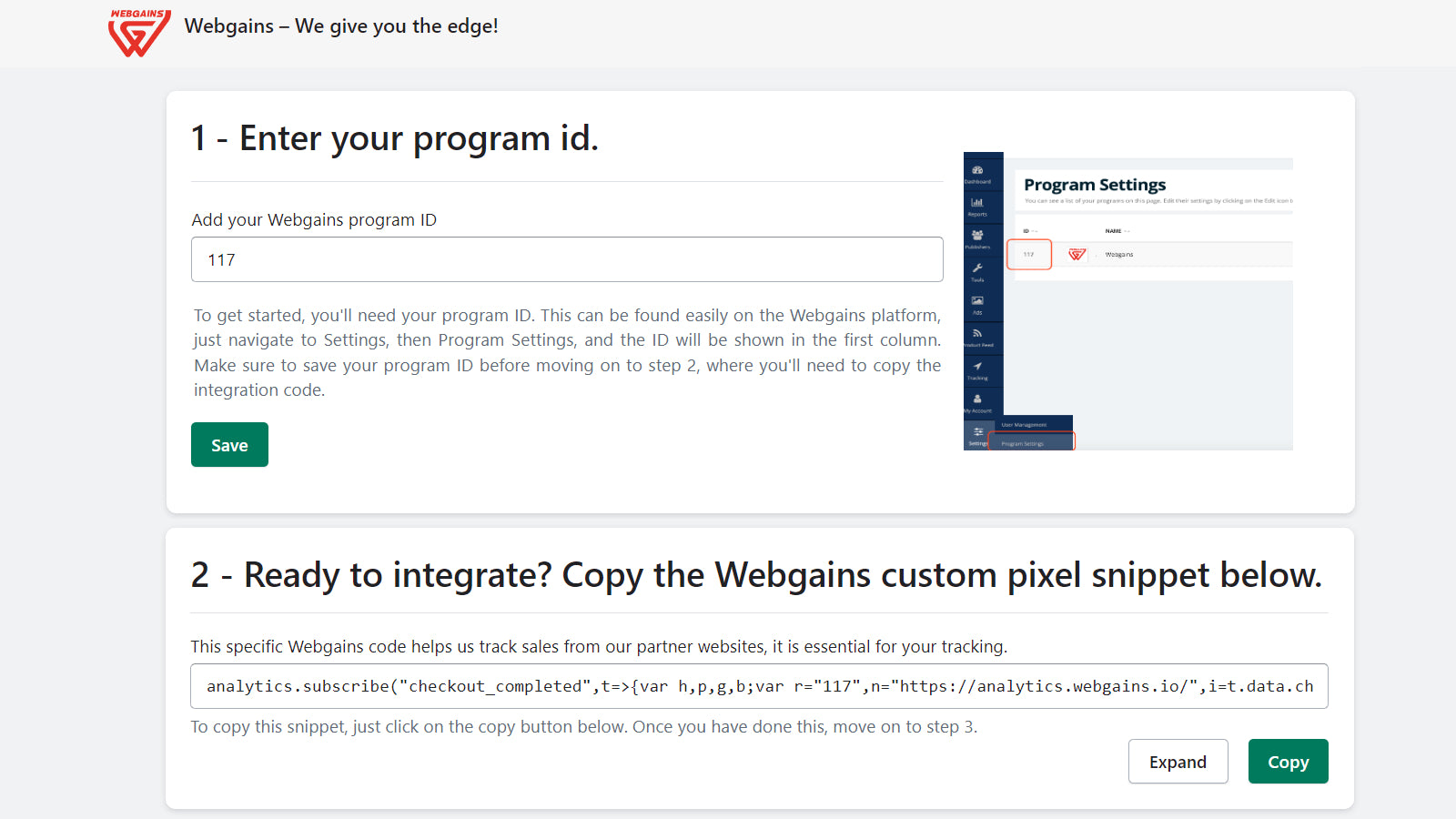
Webgains Affiliate Marketing App does all the technical implementation for you, rapidly connecting your Shopify store to Webgains. Once installed, the App enables you to manage all your affiliate partnerships via Webgains and drive extra sales using Webgains’ AI and ML powered product tool suite. Before installation, please ensure that you have an active Webgains account with a valid “Program ID“. If you do not, please contact our sales team and we'd be happy to get you onboarded.
- Simple and rapid onboarding.
- Huge publisher network – ML-powered data-driven partner recommendations.
- Smart Commissioning - Set targeted product and publisher focused commissions.
Features
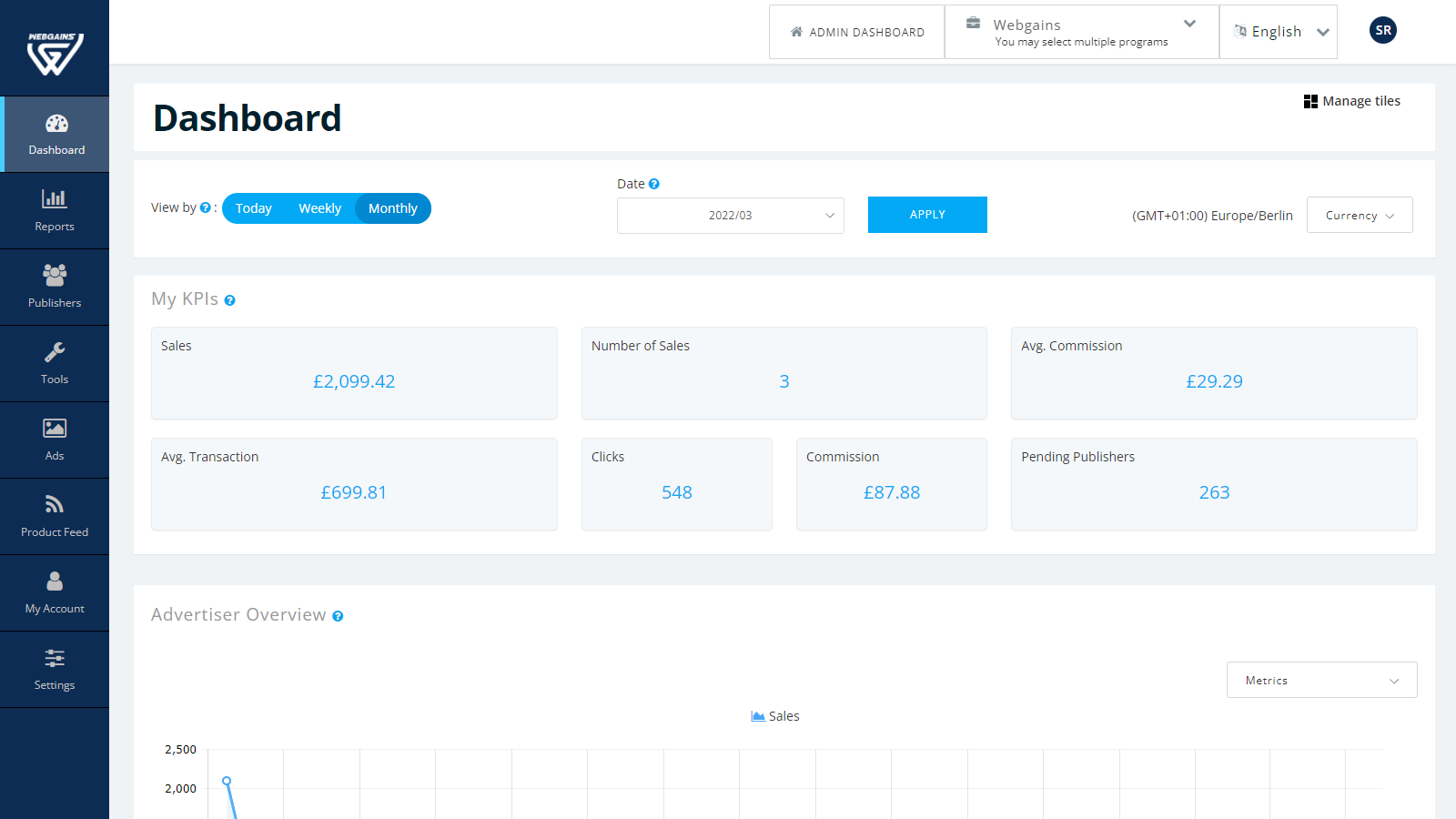
- Analytics
Shopify stores using Webgains Affiliate Marketing
We haven't detected Webgains Affiliate Marketing on a live Shopify store yet. We recognise the apps that leave a trace in a store's code; some apps run only in the admin or the checkout.
Detect apps on any storeFAQ
Webgains Affiliate Marketing: FAQ
Connect your store to Webgains. Build affiliate partnerships and grow your sales with minimal fuss.
Yes, Webgains Affiliate Marketing is free to use.
We haven't detected Webgains Affiliate Marketing on a live Shopify store yet. Scan any store on ShopScan to see the apps it runs.
Webgains Affiliate Marketing is built by Webgains Ltd, based in United Kingdom, and launched in April 2022.
1.2 out of 5 from 2 reviews on the Shopify App Store.