


Automatically organize product listings by color for better shopping experience and increased sales.
- Stores using it
- — Not detected yet
- Rating
- 1.0 / 5 1 reviews
- Price
- Free
- Launched
- February 2022 United States
Screenshots

About Pixc: Visual Merchandising
Automatically organize product listings by color for better shopping experience and increased sales.
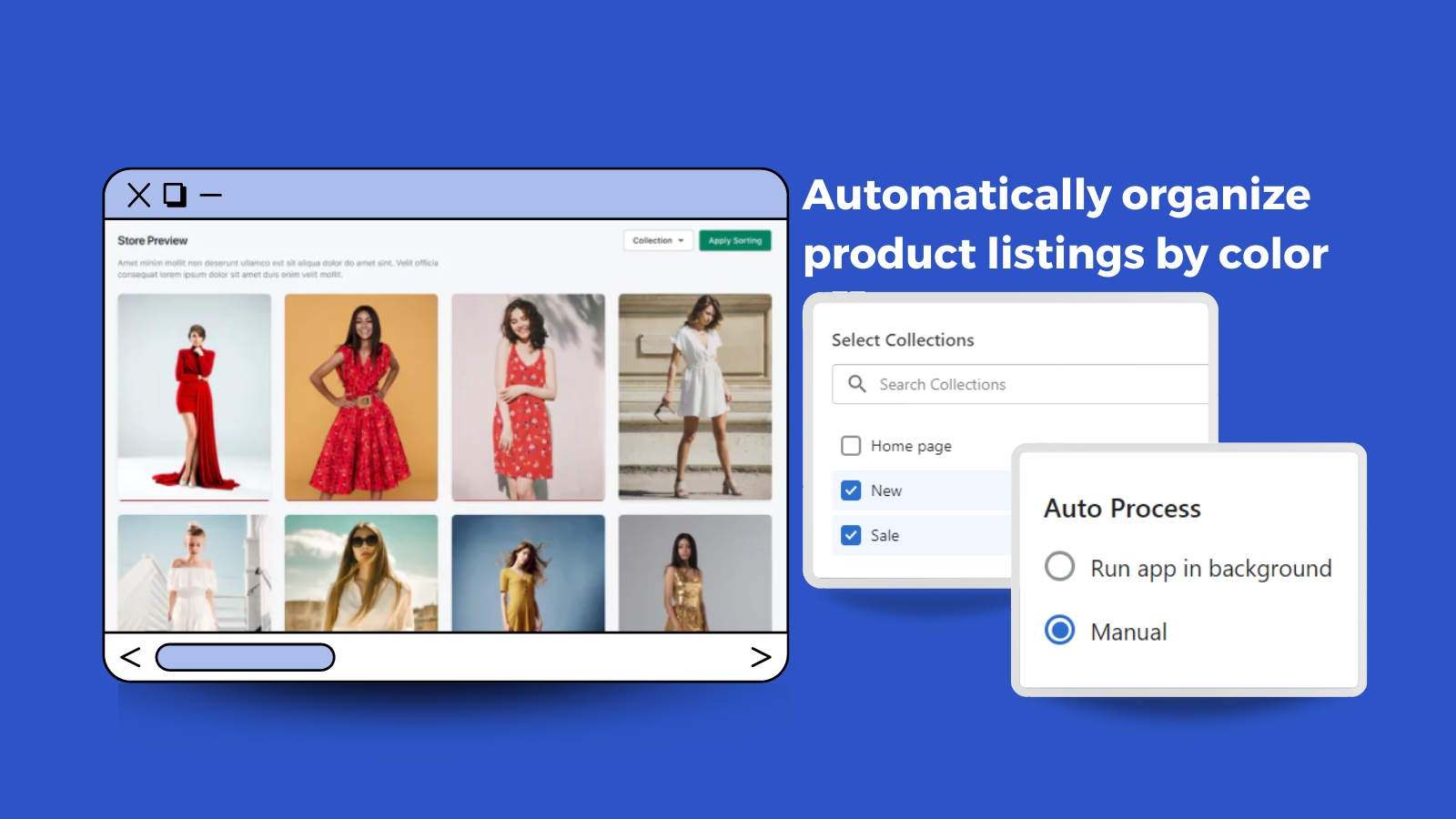
Selling online relies heavily on visuals. How you present your products can decide whether visitors continue to browse and buy from your store. Pixc: Visual Merchandising app automatically organizes your products by color to make your catalog look more visually appealing. Its main goal is to create a positive buying experience to help increase sales conversions. This app will also allow you to adjust the sequence manually and choose which collections the adjustments will apply to.
- Automatically organize your images based on color
- Improve the shopping experience for all your customers.
- Build and communicate your brand story more effectively to your customers.
Shopify stores using Pixc: Visual Merchandising
We haven't detected Pixc: Visual Merchandising on a live Shopify store yet. We recognise the apps that leave a trace in a store's code; some apps run only in the admin or the checkout.
Detect apps on any storeFAQ
Pixc: Visual Merchandising: FAQ
Automatically organize product listings by color for better shopping experience and increased sales.
Yes, Pixc: Visual Merchandising is free to use.
We haven't detected Pixc: Visual Merchandising on a live Shopify store yet. Scan any store on ShopScan to see the apps it runs.
Pixc: Visual Merchandising is built by Pixc, based in United States, and launched in February 2022.
1.0 out of 5 from 1 reviews on the Shopify App Store.