


The Vibe.co Pixel app streamlines pixel installation on merchants' websites.
- Stores using it
- — Not detected yet
- Rating
- 3.2 / 5 2 reviews
- Price
- Free plan Free plan available
- Launched
- November 2024 France
Screenshots

About Vibe.co Pixel
The Vibe.co Pixel app streamlines pixel installation on merchants' websites.
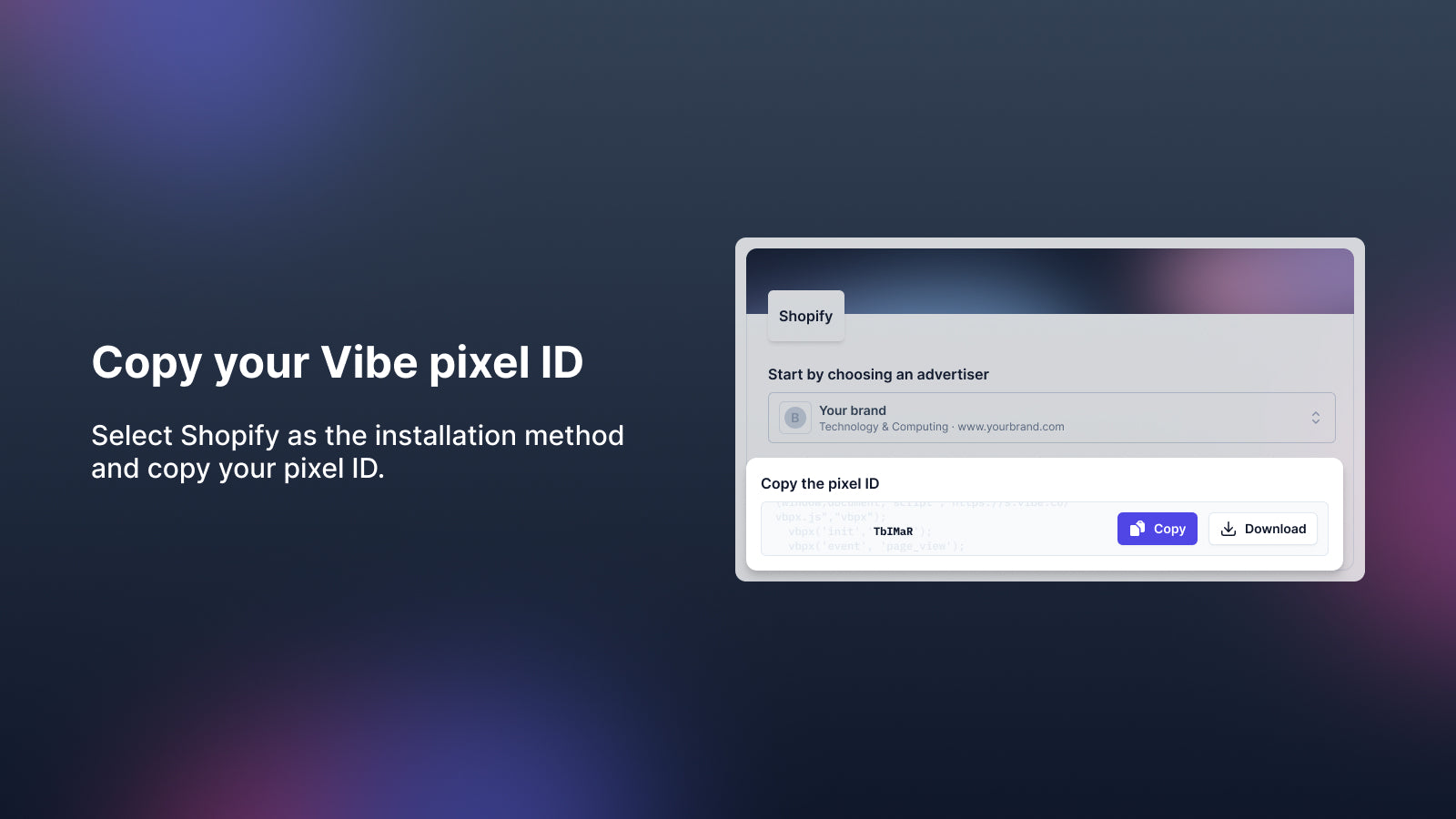
To add the Vibe.co Pixel to your Shopify store, follow these simple steps: Step 1: Log into your Vibe.co account and navigate to the Settings menu to set up your web tracking code. Step 2: Choose Shopify as your implementation method. Step 3: Copy your Pixel ID. Step 4: Open the Vibe app in your Shopify store and paste the Pixel ID to complete the setup.
- Track page views, leads, and purchases in real-time.
- The lead event tracks key actions like product views, product added to cart.
- The purchase event tracks successful checkout transactions.
Features
- Analytics dashboard
- Event tracking
- Funnel analysis
- Historical analysis
- Pixel tracking
- Purchase tracking
- ROAS
Vibe.co Pixel pricing
Free plan available. Prices in USD; check the App Store for the latest.
-
Free
Free
- When you run a campaign, you set the budget and the ad spend is billed directly to your Vibe account
Shopify stores using Vibe.co Pixel
We haven't detected Vibe.co Pixel on a live Shopify store yet. We recognise the apps that leave a trace in a store's code; some apps run only in the admin or the checkout.
Detect apps on any storeFAQ
Vibe.co Pixel: FAQ
The Vibe.co Pixel app streamlines pixel installation on merchants' websites.
Vibe.co Pixel has a free plan.
We haven't detected Vibe.co Pixel on a live Shopify store yet. Scan any store on ShopScan to see the apps it runs.
Vibe.co Pixel is built by Vibe, based in France, and launched in November 2024.
3.2 out of 5 from 2 reviews on the Shopify App Store.