


Automatically sync customer file uploads to your Google Drive
- Stores using it
- — Not detected yet
- Rating
- —
- Price
- $7 / mo Free trial
- Launched
- May 2022 United States
Screenshots

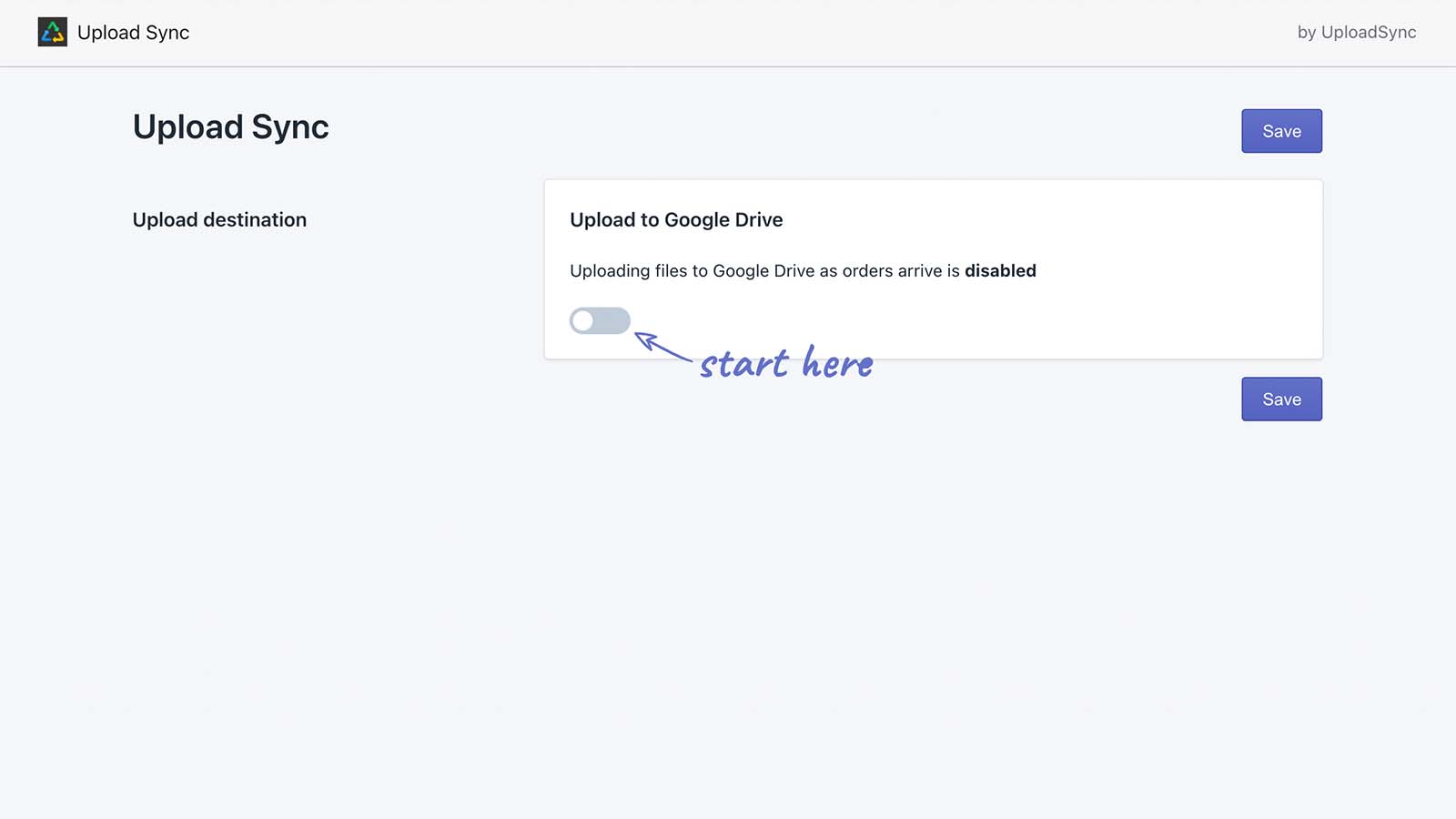
About UploadSync Uploads to Drive
Automatically sync customer file uploads to your Google Drive
Are you selling personalized products, but having to download your customers' uploaded files manually? Perhaps your fulfilment provider needs access to your Shopify account to retrieve the photos. Enter UploadSync. We instantly send uploaded files to your Google Drive when an order is placed. You can share the folder with your team and give them access to just what they need. * Google Drive is a trademark of Google Inc. Use of this trademark is subject to Google Permissions.
- Send your file uploads to Google Drive automatically
- Arrange files into folders by order number, date, product, variant and more
- We can even rename files for you to keep things beautifully organized
UploadSync Uploads to Drive pricing
Free trial · From $7 / month. Prices in USD; check the App Store for the latest.
-
UploadSync
$7 / month
Shopify stores using UploadSync Uploads to Drive
We haven't detected UploadSync Uploads to Drive on a live Shopify store yet. We recognise the apps that leave a trace in a store's code; some apps run only in the admin or the checkout.
Detect apps on any storeFAQ
UploadSync Uploads to Drive: FAQ
Automatically sync customer file uploads to your Google Drive
No. Plans start at $7 a month, with a free trial.
We haven't detected UploadSync Uploads to Drive on a live Shopify store yet. Scan any store on ShopScan to see the apps it runs.
UploadSync Uploads to Drive is built by OrderSync, based in United States, and launched in May 2022.