


Add trust badges to let visitors know that your store is legitimate. Increase your store conversions
- Stores using it
- — Not detected yet
- Rating
- 4.4 / 5 8 reviews
- Price
- Free
- Launched
- January 2021 Vietnam
Screenshots
About RT: Trust Badges Builder
Add trust badges to let visitors know that your store is legitimate. Increase your store conversions
A trust badge is a badge or seal that you place on your website that is meant to instill trust in your potential customers. These trust badges let website visitors know that your page is legitimate and any data they share will be collected through secure third-party service providers. Because a trust seal company has agreed to place their badge on your website, customers will know that all the processes taking place are safe and secure.
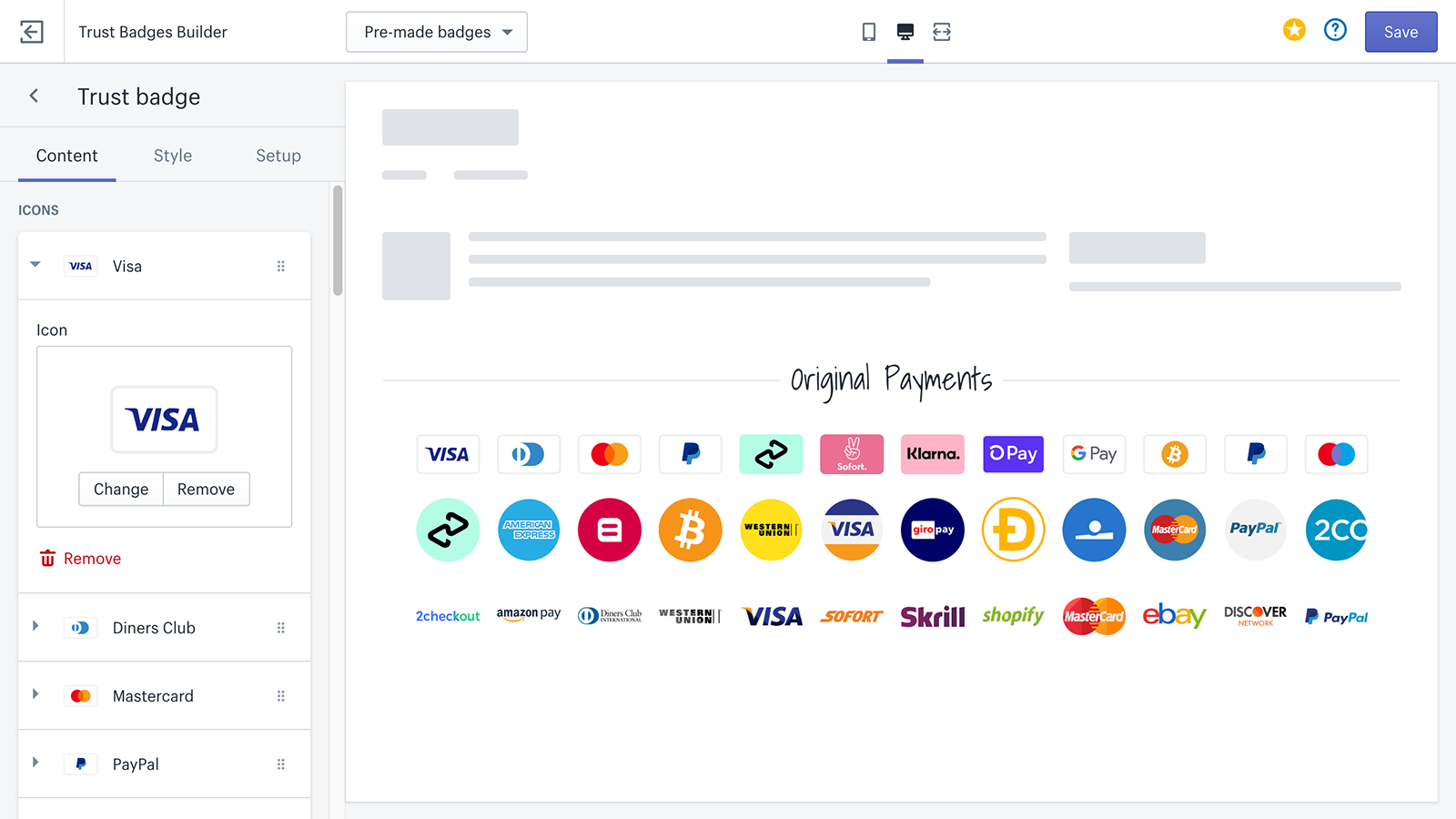
- Increase trust for your store by showing payments and trust badges
- Increase customer trust in your website in a few clicks with no coding required
- Work with all themes. Even it works with any customized themes
Features
- Guarantee
- Payment
- Product pages
- Size
- Styling
- Trust
Shopify stores using RT: Trust Badges Builder
We haven't detected RT: Trust Badges Builder on a live Shopify store yet. We recognise the apps that leave a trace in a store's code; some apps run only in the admin or the checkout.
Detect apps on any storeFAQ
RT: Trust Badges Builder: FAQ
Add trust badges to let visitors know that your store is legitimate. Increase your store conversions
Yes, RT: Trust Badges Builder is free to use.
We haven't detected RT: Trust Badges Builder on a live Shopify store yet. Scan any store on ShopScan to see the apps it runs.
RT: Trust Badges Builder is built by RoarTheme, based in Vietnam, and launched in January 2021.
4.4 out of 5 from 8 reviews on the Shopify App Store.