


TrafficGuard Tag Manager allows you easy integration of GTM and TrafficGuard Tags on store page.
- Stores using it
- — Not detected yet
- Rating
- 5.0 / 5 1 reviews
- Price
- Free
- Launched
- June 2020 Australia
Screenshots
About TrafficGuard Tag Manager
TrafficGuard Tag Manager allows you easy integration of GTM and TrafficGuard Tags on store page.
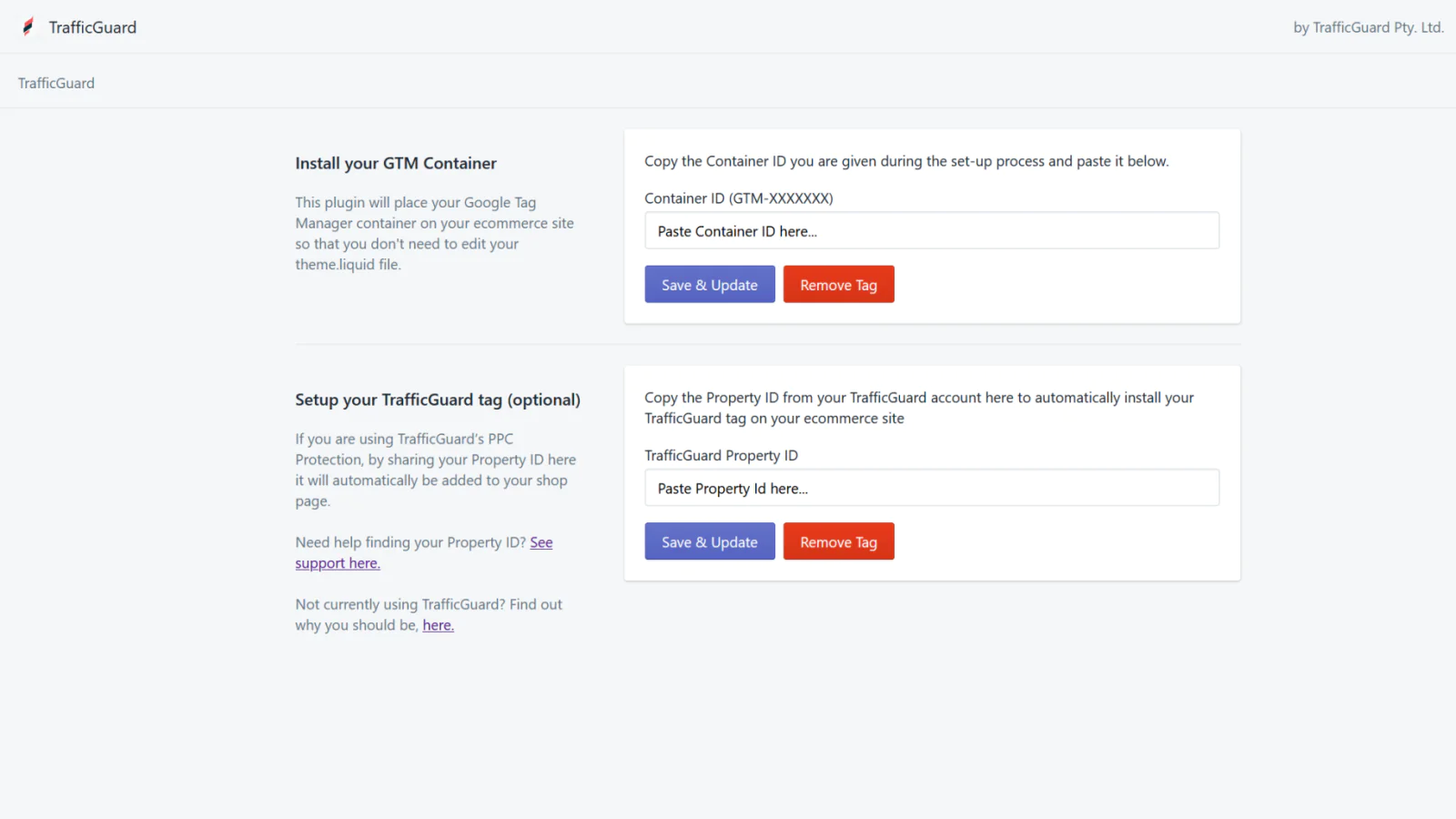
Tag Manager allows you manage all of your tracking and analytics from one place, without having to constantly place code on your website. All you need to do, is install your Google Tag Manager container on your site once, and then update that container within your Google Tag Manager account. But getting your Google Tag Manager container installed on your e commerce site can be hassle - especially if you aren't a developer - because it requires you to edit your site's theme.liquid file....
- Easy integration of Google Tag on store page.
- Easy integration of TrafficGuard Tag on store page.
- Low impact on store page performance.
Shopify stores using TrafficGuard Tag Manager
We haven't detected TrafficGuard Tag Manager on a live Shopify store yet. We recognise the apps that leave a trace in a store's code; some apps run only in the admin or the checkout.
Detect apps on any storeFAQ
TrafficGuard Tag Manager: FAQ
TrafficGuard Tag Manager allows you easy integration of GTM and TrafficGuard Tags on store page.
Yes, TrafficGuard Tag Manager is free to use.
We haven't detected TrafficGuard Tag Manager on a live Shopify store yet. Scan any store on ShopScan to see the apps it runs.
TrafficGuard Tag Manager is built by TrafficGuard Pty. Ltd., based in Australia, and launched in June 2020.
5.0 out of 5 from 1 reviews on the Shopify App Store.