


Top Trust Badge is an app that allows you to create trust badges for your site.
- Stores using it
- — Not detected yet
- Rating
- —
- Price
- Free Free trial
- Launched
- May 2023 India
Screenshots
About Top Trust Badge
Top Trust Badge is an app that allows you to create trust badges for your site.
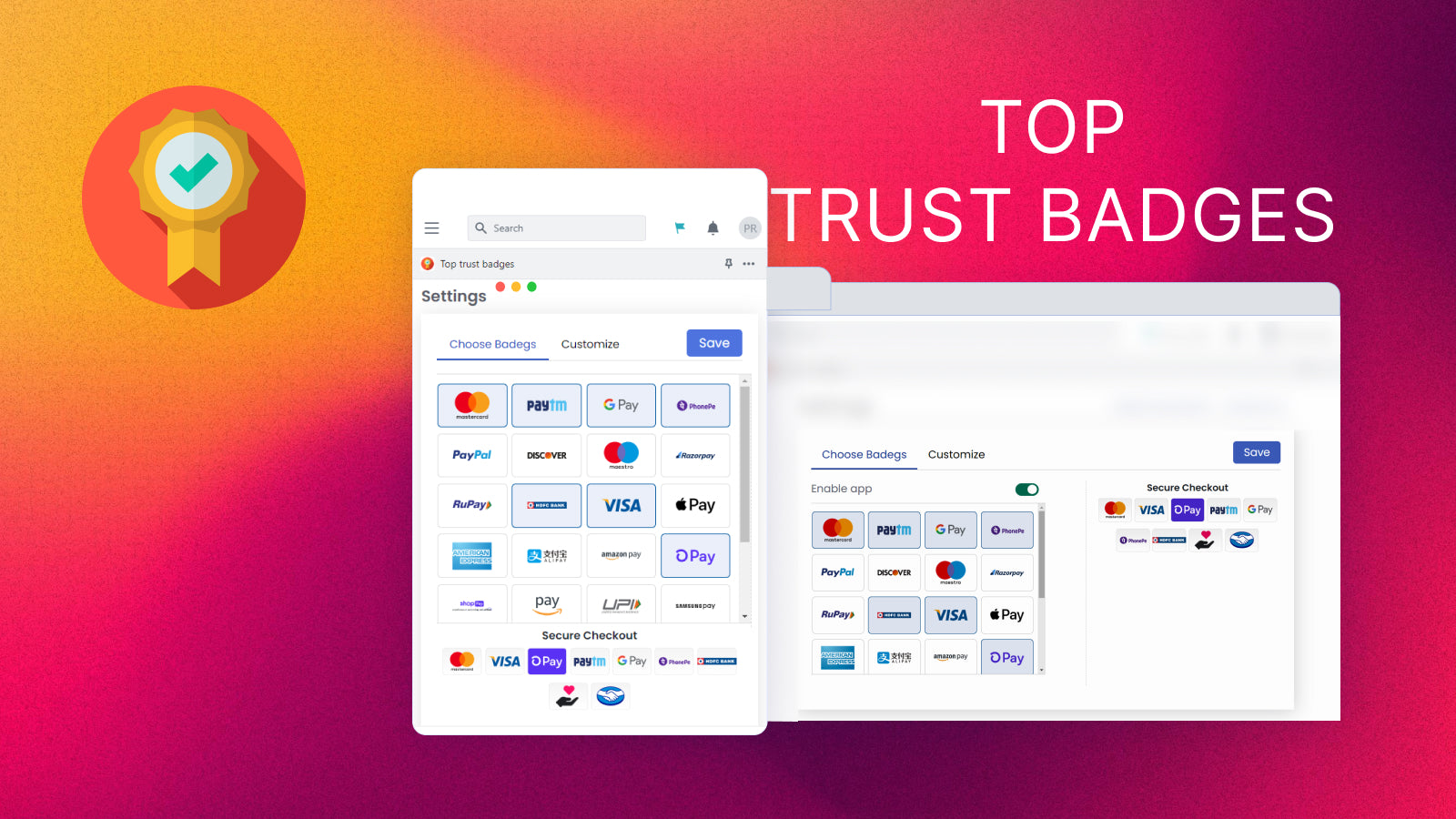
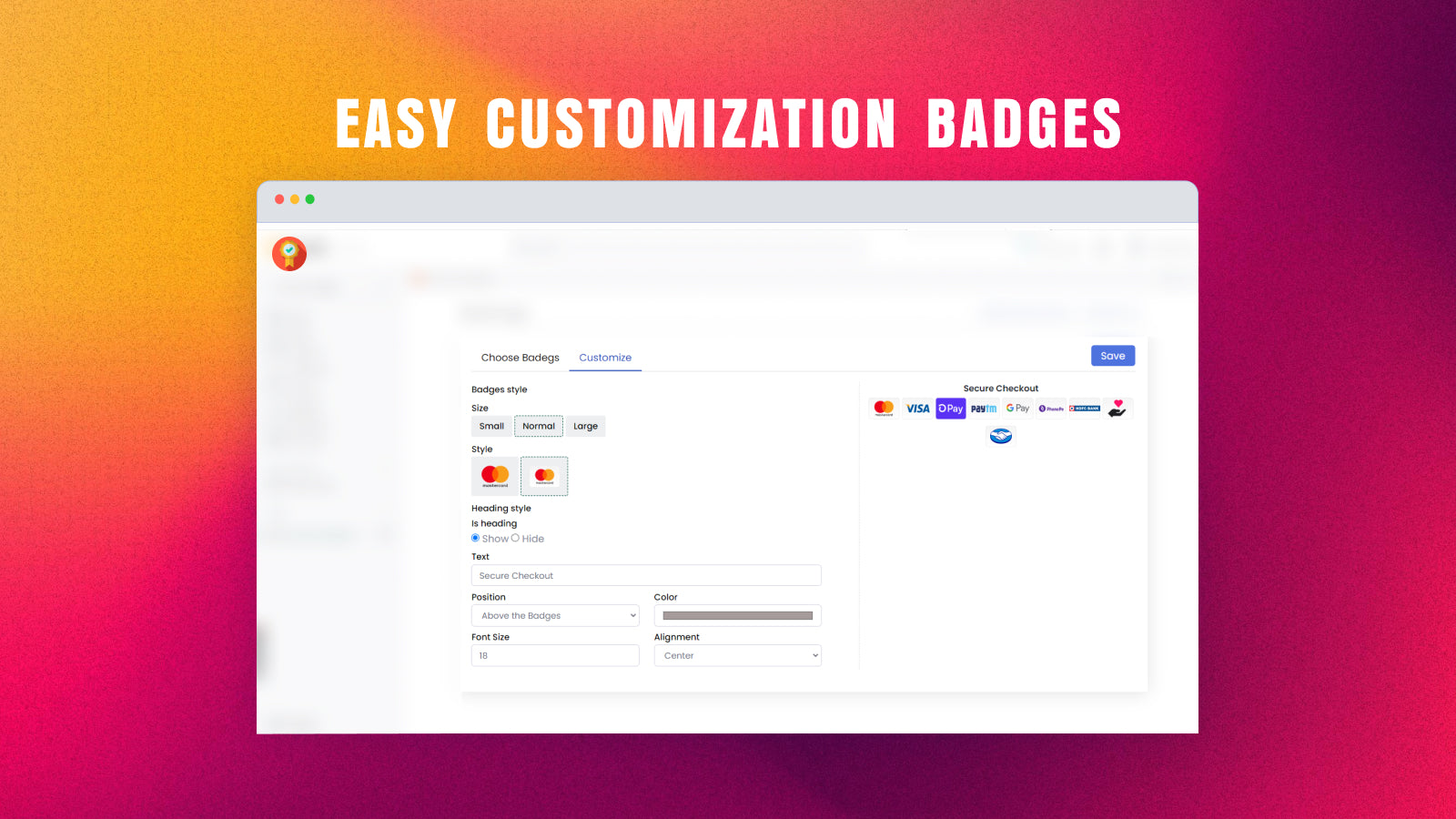
Top Trust Badge that allows you to create trust badges for your site. You can choose badges, customize badges, and make them live on your site to quickly build trust with your customers. The app offers payment badges for MasterCard, Visa, and PayPal etc which you can use to showcase your secure checkout and payment options. Additionally, you can enhance your store's trustworthiness by using trust badges and payment icons to assure consumers that your store is secure and reliable.
- The app offers payment badges used to showcase your secure checkout.
- You can enhance your store’s trustworthiness by using the trust badges icon.
- You can access over 30 badge options that match your store's design.
Top Trust Badge pricing
Free · Free trial. Prices in USD; check the App Store for the latest.
-
Basic (ONE PlAN)
Free
Shopify stores using Top Trust Badge
We haven't detected Top Trust Badge on a live Shopify store yet. We recognise the apps that leave a trace in a store's code; some apps run only in the admin or the checkout.
Detect apps on any storeFAQ
Top Trust Badge: FAQ
Top Trust Badge is an app that allows you to create trust badges for your site.
Yes, Top Trust Badge is free to use.
We haven't detected Top Trust Badge on a live Shopify store yet. Scan any store on ShopScan to see the apps it runs.
Top Trust Badge is built by Top App Developer, based in India, and launched in May 2023.