


Schedule when your theme with promo content is published and sleep easy
- Stores using it
- — Not detected yet
- Rating
- 5.0 / 5 5 reviews
- Price
- $6 / mo Free trial
- Launched
- January 2018 Ireland
Screenshots

About Theme Scheduler ‑ by Smooth.ie
Schedule when your theme with promo content is published and sleep easy
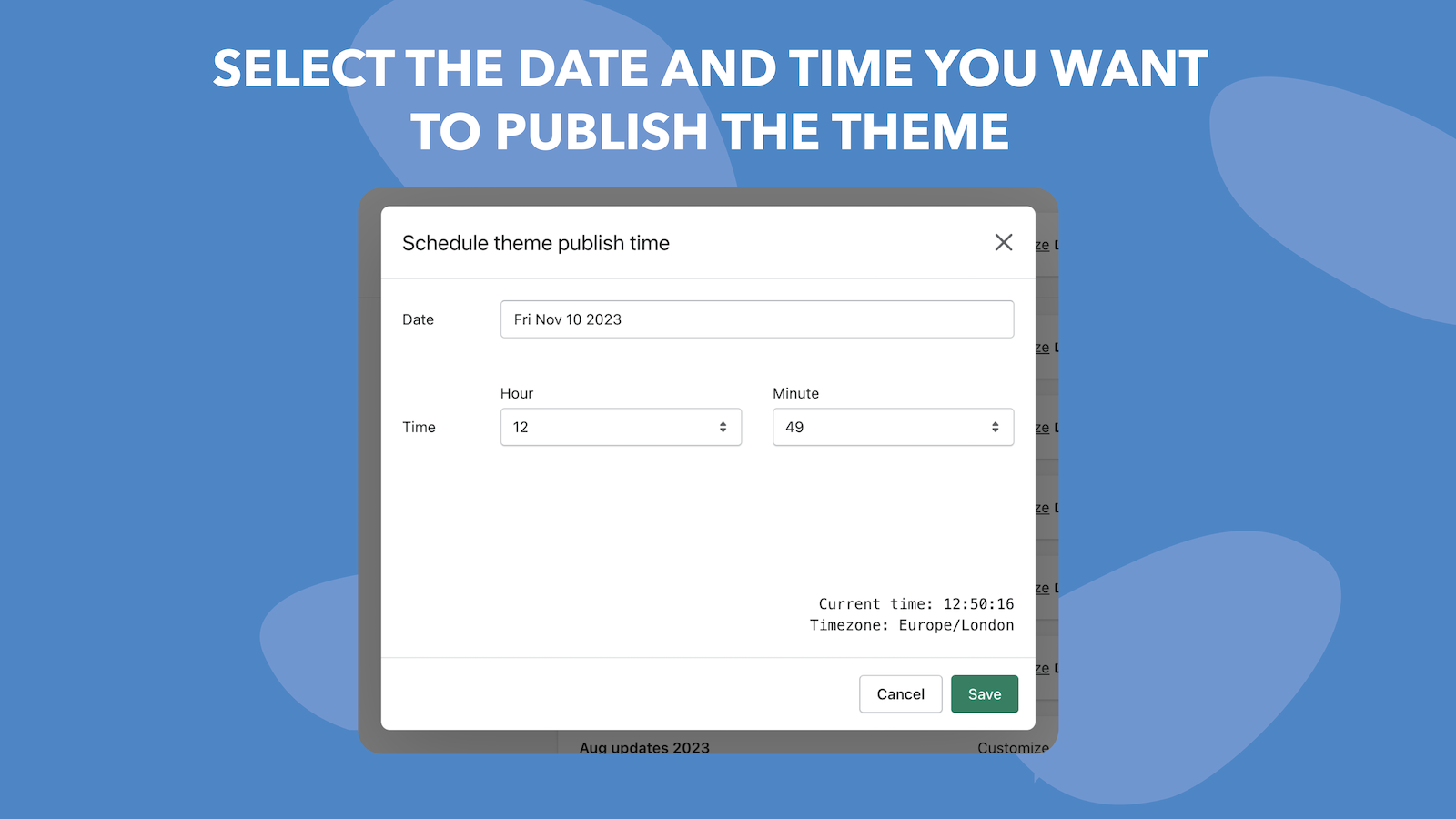
Running promotions online requires you to publish many content customisations at the beginning and end of your promotion. The problem is, promotions work best during out of office hours, especially weekends. This leaves you worrying about work when you should be enjoying your spare time. Our app solves this problem by enabling your to schedule when your theme with promotional content is published.
- Schedule as many themes as you want
- View and edit timeline of themes you have scheduled to be published
- Support for all timezones and changes in daylight saving time
Theme Scheduler ‑ by Smooth.ie pricing
Free trial · From $6 / month. Prices in USD; check the App Store for the latest.
-
Pro
$6 / month
Shopify stores using Theme Scheduler ‑ by Smooth.ie
We haven't detected Theme Scheduler ‑ by Smooth.ie on a live Shopify store yet. We recognise the apps that leave a trace in a store's code; some apps run only in the admin or the checkout.
Detect apps on any storeFAQ
Theme Scheduler ‑ by Smooth.ie: FAQ
Schedule when your theme with promo content is published and sleep easy
No. Plans start at $6 a month, with a free trial.
We haven't detected Theme Scheduler ‑ by Smooth.ie on a live Shopify store yet. Scan any store on ShopScan to see the apps it runs.
Theme Scheduler ‑ by Smooth.ie is built by Smooth.ie, based in Ireland, and launched in January 2018.
5.0 out of 5 from 5 reviews on the Shopify App Store.