

Checkify requires your customers to agree to your terms and conditions before checking out.
- Stores using it
- — Not detected yet
- Rating
- —
- Price
- $3 / mo Free trial
- Launched
- September 2020 United Kingdom
Screenshots
About Checkify ‑ Terms & Conditions
Checkify requires your customers to agree to your terms and conditions before checking out.
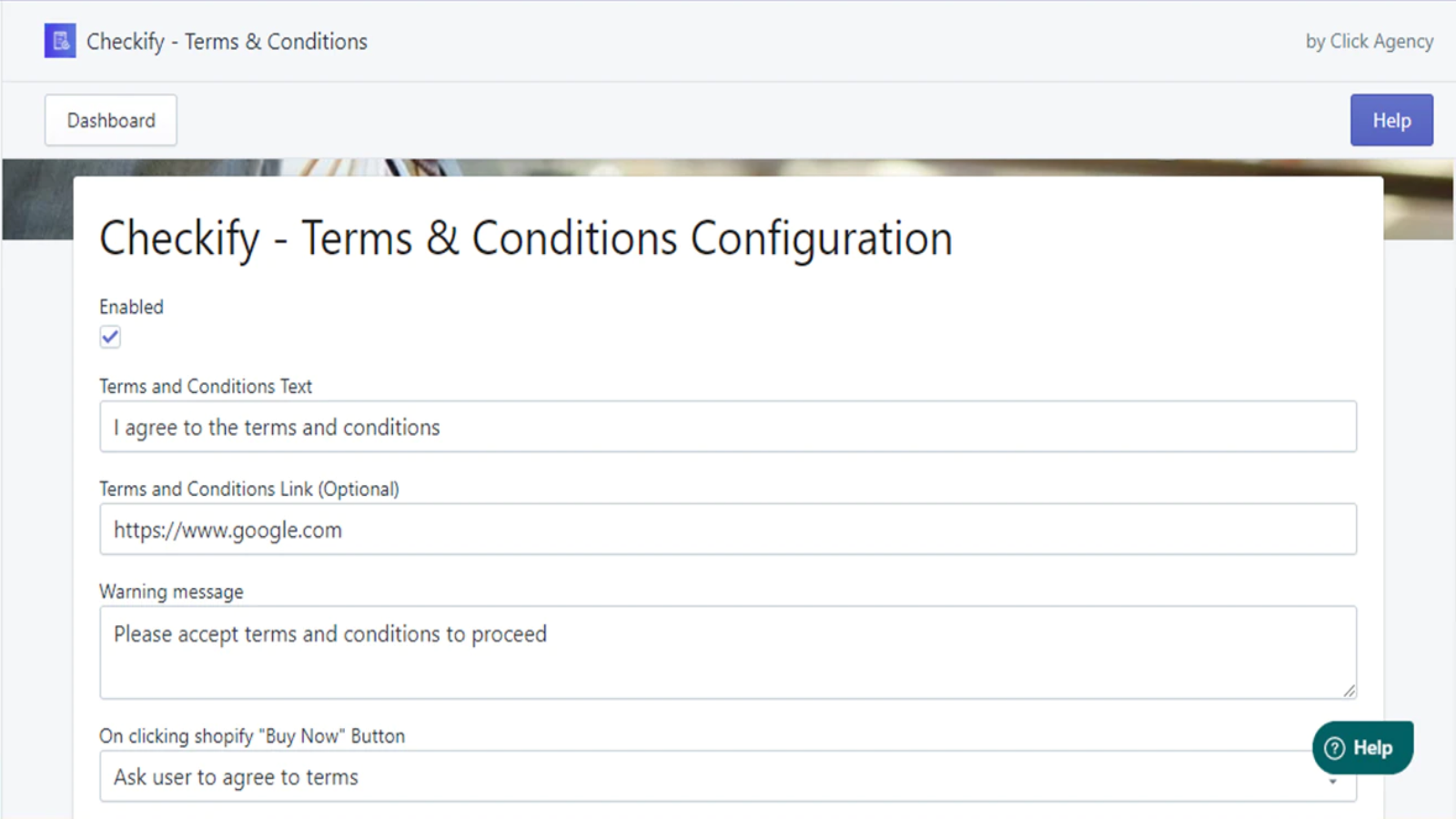
If you have any policy that your customers need to be aware of before purchasing your products, then Checkify is exactly what you need. Once installed on your store, checkify requires your customers to agree to your terms and conditions by checking the "I Agree to the Terms & Conditions" box in the cart page before proceeding to checkout.
- No coding skills or developers required.
- Easy to use.
- Quick to configure.
Features
- Custom layouts
- Engagement tracking
- Hashtags
- Photos
Checkify ‑ Terms & Conditions pricing
Free trial · From $3 / month. Prices in USD; check the App Store for the latest.
-
Standard Plan
$3 / month
Shopify stores using Checkify ‑ Terms & Conditions
We haven't detected Checkify ‑ Terms & Conditions on a live Shopify store yet. We recognise the apps that leave a trace in a store's code; some apps run only in the admin or the checkout.
Detect apps on any storeFAQ
Checkify ‑ Terms & Conditions: FAQ
Checkify requires your customers to agree to your terms and conditions before checking out.
No. Plans start at $3 a month, with a free trial.
We haven't detected Checkify ‑ Terms & Conditions on a live Shopify store yet. Scan any store on ShopScan to see the apps it runs.
Checkify ‑ Terms & Conditions is built by Deploy Digital Ltd, based in United Kingdom, and launched in September 2020.