


Introducing Task Sync. Organize tasks, collaborate effortlessly, and meet deadlines. Try it now!
- Stores using it
- — Not detected yet
- Rating
- —
- Price
- Free
- Launched
- April 2024 Bangladesh
Screenshots

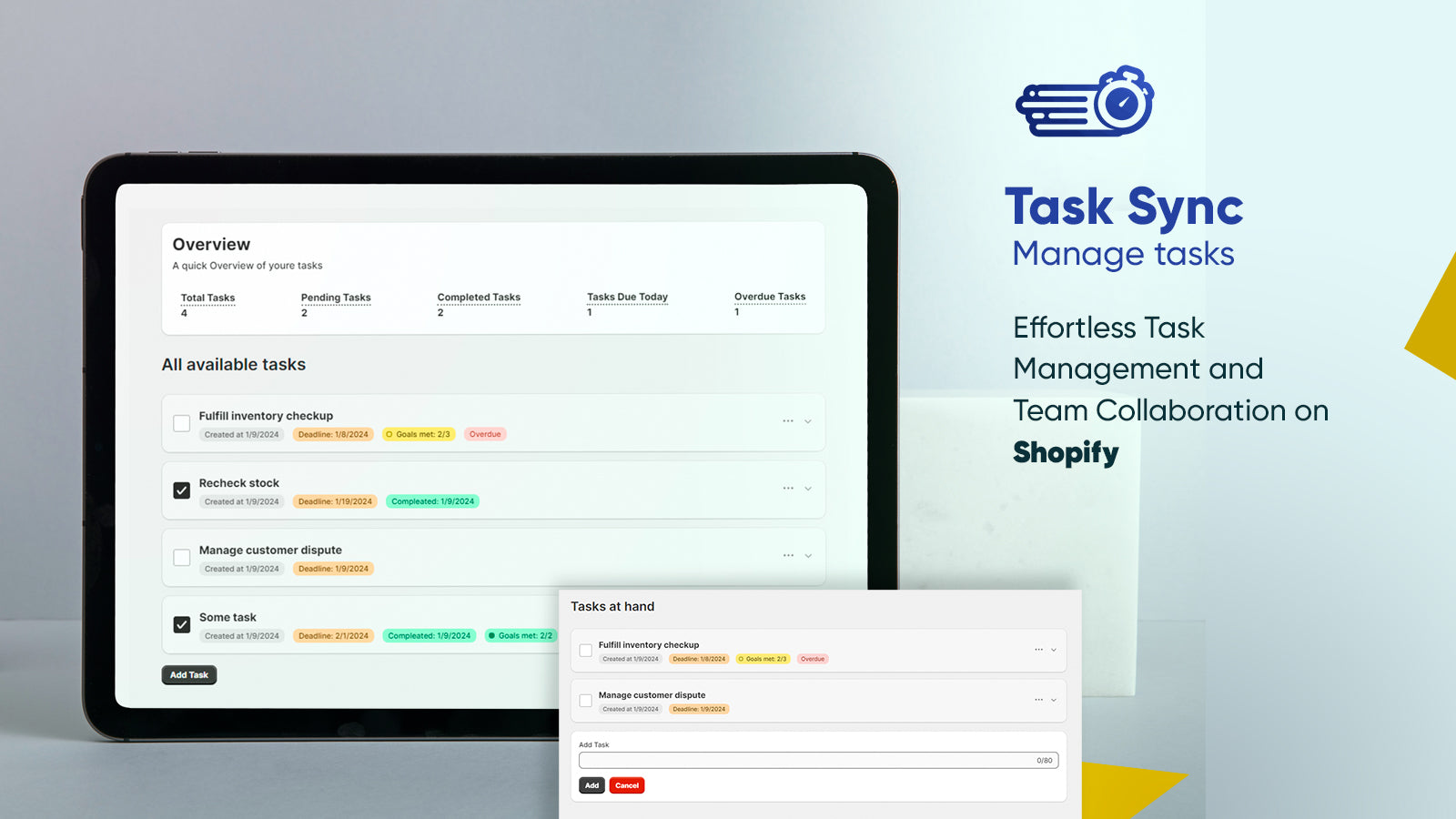
About Task Sync | Mange tasks
Introducing Task Sync. Organize tasks, collaborate effortlessly, and meet deadlines. Try it now!
Introducing Task Sync | Mange task: the advanced app revolutionizing task management for Shopify merchants globally. In the dynamic realm of online commerce, efficiency is paramount. Task Tracker simplifies workflows, consolidating tasks into one platform directly accessible from your Shopify dashboard. Seamlessly manage tasks, Collaborate in real-time, set deadlines, and prioritize tasks with precision. Optimize your businesses with Task Sync today.
- Create personalized and customizable task lists tailored to your business needs.
- Invite team members and assign tasks, fostering seamless collaboration.
- Set deadlines and receive timely reminders for outdated tasks.
- Stay informed with updates on task progress and changes made by other members.
Shopify stores using Task Sync | Mange tasks
We haven't detected Task Sync | Mange tasks on a live Shopify store yet. We recognise the apps that leave a trace in a store's code; some apps run only in the admin or the checkout.
Detect apps on any storeFAQ
Task Sync | Mange tasks: FAQ
Introducing Task Sync. Organize tasks, collaborate effortlessly, and meet deadlines. Try it now!
Yes, Task Sync | Mange tasks is free to use.
We haven't detected Task Sync | Mange tasks on a live Shopify store yet. Scan any store on ShopScan to see the apps it runs.
Task Sync | Mange tasks is built by Brain Station 23 PLC, based in Bangladesh, and launched in April 2024.