


Restore and backup products to the selected version in minutes and view changes in timeline.
- Stores using it
- — Not detected yet
- Rating
- —
- Price
- Free
- Launched
- July 2022 Malaysia
Screenshots
About Storelapse ‑ Backup & Restore
Restore and backup products to the selected version in minutes and view changes in timeline.
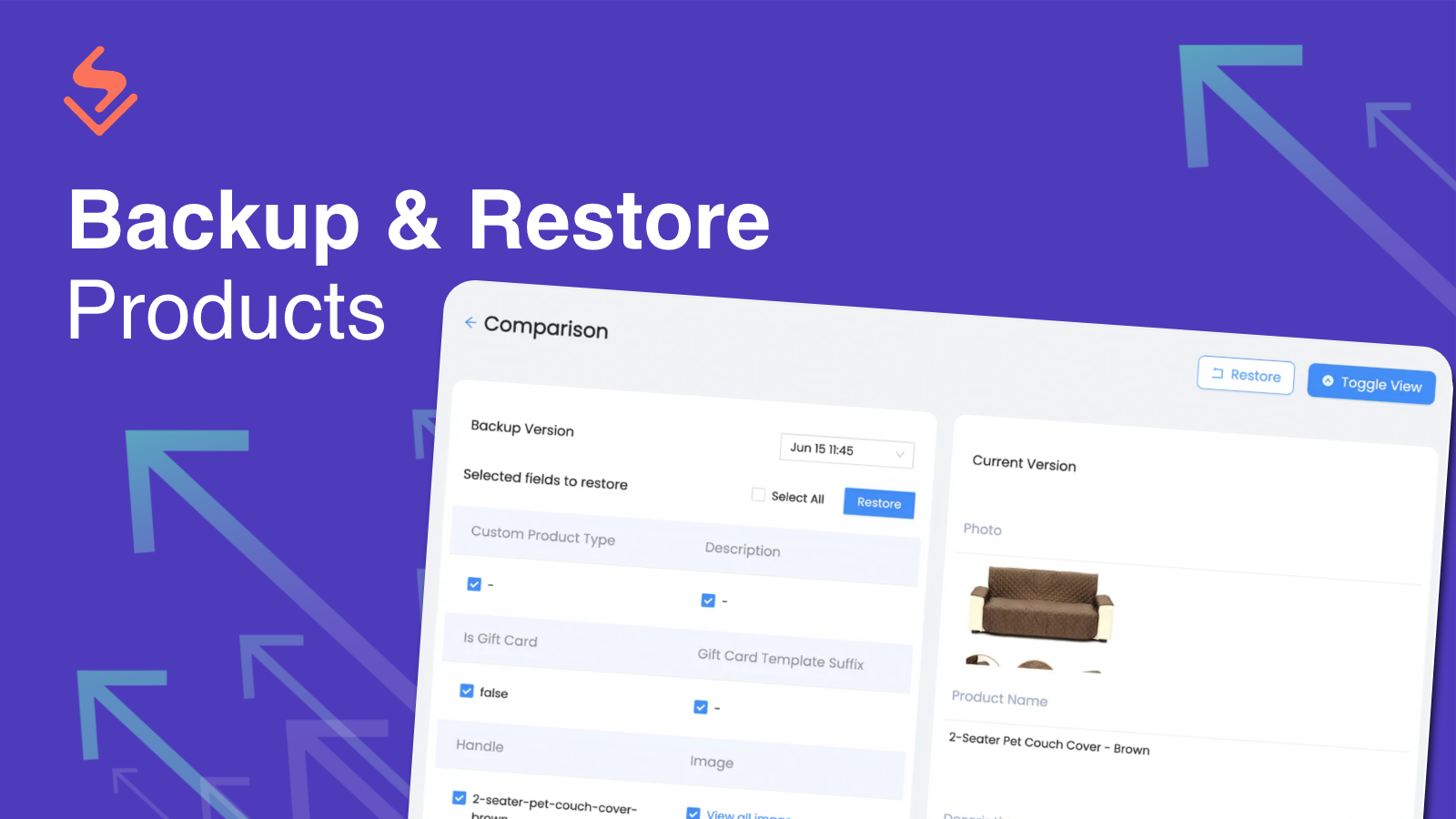
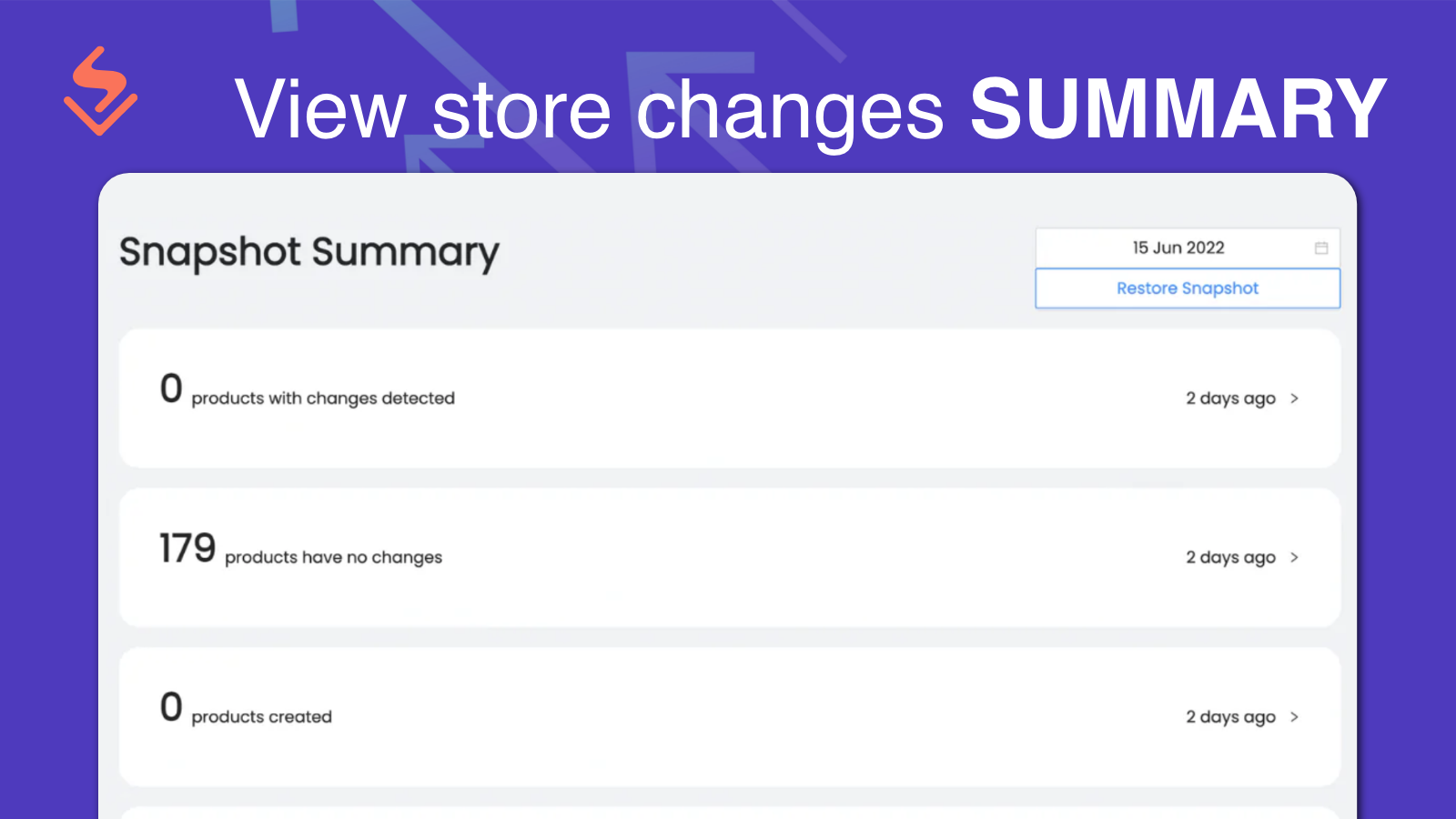
View changes that happened in-store in a timeline. Storelapse displays the product changes that happen in a timeline. The snapshot includes added products, product updates and deletion of products. Restore the product to the selected version in minutes. Select a single product to be restored. Select multiple products from a specific snapshot to be restored. The detailed comparison allows you to differentiate the product in 2 different snapshots.
- Snapshot summary displays products changes that happened in the store
- Compare and schedule current version with previous versions to see the changes
- Choose specific fields to be restored to the previous version
Features
- Bulk updates
- Inventory
- Inventory sync
- Price sync
- Product sync
- Products
Shopify stores using Storelapse ‑ Backup & Restore
We haven't detected Storelapse ‑ Backup & Restore on a live Shopify store yet. We recognise the apps that leave a trace in a store's code; some apps run only in the admin or the checkout.
Detect apps on any storeFAQ
Storelapse ‑ Backup & Restore: FAQ
Restore and backup products to the selected version in minutes and view changes in timeline.
Yes, Storelapse ‑ Backup & Restore is free to use.
We haven't detected Storelapse ‑ Backup & Restore on a live Shopify store yet. Scan any store on ShopScan to see the apps it runs.
Storelapse ‑ Backup & Restore is built by SyncX, based in Malaysia, and launched in July 2022.