


Sell and promote merch to your fans on Spotify by connecting your store via Spotify for Artists
- Stores using it
- — Not detected yet
- Rating
- 1.2 / 5 7 reviews
- Price
- Free
- Launched
- May 2021 United States
Screenshots
About Spotify for Artists
Sell and promote merch to your fans on Spotify by connecting your store via Spotify for Artists
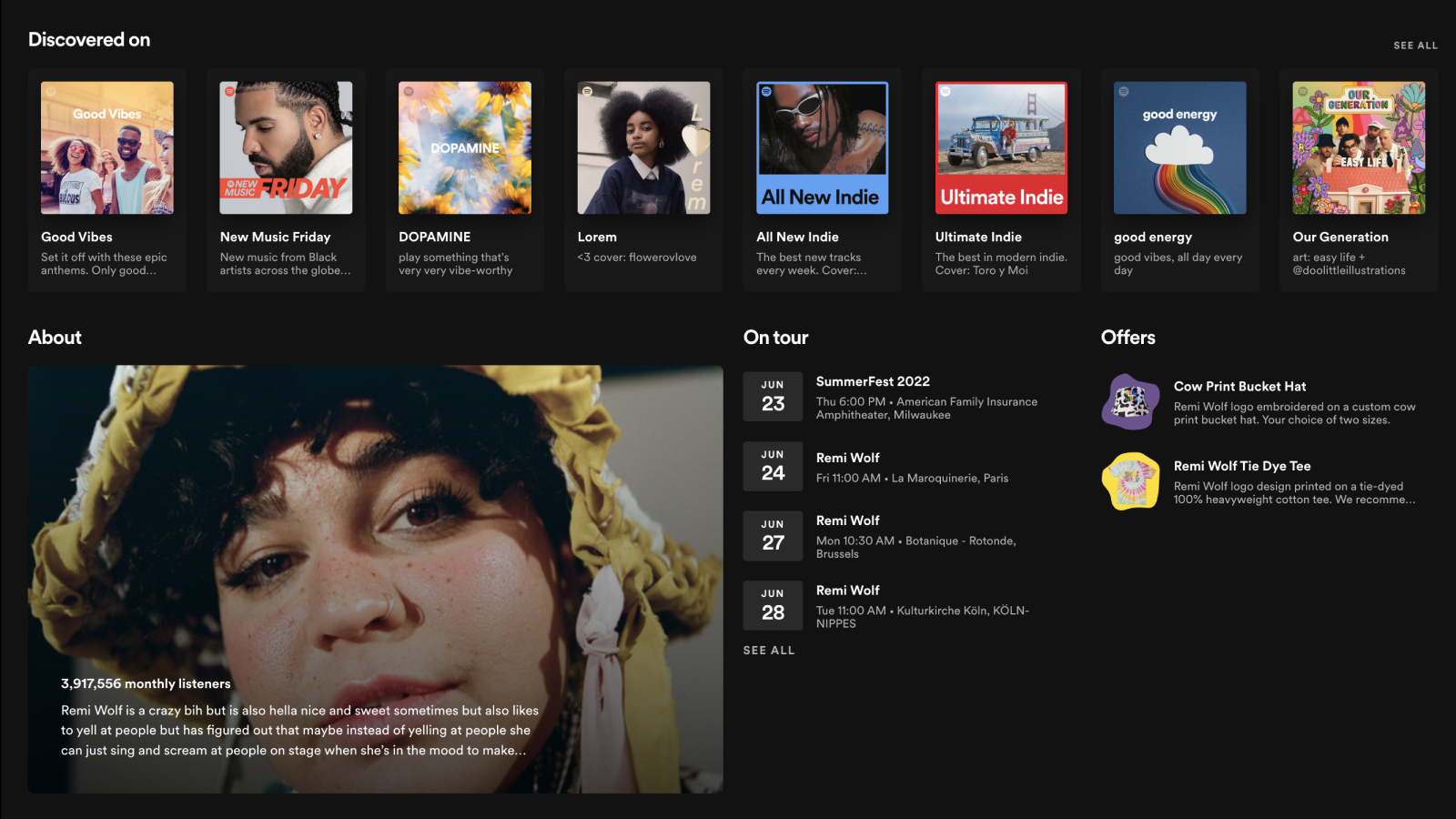
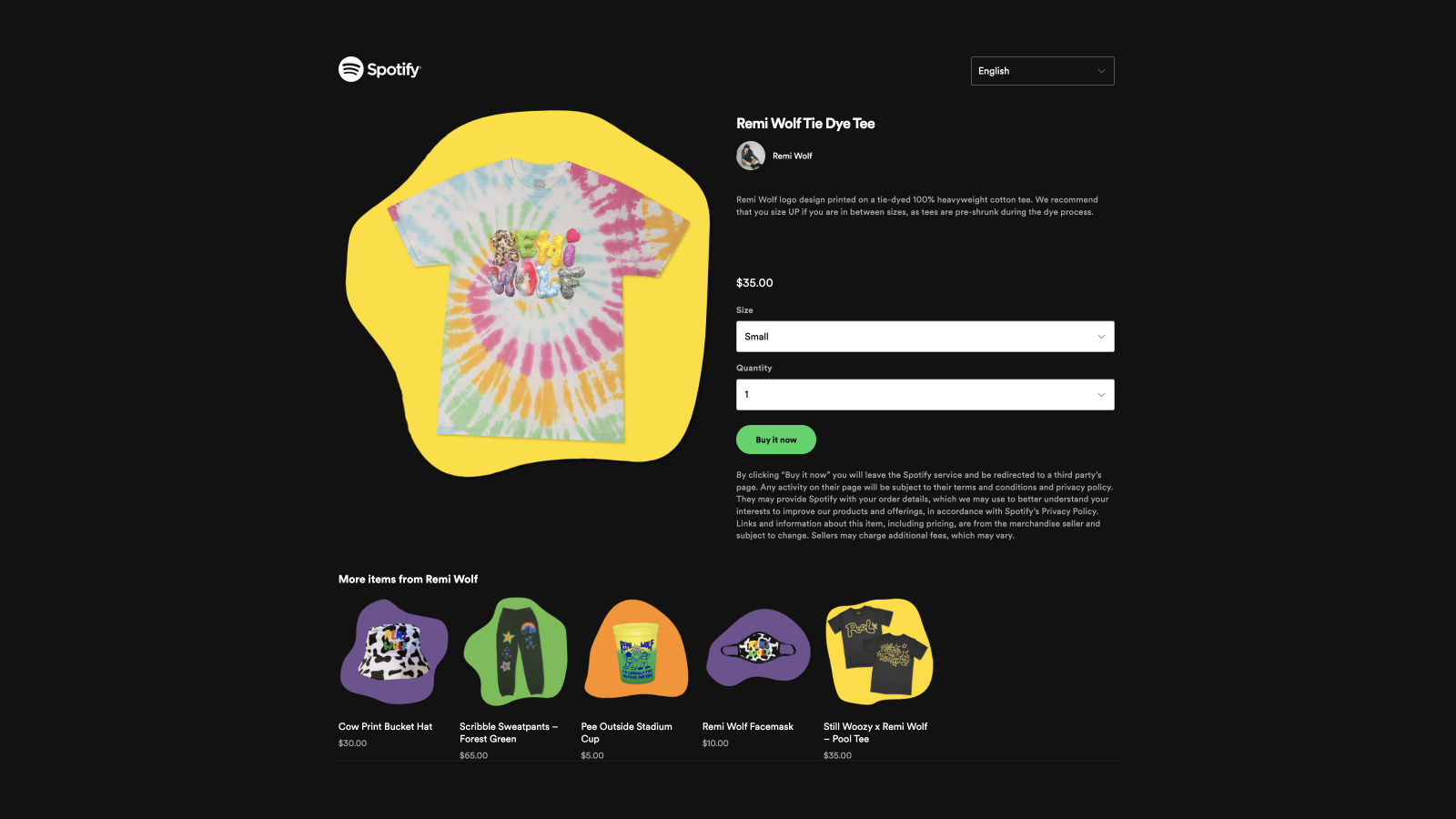
Create your virtual merch table on Spotify so fans can buy merch right where they're listening to your music. Easily manage sales and inventory by publishing up to 250 items to Spotify and selecting which items to feature on your artist profile, release pages, and more. Whether your store sells merch for a single artist or a full roster, Spotify will ensure your merch gets in front of the right fans at the right time while you monitor orders and sales from within Shopify.
- Artist team admins & editors can access the integration in Spotify for Artists
- Share new or exclusive merch with fans as soon as it drops to maximize impact
- Feature fresh merch on your artist profile to reach your top fans worldwide
- Feature relevant merch on the associated album and release pages
- Spotify will automatically remove out of stock items from featured positions
Features
- Product feed
Shopify stores using Spotify for Artists
We haven't detected Spotify for Artists on a live Shopify store yet. We recognise the apps that leave a trace in a store's code; some apps run only in the admin or the checkout.
Detect apps on any storeFAQ
Spotify for Artists: FAQ
Sell and promote merch to your fans on Spotify by connecting your store via Spotify for Artists
Yes, Spotify for Artists is free to use.
We haven't detected Spotify for Artists on a live Shopify store yet. Scan any store on ShopScan to see the apps it runs.
Spotify for Artists is built by Spotify, based in United States, and launched in May 2021.
1.2 out of 5 from 7 reviews on the Shopify App Store.