


A button allows the user to quickly return to the top of the page without making too much effort.
- Stores using it
- — Not detected yet
- Rating
- 4.9 / 5 23 reviews
- Price
- Free
- Launched
- February 2021 Vietnam
Screenshots

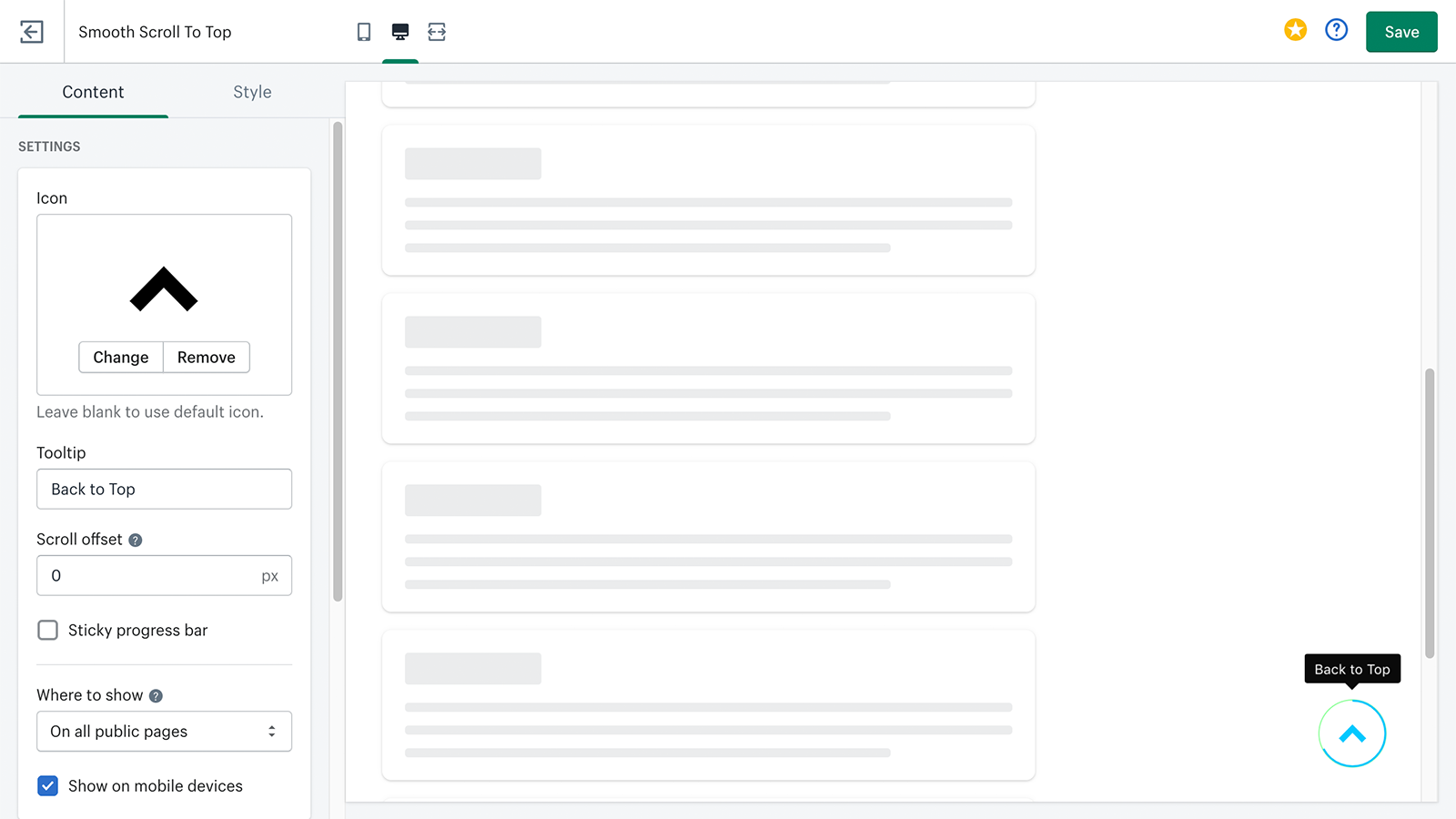
About RT: Smooth Scroll To Top
A button allows the user to quickly return to the top of the page without making too much effort.
Especially if your content is long and descriptive, scroll to top buttons make it easy for the user to go back to the top of the page with just one click. Modern sites have the scroll-to-top function built-in. Now, if your Shopify theme doesn't have the scroll to the top button as a default function, the Smooth Scroll To Top will help you.
- Add a Scroll To Top button to your store in just one click!
- Help visitors navigate your store with a scroll progress bar
- Fully customize the button's color, shape, size, position, and much more
- The button is shown only when scrolling up and down is possible
- Allow customers to easily browse long pages and increase sales and conversions!
Shopify stores using RT: Smooth Scroll To Top
We haven't detected RT: Smooth Scroll To Top on a live Shopify store yet. We recognise the apps that leave a trace in a store's code; some apps run only in the admin or the checkout.
Detect apps on any storeFAQ
RT: Smooth Scroll To Top: FAQ
A button allows the user to quickly return to the top of the page without making too much effort.
Yes, RT: Smooth Scroll To Top is free to use.
We haven't detected RT: Smooth Scroll To Top on a live Shopify store yet. Scan any store on ShopScan to see the apps it runs.
RT: Smooth Scroll To Top is built by RoarTheme, based in Vietnam, and launched in February 2021.
4.9 out of 5 from 23 reviews on the Shopify App Store.