


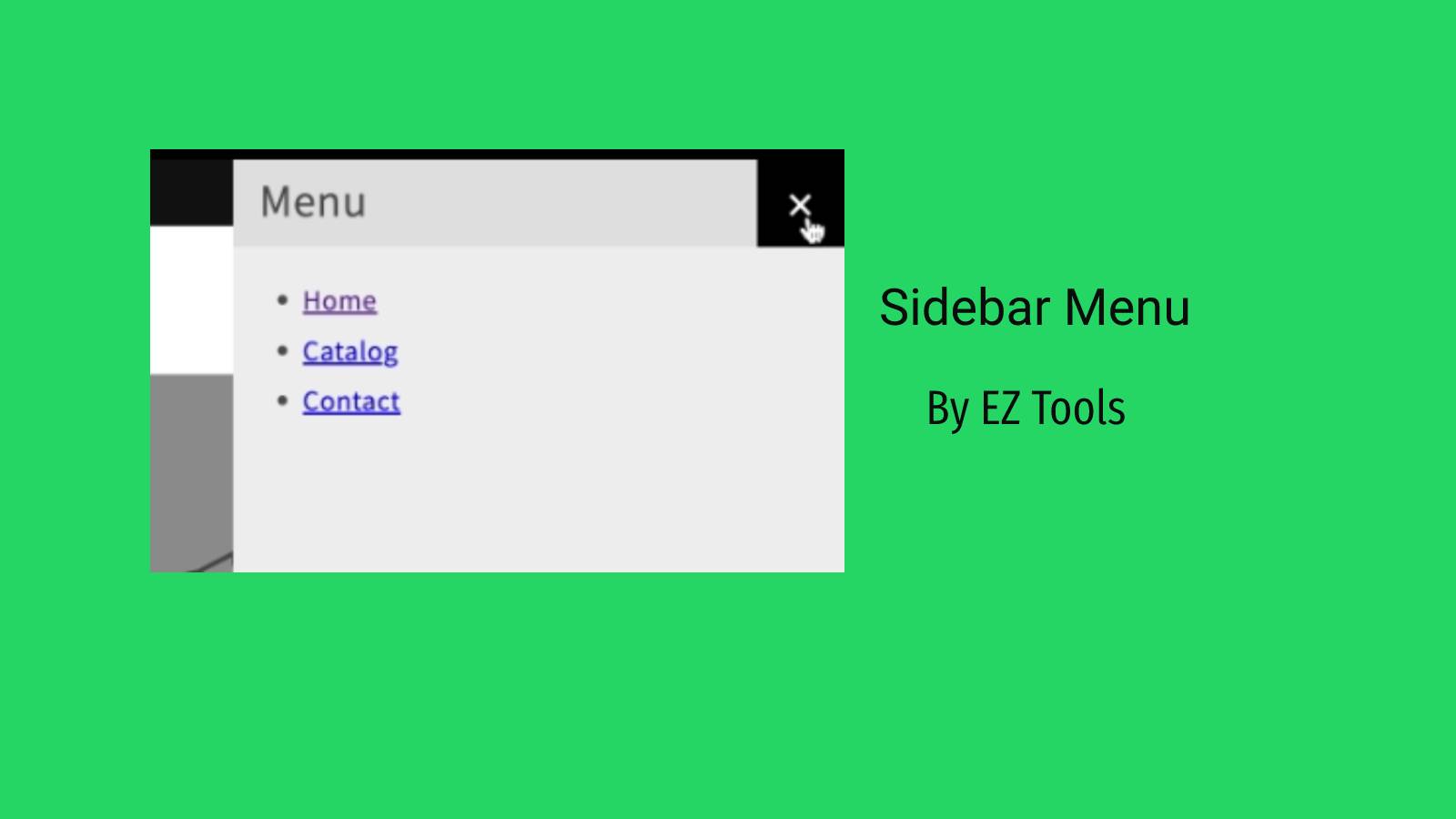
Easily add Sidebar Menu on your website. Improves navigation and provides better user experience.
- Stores using it
- — Not detected yet
- Rating
- 1.0 / 5 1 reviews
- Price
- Free
- Launched
- April 2023 United States
Screenshots
About EZ Sidebar Menu+Sidebar Filter
Easily add Sidebar Menu on your website. Improves navigation and provides better user experience.
The "Sidebar Menu" app is the perfect solution for those who want to enhance their website's navigation and make it easier for their customers to find what they're looking for. With this app, you can quickly and easily add a customizable sidebar menu to your website, giving your customers easy access to your product categories, pages, and collections. The app works on both desktop and mobile. You can easily setup filters to sidebar to help customer navigate.
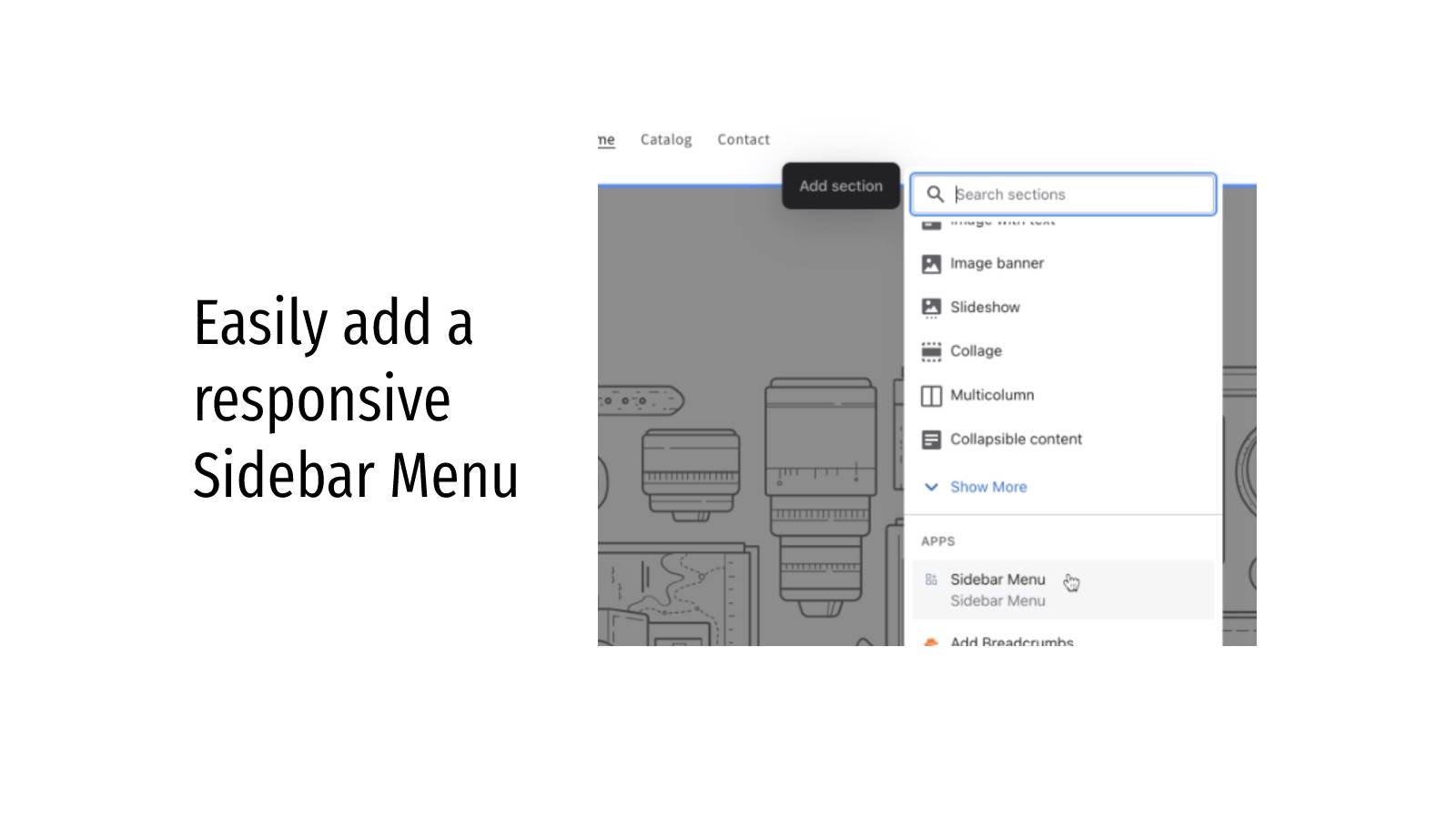
- Easily add a responsive Sidebar Menu
- Improves website navigation
- No programming or coding experience required
Features
- HTML
- Mobile menu
- Scroll to top
Shopify stores using EZ Sidebar Menu+Sidebar Filter
We haven't detected EZ Sidebar Menu+Sidebar Filter on a live Shopify store yet. We recognise the apps that leave a trace in a store's code; some apps run only in the admin or the checkout.
Detect apps on any storeFAQ
EZ Sidebar Menu+Sidebar Filter: FAQ
Easily add Sidebar Menu on your website. Improves navigation and provides better user experience.
Yes, EZ Sidebar Menu+Sidebar Filter is free to use.
We haven't detected EZ Sidebar Menu+Sidebar Filter on a live Shopify store yet. Scan any store on ShopScan to see the apps it runs.
EZ Sidebar Menu+Sidebar Filter is built by Programmer Hat, based in United States, and launched in April 2023.
1.0 out of 5 from 1 reviews on the Shopify App Store.