

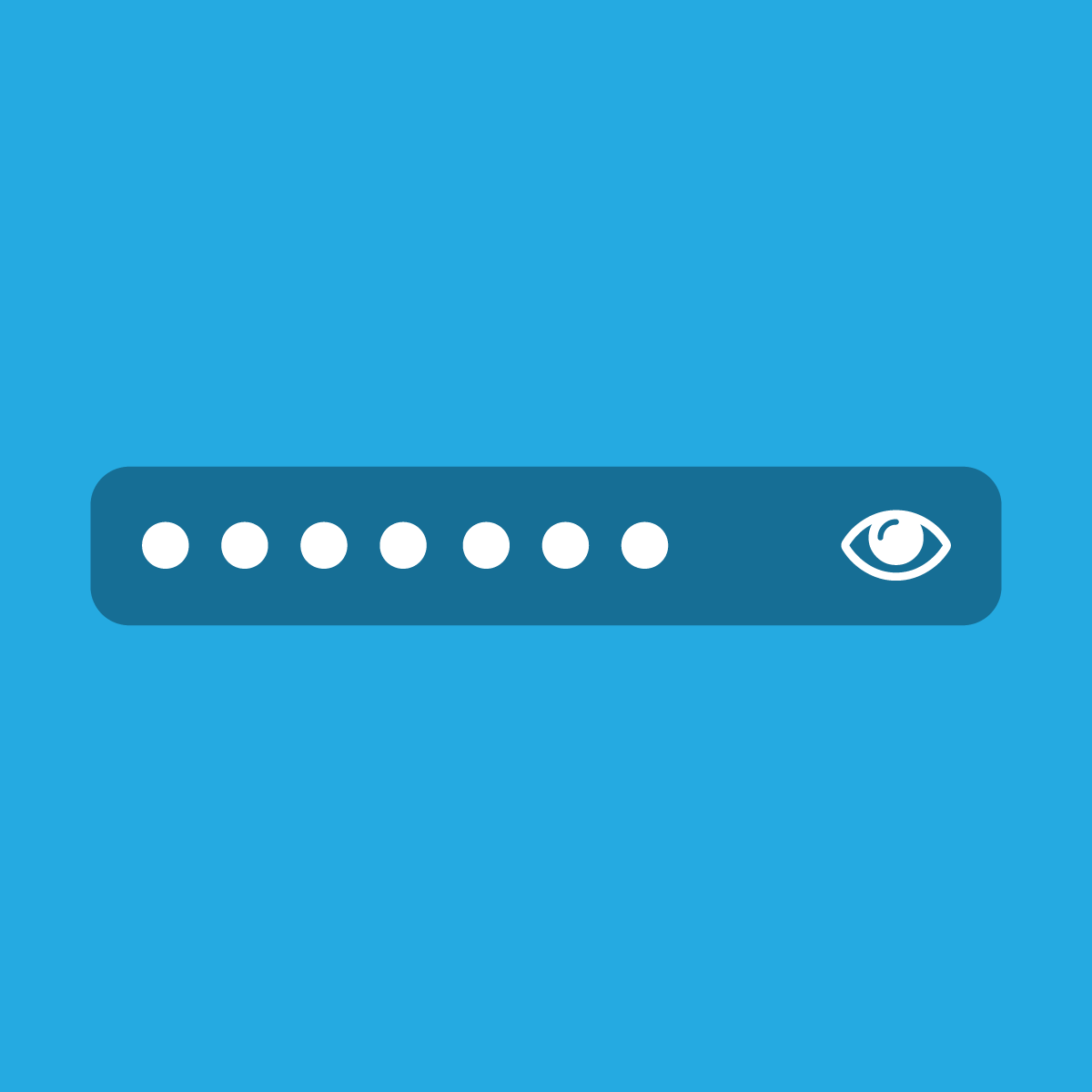
Enhances user experience by allowing the visibility of hidden passwords with a simple click.
- Stores using it
- — Not detected yet
- Rating
- 3.5 / 5 3 reviews
- Price
- Free
- Launched
- July 2024 India
Screenshots


About CD: Show Hide Password
Enhances user experience by allowing the visibility of hidden passwords with a simple click.
Discover the Show/Hide Password App, designed to reveal hidden passwords in any password fields and protect against shoulder surfing. This app allows users to easily toggle visibility of entered passwords, ensuring accuracy while entering complex passwords and preventing lockouts due to errors. Its intuitive design features an eye icon that opens to show passwords and closes to hide them, enhancing both security and usability. Perfect for those who appreciate both security and convenience.
- No Technical Skill is required.
- Instantly view hidden passwords with a single click.
- Prevents wrong password input.
Features
- Password protection
Shopify stores using CD: Show Hide Password
We haven't detected CD: Show Hide Password on a live Shopify store yet. We recognise the apps that leave a trace in a store's code; some apps run only in the admin or the checkout.
Detect apps on any storeFAQ
CD: Show Hide Password: FAQ
Enhances user experience by allowing the visibility of hidden passwords with a simple click.
Yes, CD: Show Hide Password is free to use.
We haven't detected CD: Show Hide Password on a live Shopify store yet. Scan any store on ShopScan to see the apps it runs.
CD: Show Hide Password is built by CodeDecorator, based in India, and launched in July 2024.
3.5 out of 5 from 3 reviews on the Shopify App Store.