


Make it easy for your audience to share your content across 40+ of the most popular social channels
- Stores using it
- — Not detected yet
- Rating
- 2.9 / 5 24 reviews
- Price
- Free
- Launched
- February 2020 United States
Screenshots

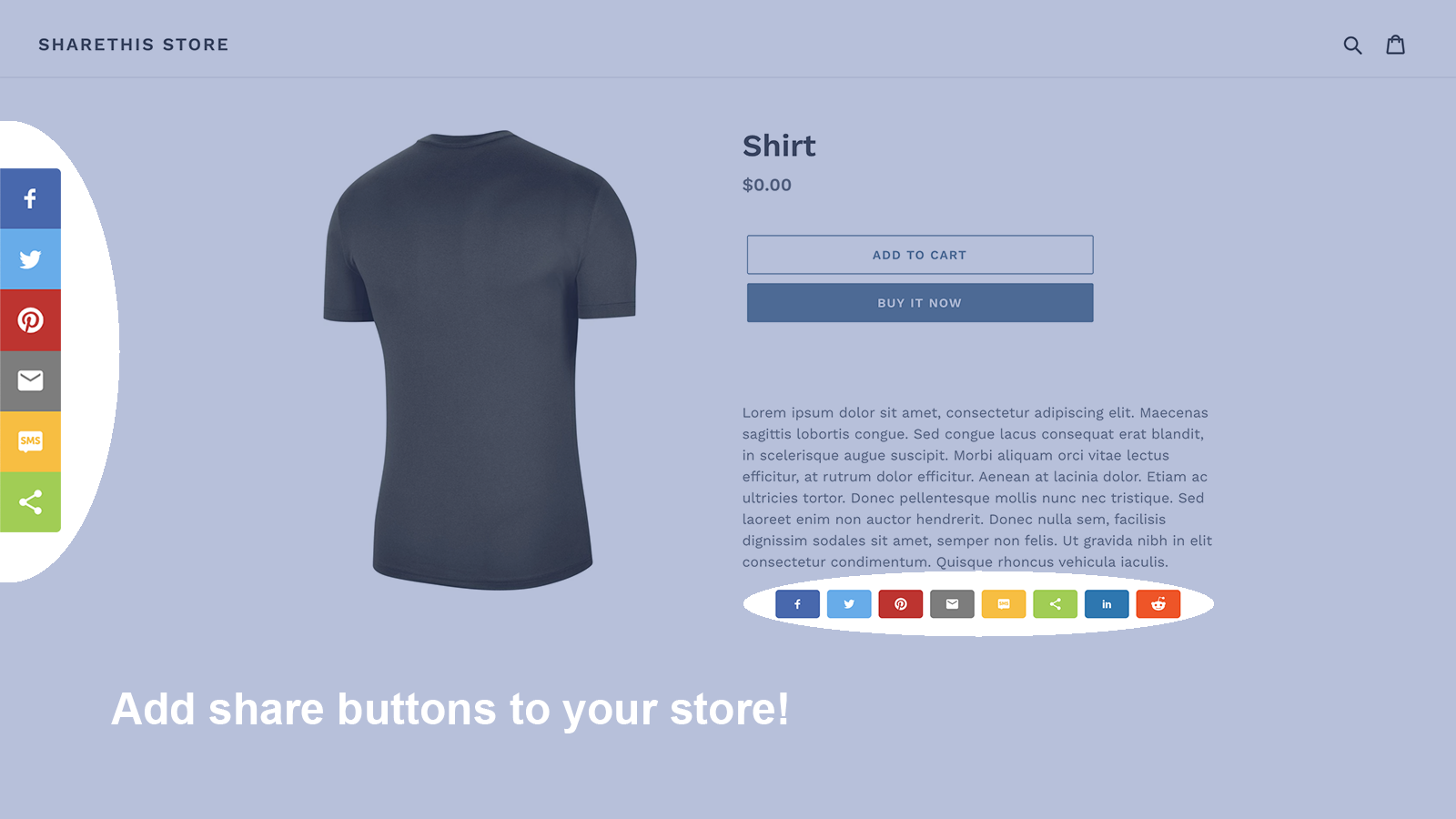
About ShareThis Share Buttons
Make it easy for your audience to share your content across 40+ of the most popular social channels
ShareThis Share Buttons allows you to expand the reach of your content organically and grow your audience. Make it easy for your audience to share your content across 40+ of the most popular social channels including Facebook, WhatsApp, Twitter, and Pinterest.
- Configure your buttons to stay anchored on the sidebar as visitors scroll
- Tailor your share buttons' alignment, size, color and design to match your brand
- Responsive, lightweight code that loads asynchronously – great for site speed
- Easily add share buttons to product pages and blog posts
Features
- Colors
- Manual position
- Size
- Social media
- Styling
Shopify stores using ShareThis Share Buttons
We haven't detected ShareThis Share Buttons on a live Shopify store yet. We recognise the apps that leave a trace in a store's code; some apps run only in the admin or the checkout.
Detect apps on any storeFAQ
ShareThis Share Buttons: FAQ
Make it easy for your audience to share your content across 40+ of the most popular social channels
Yes, ShareThis Share Buttons is free to use.
We haven't detected ShareThis Share Buttons on a live Shopify store yet. Scan any store on ShopScan to see the apps it runs.
ShareThis Share Buttons is built by ShareThis, based in United States, and launched in February 2020.
2.9 out of 5 from 24 reviews on the Shopify App Store.