


Add scrolling text to highlight important messages. Increasing sales and customer engagement.
- Stores using it
- — Not detected yet
- Rating
- 5.0 / 5 4 reviews
- Price
- $5 / mo Free trial
- Launched
- August 2021 New Zealand
Screenshots

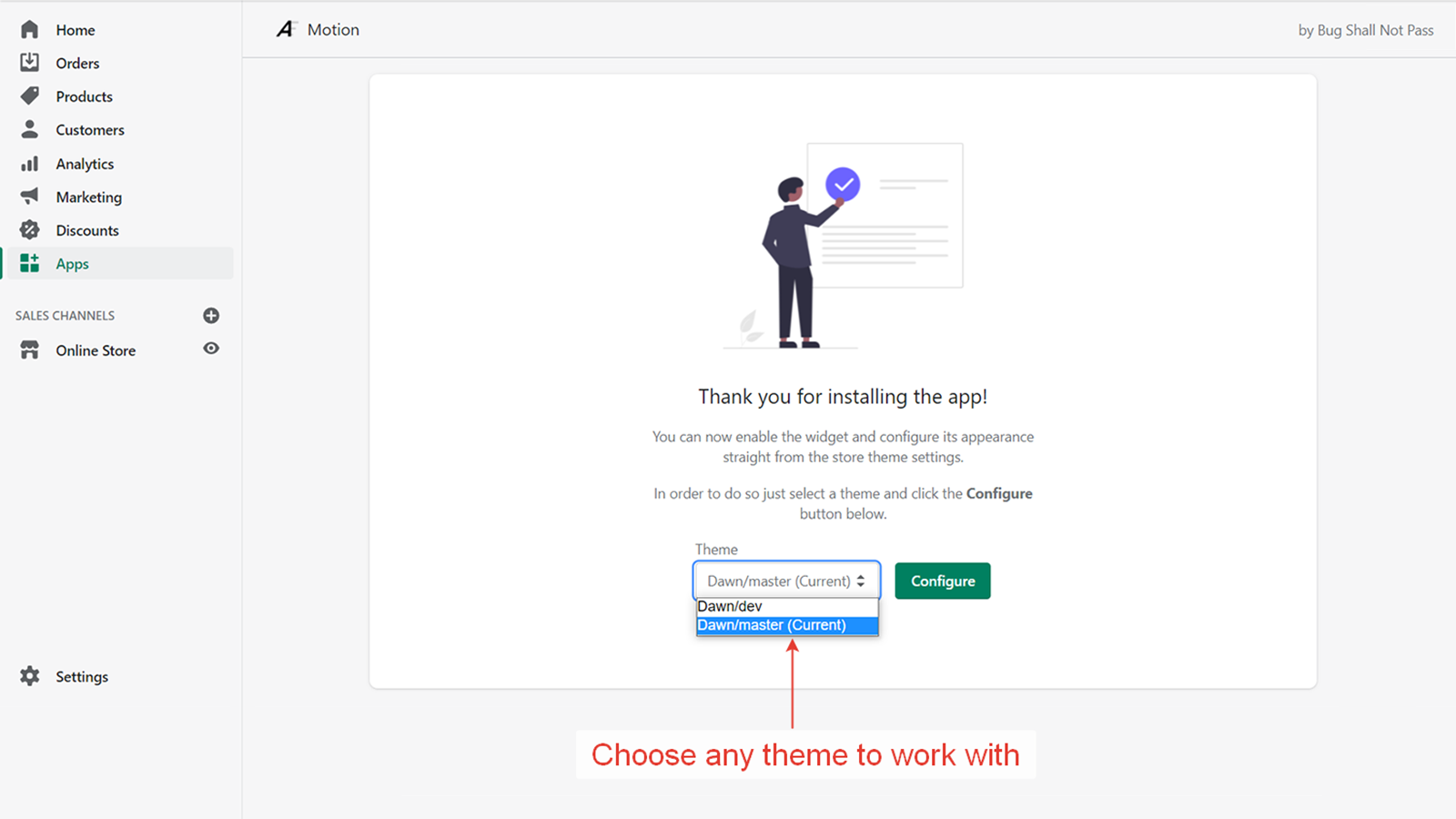
About Motion
Add scrolling text to highlight important messages. Increasing sales and customer engagement.
The Motions app is a powerful tool that lets you add scrolling text to your website, anywhere you want. Customize font family, size, weight, style, color, spacing, and more with our user-friendly tool. Highlight important messages such as new arrivals or special offers to increase sales and customer engagement. Our app is an easy and effective solution to ensure important information doesn't get lost, resulting in increased conversions and revenue for your store.
- Customizable font, color, size, position and many more
- Helps to draw attention to important messages and special announcements
- Works on all themes and increases customer engagement
Features
- Announcements
Motion pricing
Free trial · From $5 / month. Prices in USD; check the App Store for the latest.
-
Standard
$5 / month
Shopify stores using Motion
We haven't detected Motion on a live Shopify store yet. We recognise the apps that leave a trace in a store's code; some apps run only in the admin or the checkout.
Detect apps on any storeFAQ
Motion: FAQ
Add scrolling text to highlight important messages. Increasing sales and customer engagement.
No. Plans start at $5 a month, with a free trial.
We haven't detected Motion on a live Shopify store yet. Scan any store on ShopScan to see the apps it runs.
Motion is built by Bug Shall Not Pass, based in New Zealand, and launched in August 2021.
5.0 out of 5 from 4 reviews on the Shopify App Store.