


This application allows you to show descriptions of every variant, for unlimited products.
- Stores using it
- — Not detected yet
- Rating
- —
- Price
- $3 / mo Free trial
- Launched
- June 2021 United States
Screenshots

About Scaleup Variant Description
This application allows you to show descriptions of every variant, for unlimited products.
# Do you have products with unique features on the variant level? But can not “wow” the customers with more details and scale up your sales? Presenting Scaleup Variant description application!! This application allows you to show descriptions of every variant, for unlimited products. You can add words, images, videos, and more. # Overcome single product description limit!
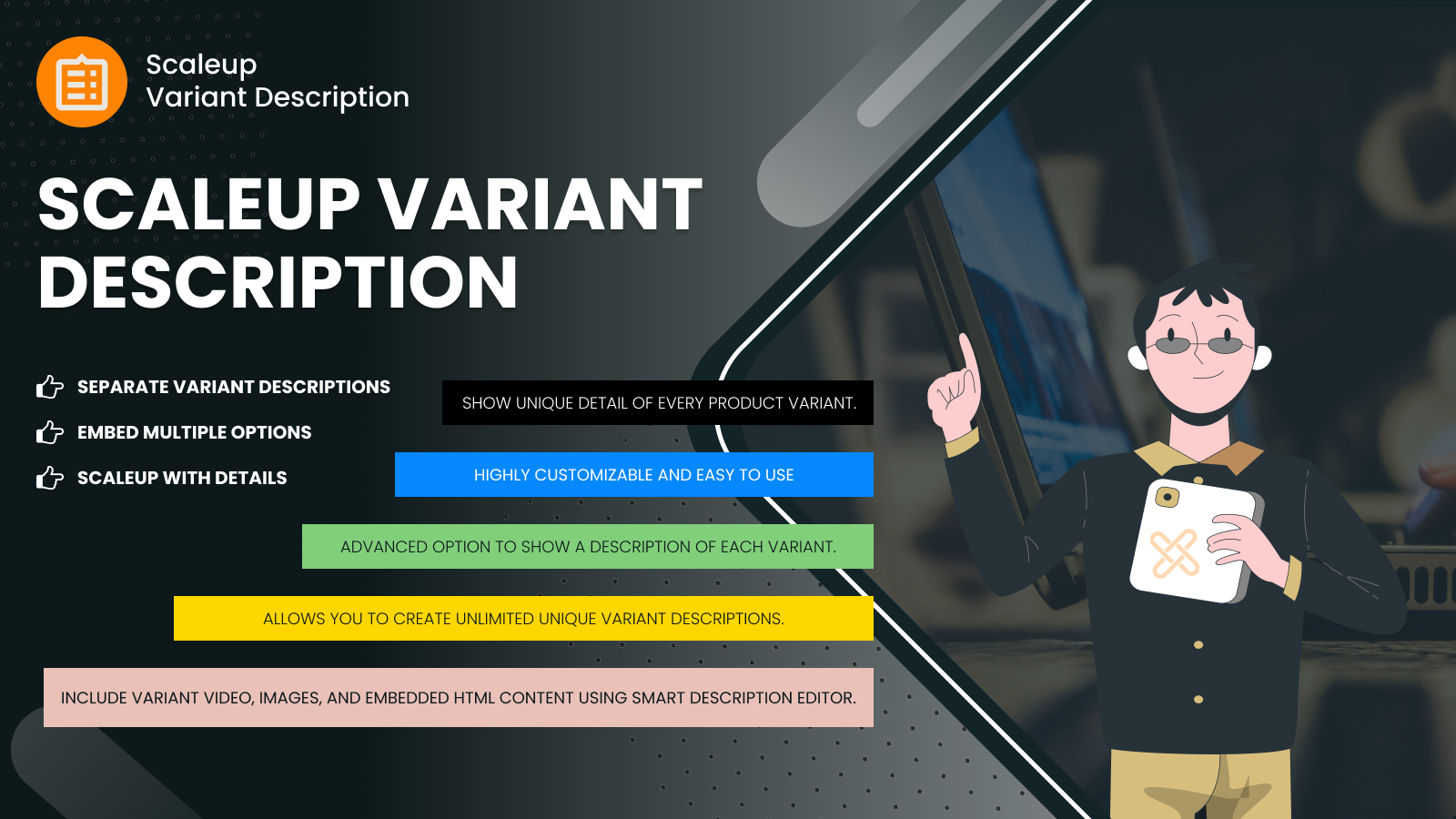
- Show unique detail of every product variant. Show a description of each variant.
- video, Images, and embedded HTML content using a smart description editor.
- Allows you to create unlimited unique variant descriptions.
Scaleup Variant Description pricing
Free trial · From $3 / month. Prices in USD; check the App Store for the latest.
-
Basic
$3 / month
Shopify stores using Scaleup Variant Description
We haven't detected Scaleup Variant Description on a live Shopify store yet. We recognise the apps that leave a trace in a store's code; some apps run only in the admin or the checkout.
Detect apps on any storeFAQ
Scaleup Variant Description: FAQ
This application allows you to show descriptions of every variant, for unlimited products.
No. Plans start at $3 a month, with a free trial.
We haven't detected Scaleup Variant Description on a live Shopify store yet. Scan any store on ShopScan to see the apps it runs.
Scaleup Variant Description is built by XgenTech, based in United States, and launched in June 2021.