

One of the reliable, powerful, and fully featured apps to sell your digital products.
- Stores using it
- — Not detected yet
- Rating
- —
- Price
- $5 / mo Free trial
- Launched
- August 2022 India
Screenshots
About WIFI‑QR‑Generator
One of the reliable, powerful, and fully featured apps to sell your digital products.
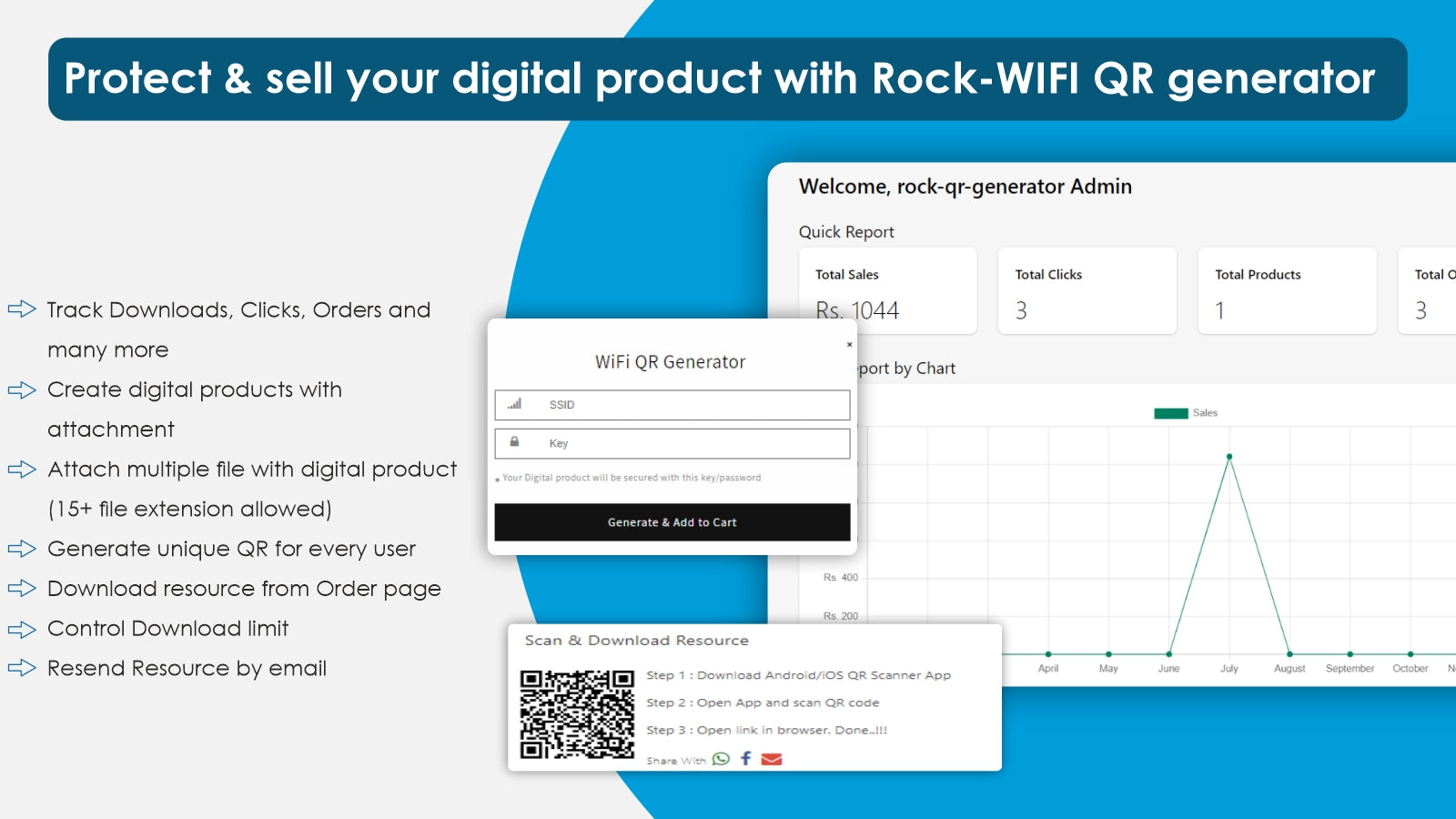
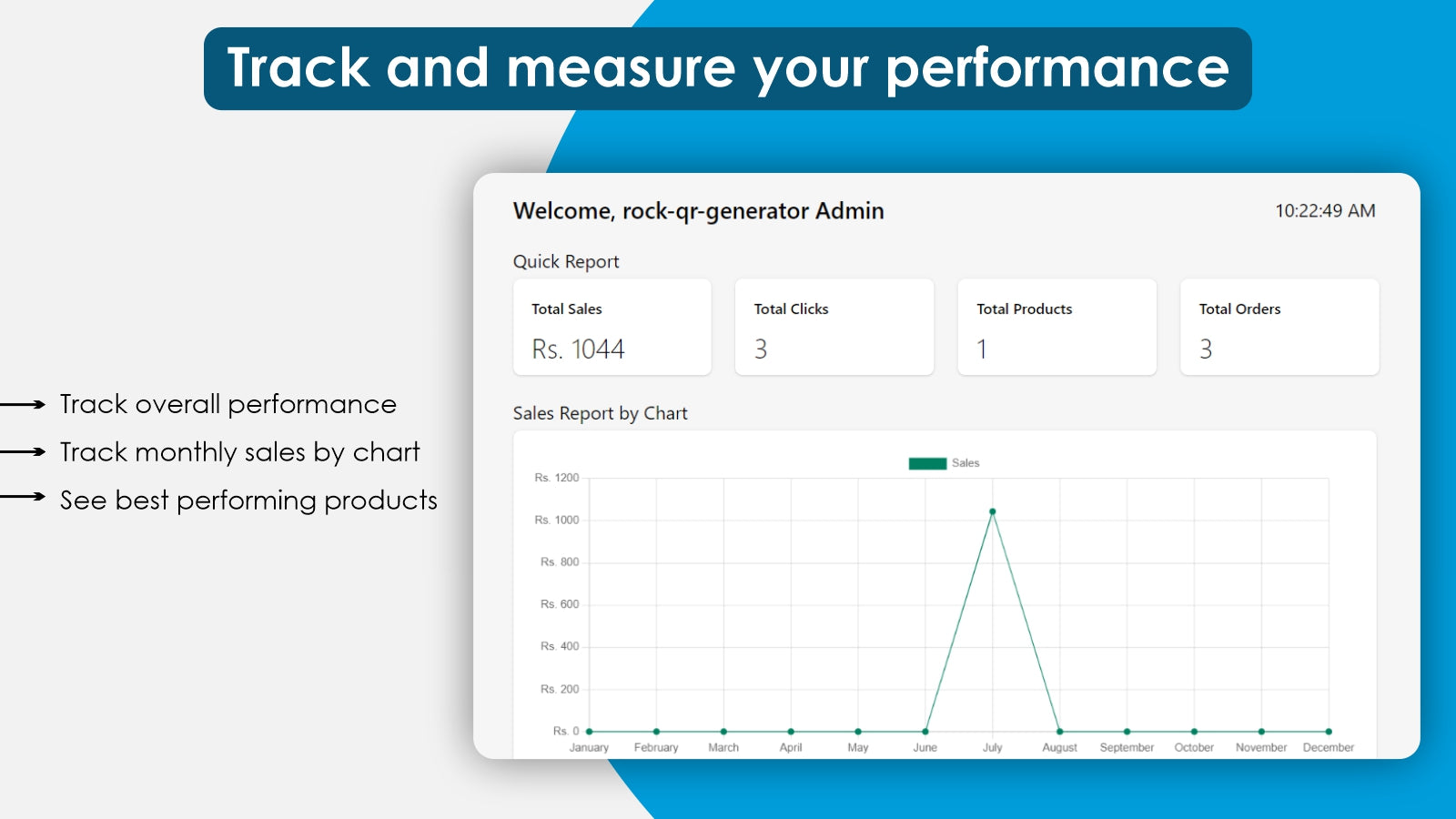
WIFI QR Generator App offers a plethora of key features like customers can purchase digital products online and merchants can securely sell the digital products, but its tracking features make them stand out. You can track the number of sales, orders, and total clicks through each QR code, their accurate positions, and that quick report.
- Deliver Product Securely
- Monitor Analytics
- Track & Protect Your File
Features
- Audio
- Custom
- Digital art
- Ebooks
- Games
- PDFs
- Software
- Videos
WIFI‑QR‑Generator pricing
Free trial · From $5 / month. Prices in USD; check the App Store for the latest.
-
Basic Plan
$5 / month
- Create digital products with attachment
- Generate unique QR
- Control Download limit
- Resend Resource by email
- 24/7 Support
Shopify stores using WIFI‑QR‑Generator
We haven't detected WIFI‑QR‑Generator on a live Shopify store yet. We recognise the apps that leave a trace in a store's code; some apps run only in the admin or the checkout.
Detect apps on any storeFAQ
WIFI‑QR‑Generator: FAQ
One of the reliable, powerful, and fully featured apps to sell your digital products.
No. Plans start at $5 a month, with a free trial.
We haven't detected WIFI‑QR‑Generator on a live Shopify store yet. Scan any store on ShopScan to see the apps it runs.
WIFI‑QR‑Generator is built by Rock Technolabs, based in India, and launched in August 2022.