


Refund Reports for your store. View and Export refund reports for your date range.
- Stores using it
- — Not detected yet
- Rating
- 5.0 / 5 4 reviews
- Price
- Free plan Free plan available
- Launched
- November 2021 United States
Screenshots
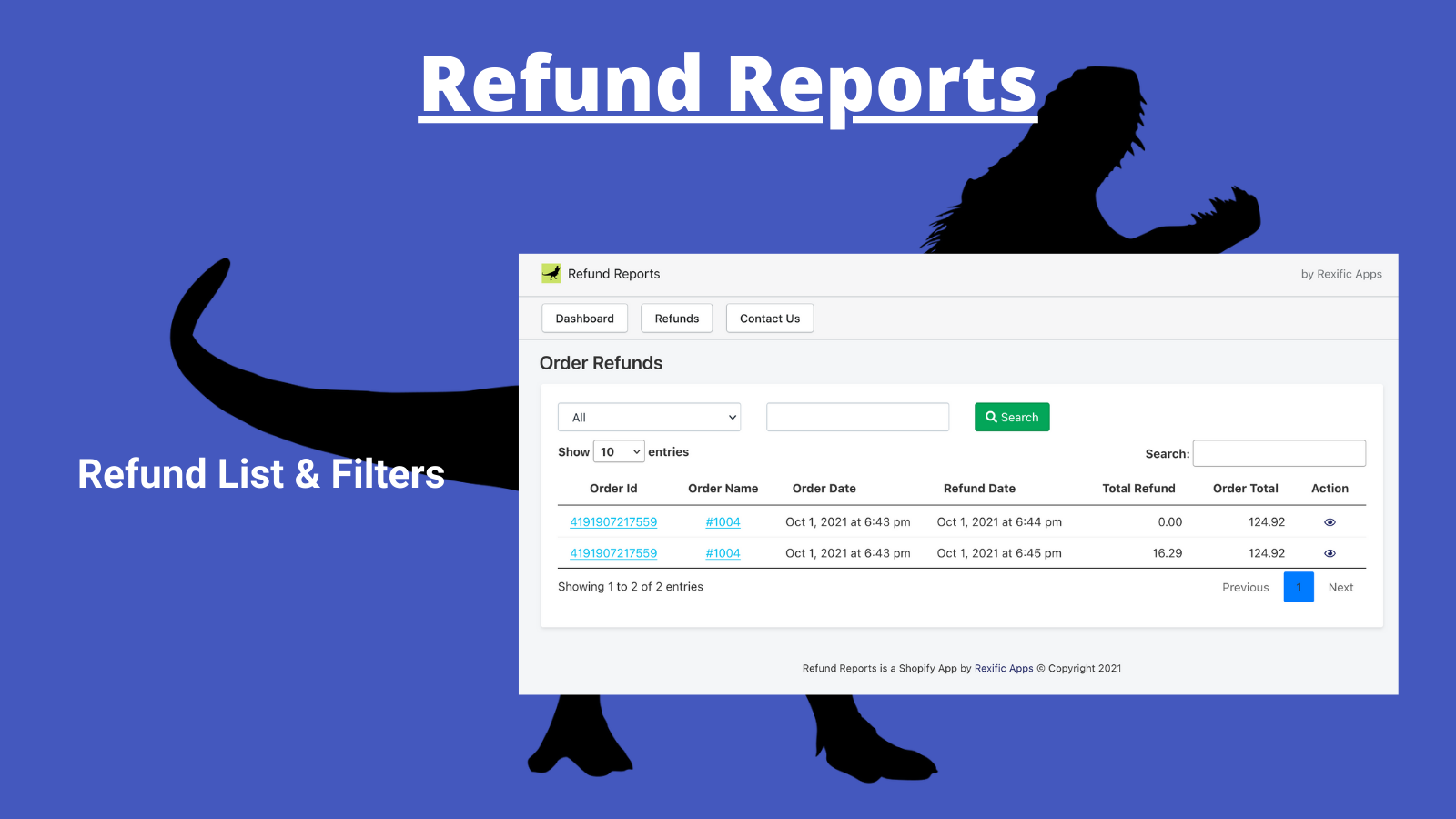

About Refund Reports Rex
Refund Reports for your store. View and Export refund reports for your date range.
Get ready to view your Refund orders directly from our app rather than searching through your Shopify order list for the refunds. Once you have installed the app, our app will start pulling in the refunds for orders. The refund report allows you to view the list of all the refunds and also filter refunds based on several criteria available on that page. Easy exports in Excel & CSV formats.
- Refund Reports for your store
- View Reports inside the app Or Export Reports in Excel and CSV format
- Easy import into Google Analytics
Features
- Custom reports
- Returns and exchanges
- Sales and refunds
Refund Reports Rex pricing
Free plan available. Prices in USD; check the App Store for the latest.
-
Free
Free
- $0.01 per refund for older refunds.
Shopify stores using Refund Reports Rex
We haven't detected Refund Reports Rex on a live Shopify store yet. We recognise the apps that leave a trace in a store's code; some apps run only in the admin or the checkout.
Detect apps on any storeFAQ
Refund Reports Rex: FAQ
Refund Reports for your store. View and Export refund reports for your date range.
Refund Reports Rex has a free plan.
We haven't detected Refund Reports Rex on a live Shopify store yet. Scan any store on ShopScan to see the apps it runs.
Refund Reports Rex is built by Rexific Apps, based in United States, and launched in November 2021.
5.0 out of 5 from 4 reviews on the Shopify App Store.