

We pick, pack and ship your orders. Simplify and speed your fulfillment process.
- Stores using it
- — Not detected yet
- Rating
- —
- Price
- Free plan Free plan available
- Launched
- October 2022 Australia
Screenshots

About GetQuickmail Fulfillment
We pick, pack and ship your orders. Simplify and speed your fulfillment process.
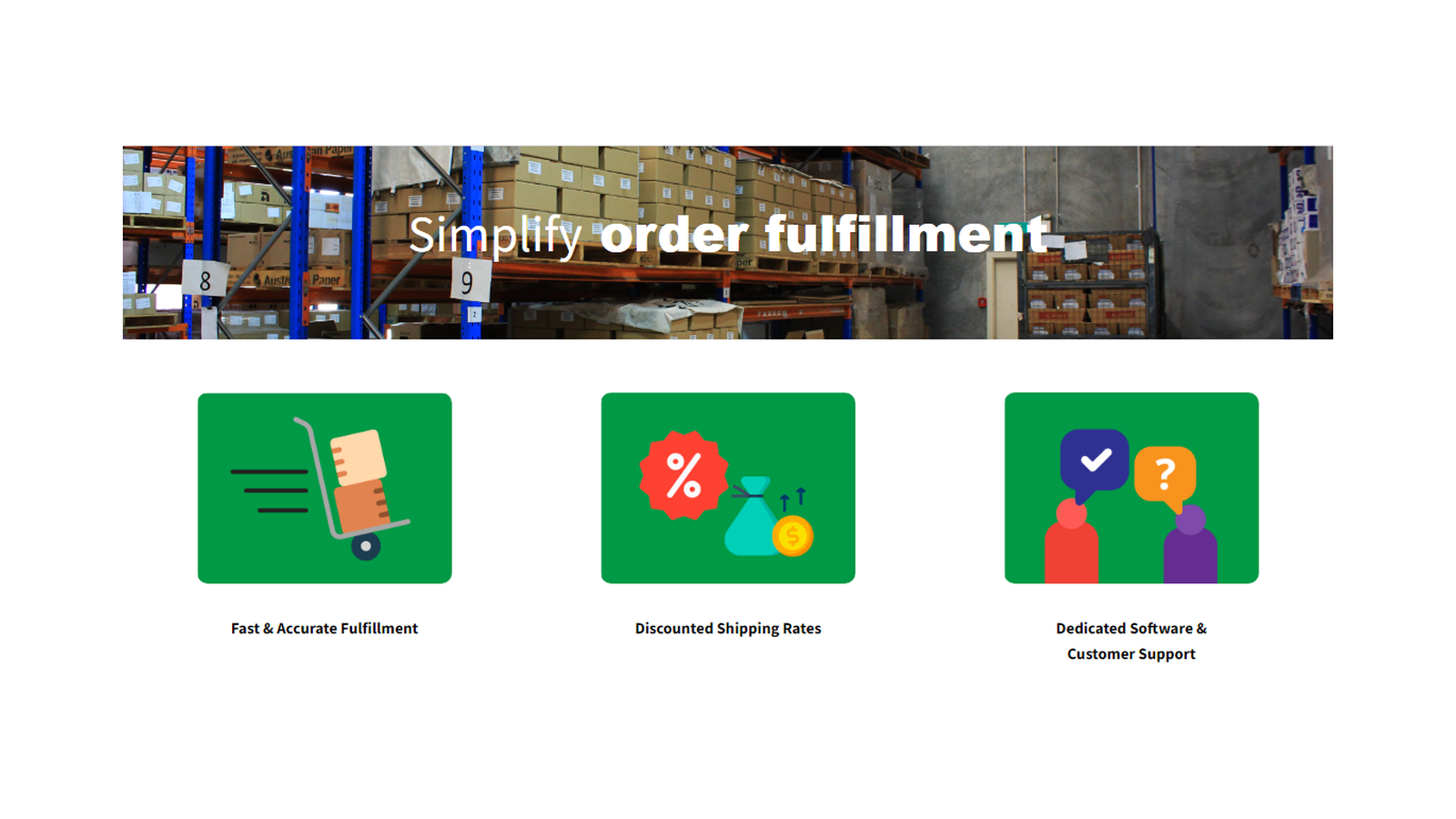
Quickmail Fulfillment takes care of your shipping needs. Your orders will be handled by a specialist logistic company. where they are picked, packed and sent to your customers. Once they are sent out, the tracking information syncs back to Shopify. No more packing orders and printing shipping labels, we do it all for you. We store your products at our warehouse, count your incoming stock and keep your store's inventory levels updated. You can access detailed stock reports through our portal.
- Fast and accurate fulfillment for your orders
- Full service storage for your products
- Access discounted shipping rates for Australia Post and other carriers
GetQuickmail Fulfillment pricing
Free plan available. Prices in USD; check the App Store for the latest.
-
Free
Free
- We charge for product storage and for shipping.
Shopify stores using GetQuickmail Fulfillment
We haven't detected GetQuickmail Fulfillment on a live Shopify store yet. We recognise the apps that leave a trace in a store's code; some apps run only in the admin or the checkout.
Detect apps on any storeFAQ
GetQuickmail Fulfillment: FAQ
We pick, pack and ship your orders. Simplify and speed your fulfillment process.
GetQuickmail Fulfillment has a free plan.
We haven't detected GetQuickmail Fulfillment on a live Shopify store yet. Scan any store on ShopScan to see the apps it runs.
GetQuickmail Fulfillment is built by Quickmail, based in Australia, and launched in October 2022.