


Push down & hide sold out products automatically. Increase sales by optimizing collection sort.
- Stores using it
- — Not detected yet
- Rating
- 4.7 / 5 156 reviews
- Price
- $4 / mo Free plan available
- Launched
- December 2020 Türkiye
Screenshots

About Push Down Hide Out of Stock MB
Merchants highly recommend this app for automatically prioritizing in-stock items, enhancing the shopping experience and boosting sales. It's praised for its easy installation, user-friendly interface, and features like tag exclusions for pre-orders. The app's reliable performance and seamless integration are noted, along with responsive and effective customer support that swiftly resolves issues, making it a favored choice for efficient inventory management.
Push down & hide sold out products automatically. Increase sales by optimizing collection sort.
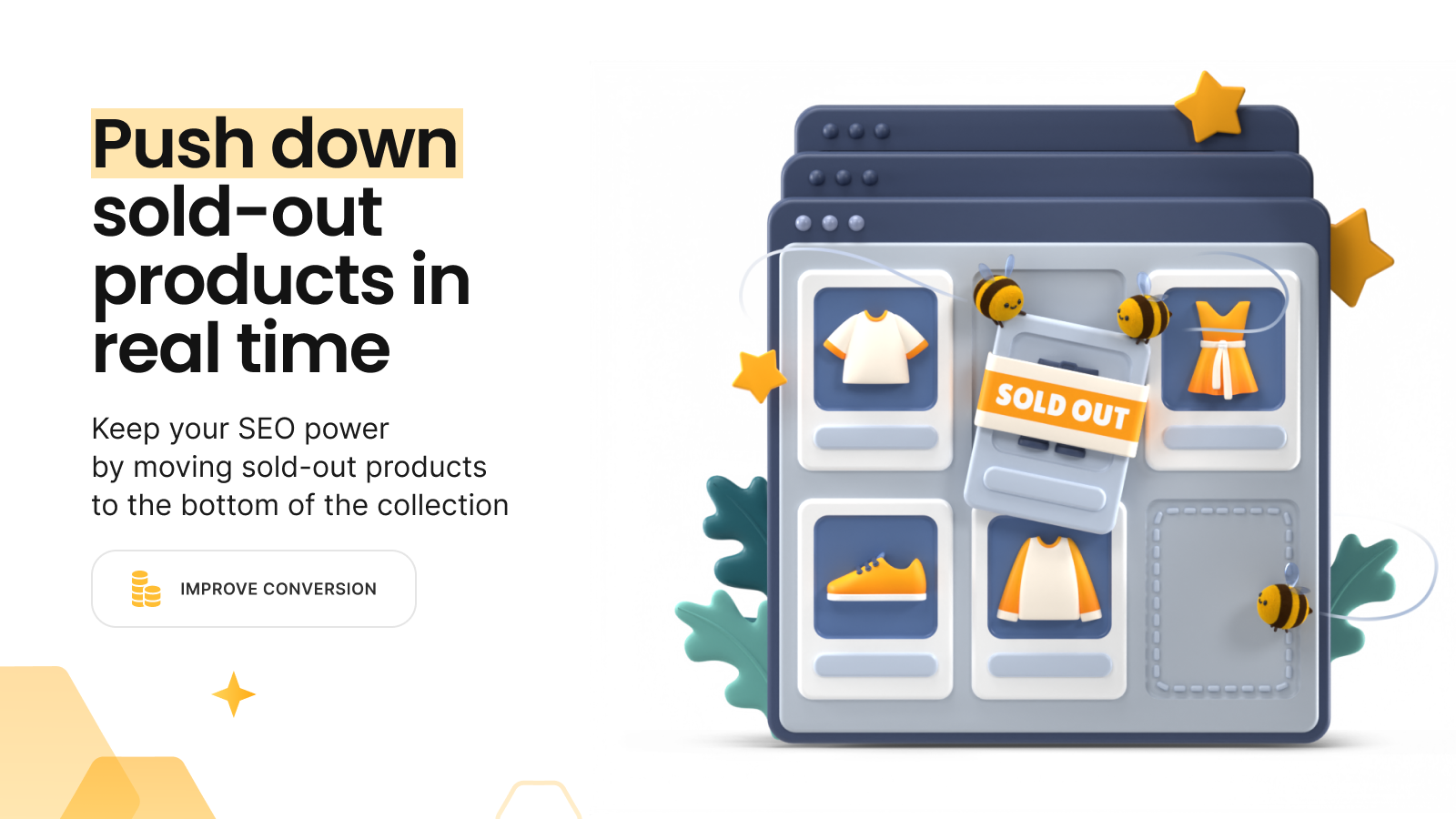
This app has all features to manage sold out products using good SEO practices. When a product is out of stock, our app moves the product to the bottom of the collection. And, when a sold out product is replenished, it is positioned to the original position based on chosen sorting type. Our app also hides sold out products, redirects pages of hidden products, and unhides when a product is back in stock. We track each inventory change in real time so all features work instantly and automatically.
- Move out of stock products to the bottom of the collections.
- Sort in stock products based on; best selling, price, new-old, manually, etc.
- Hide sold out products in real-time or set specified days to be hidden.
- Redirect pages of hidden products to preserve SEO power of sold out products.
- Unhide back in stock products automatically.
Features
- Automated
- Bulk editing
- Drag and drop
- Hide products
- Manual
- Pin products
- Push down
- Real-time updates
- Redirect
- Tagging
Push Down Hide Out of Stock MB pricing
Free plan available · Free trial · From $4 / month. Prices in USD; check the App Store for the latest.
-
Free Plan
Free
- Up to 50 products & 100 collections
- All features work real-time
- Push down sold-out products
- Hide & redirect & unhide
- Tag sold-out items
-
Basic Plan
$4 / month
47 billed yearly (save 2%)
- Up to 500 products & 100 collections
- All features work real-time
- Push down sold-out products
- Hide & redirect & unhide
- Tag sold-out items
-
Professional Plan
$8 / month
89 billed yearly (save 7%)
- Up to 5,000 products & 100 collections
- All features work real-time
- Push down sold-out products
- Hide & redirect & unhide
- Tag sold-out items
-
Advanced Plan
$13 / month
139 billed yearly (save 11%)
- Up to 10,000 products & 300 collections
- All features work real-time
- Push down sold-out products
- Hide & redirect & unhide
- Tag sold-out items
Shopify stores using Push Down Hide Out of Stock MB
We haven't detected Push Down Hide Out of Stock MB on a live Shopify store yet. We recognise the apps that leave a trace in a store's code; some apps run only in the admin or the checkout.
Detect apps on any storeFAQ
Push Down Hide Out of Stock MB: FAQ
Push down & hide sold out products automatically. Increase sales by optimizing collection sort.
Push Down Hide Out of Stock MB has a free plan; paid plans start at $4 a month.
We haven't detected Push Down Hide Out of Stock MB on a live Shopify store yet. Scan any store on ShopScan to see the apps it runs.
Push Down Hide Out of Stock MB is built by merchbees, based in Türkiye, and launched in December 2020.
4.7 out of 5 from 156 reviews on the Shopify App Store.