


Precise and Prudent Online Advertising Solution for Merchants
- Stores using it
- — Not detected yet
- Rating
- 4.0 / 5 4 reviews
- Price
- Free plan Free plan available
- Launched
- November 2020 Italy
Screenshots

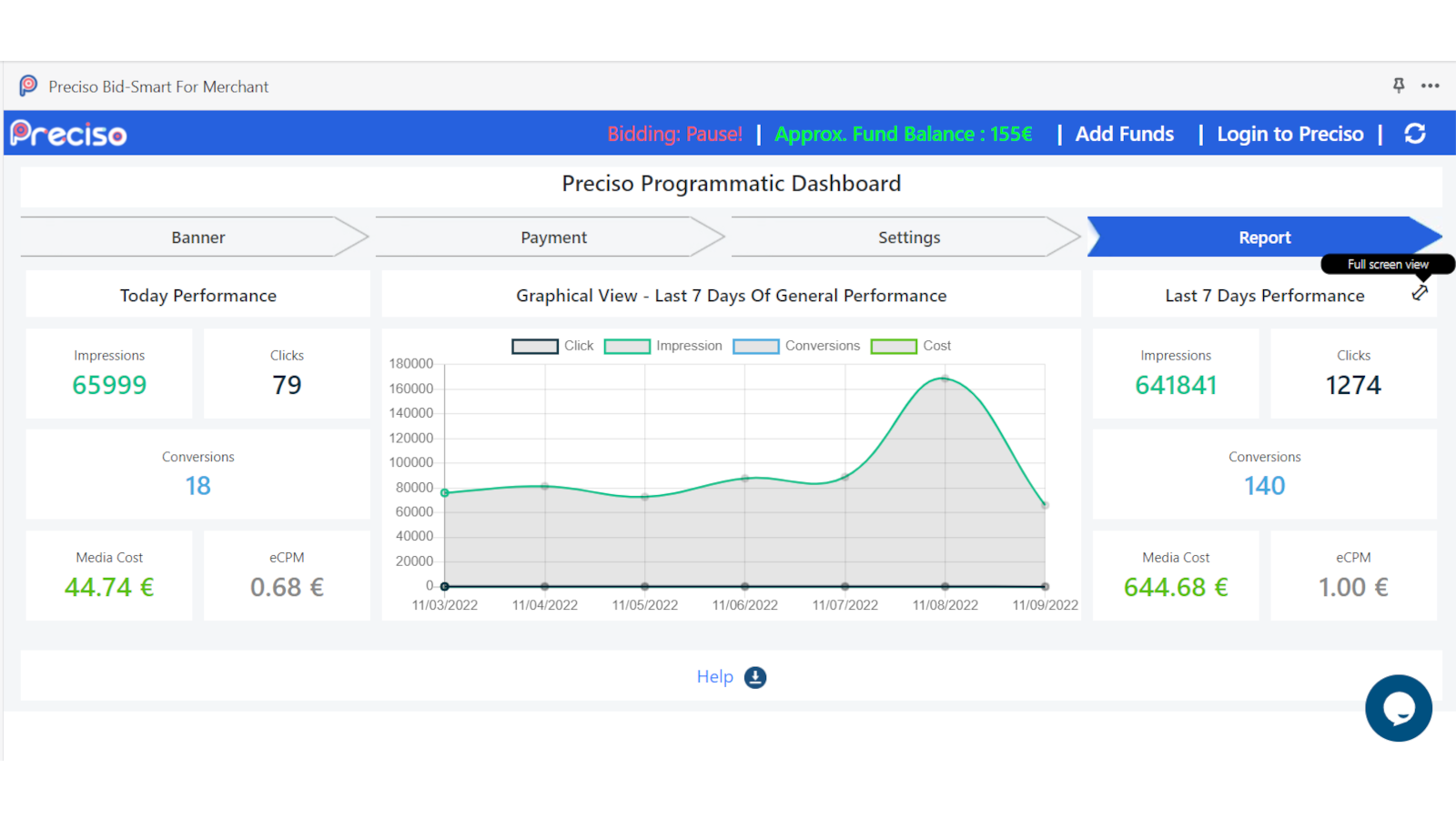
About Preciso Bid‑Smart For Merchant
Precise and Prudent Online Advertising Solution for Merchants
Preciso Bid‑Smart For Merchant App developed for small and medium merchants, Preciso puts big brand capability at your fingertips. Access the same traffic as your brand name rivals, without blowing your advertising budget.
- Precise in traffic buying.
- Prudent on Ad spend.
- Pro merchant ads strategies.
Features
- Audience segments
- Banner position
- Conversion tracking
- Custom audiences
- Performance tracking
- Promotional
- Website
Preciso Bid‑Smart For Merchant pricing
Free plan available. Prices in USD; check the App Store for the latest.
-
Free
Free
- Merchants pay the actual cost of their traffic according to their set budget. No campaign set-up fee.
Shopify stores using Preciso Bid‑Smart For Merchant
We haven't detected Preciso Bid‑Smart For Merchant on a live Shopify store yet. We recognise the apps that leave a trace in a store's code; some apps run only in the admin or the checkout.
Detect apps on any storeFAQ
Preciso Bid‑Smart For Merchant: FAQ
Precise and Prudent Online Advertising Solution for Merchants
Preciso Bid‑Smart For Merchant has a free plan.
We haven't detected Preciso Bid‑Smart For Merchant on a live Shopify store yet. Scan any store on ShopScan to see the apps it runs.
Preciso Bid‑Smart For Merchant is built by Preciso SRL, based in Italy, and launched in November 2020.
4.0 out of 5 from 4 reviews on the Shopify App Store.