


Onltr Pre-launcher allows you to engage customers before the full launch of the store.
- Stores using it
- — Not detected yet
- Rating
- 4.0 / 5 17 reviews
- Price
- $2 / mo Free trial
- Launched
- April 2019 Armenia
Screenshots
About Onltr Pre‑launcher
Onltr Pre-launcher allows you to engage customers before the full launch of the store.
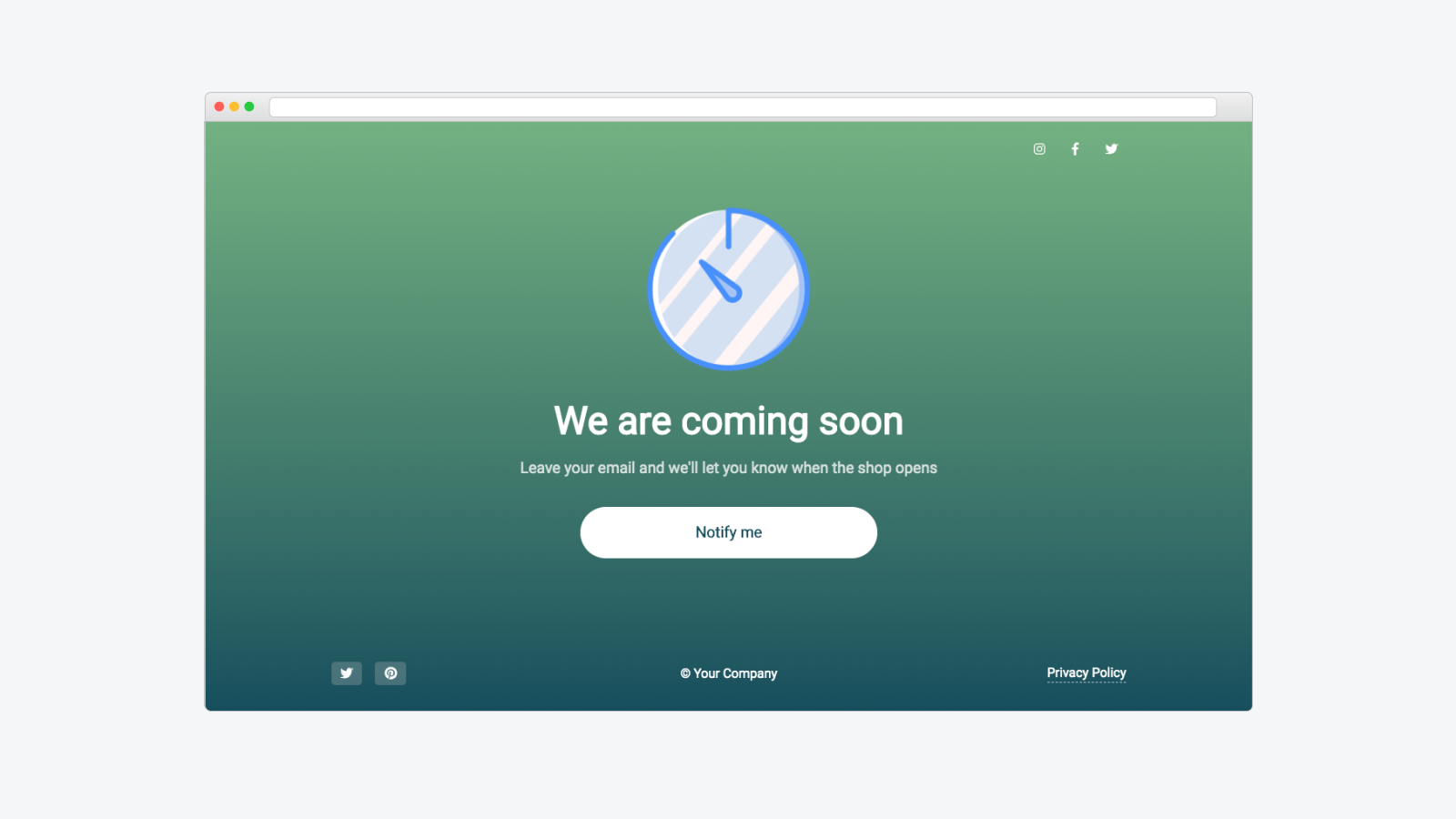
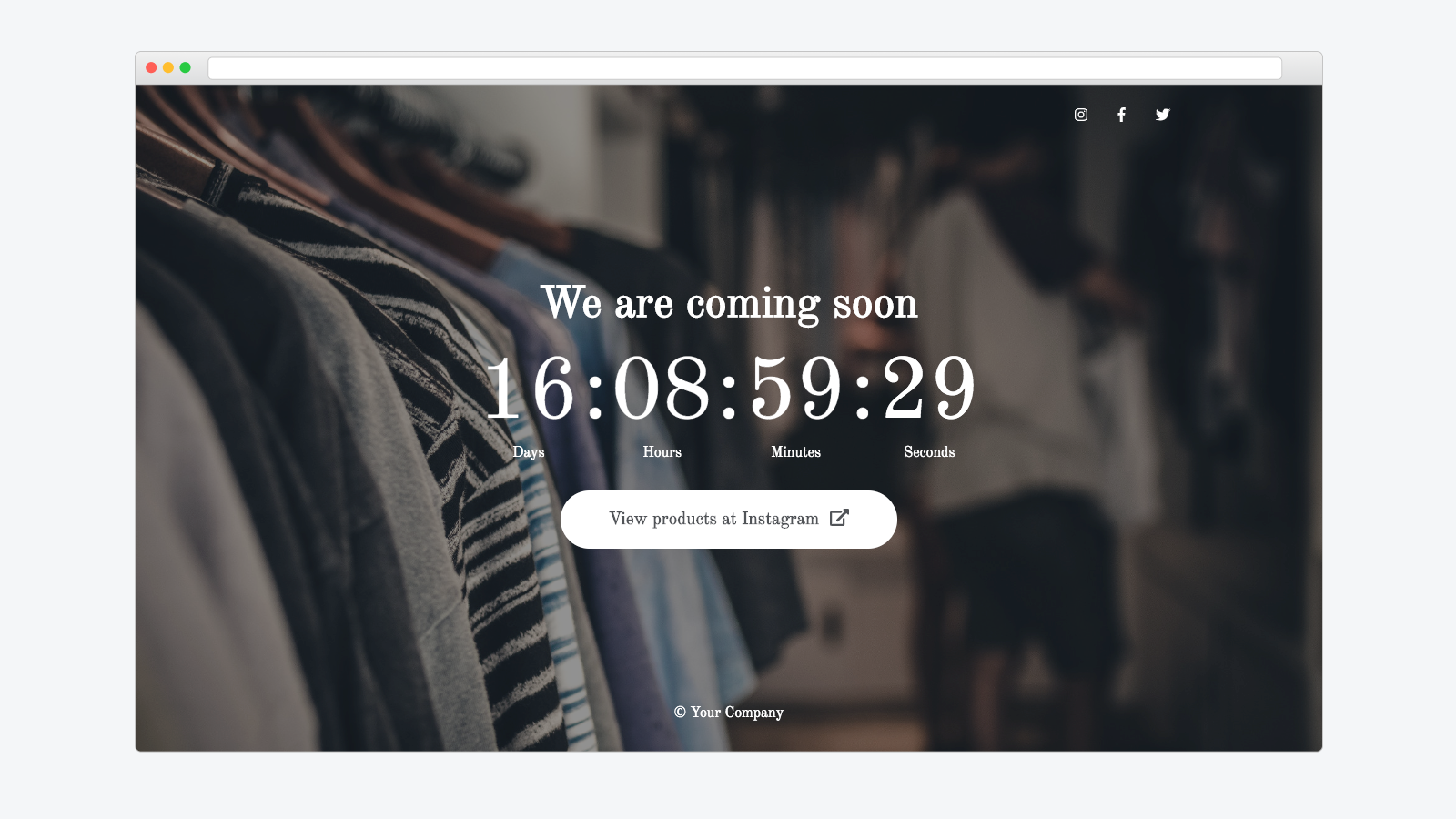
With the app, you can set up a beautiful coming soon page where you can tell customers about your store. Your customers will be redirected to the coming soon page while you launch the store. You will be able to collect customer contacts that you can later use to contact customers.
- Customize coming soon page details like logo, background, headline, sub-heading.
- Add subscription form for collect customer's emails.
- Configure the countdown time to inform customers about the launch time.
- Add links to social networks where your brand is already represented.
Features
- Coming soon pages
- Custom code
- Custom fonts
- Elements
- Landing pages
- Mobile responsive
Onltr Pre‑launcher pricing
Free trial · From $2 / month. Prices in USD; check the App Store for the latest.
-
Regular
$2 / month
Shopify stores using Onltr Pre‑launcher
We haven't detected Onltr Pre‑launcher on a live Shopify store yet. We recognise the apps that leave a trace in a store's code; some apps run only in the admin or the checkout.
Detect apps on any storeFAQ
Onltr Pre‑launcher: FAQ
Onltr Pre-launcher allows you to engage customers before the full launch of the store.
No. Plans start at $2 a month, with a free trial.
We haven't detected Onltr Pre‑launcher on a live Shopify store yet. Scan any store on ShopScan to see the apps it runs.
Onltr Pre‑launcher is built by OnltrApp, based in Armenia, and launched in April 2019.
4.0 out of 5 from 17 reviews on the Shopify App Store.