


Sales Pop for showing Social Proof of recent orders
- Stores using it
- — Not detected yet
- Rating
- 5.0 / 5 3 reviews
- Price
- Free
- Launched
- April 2021 India
Screenshots
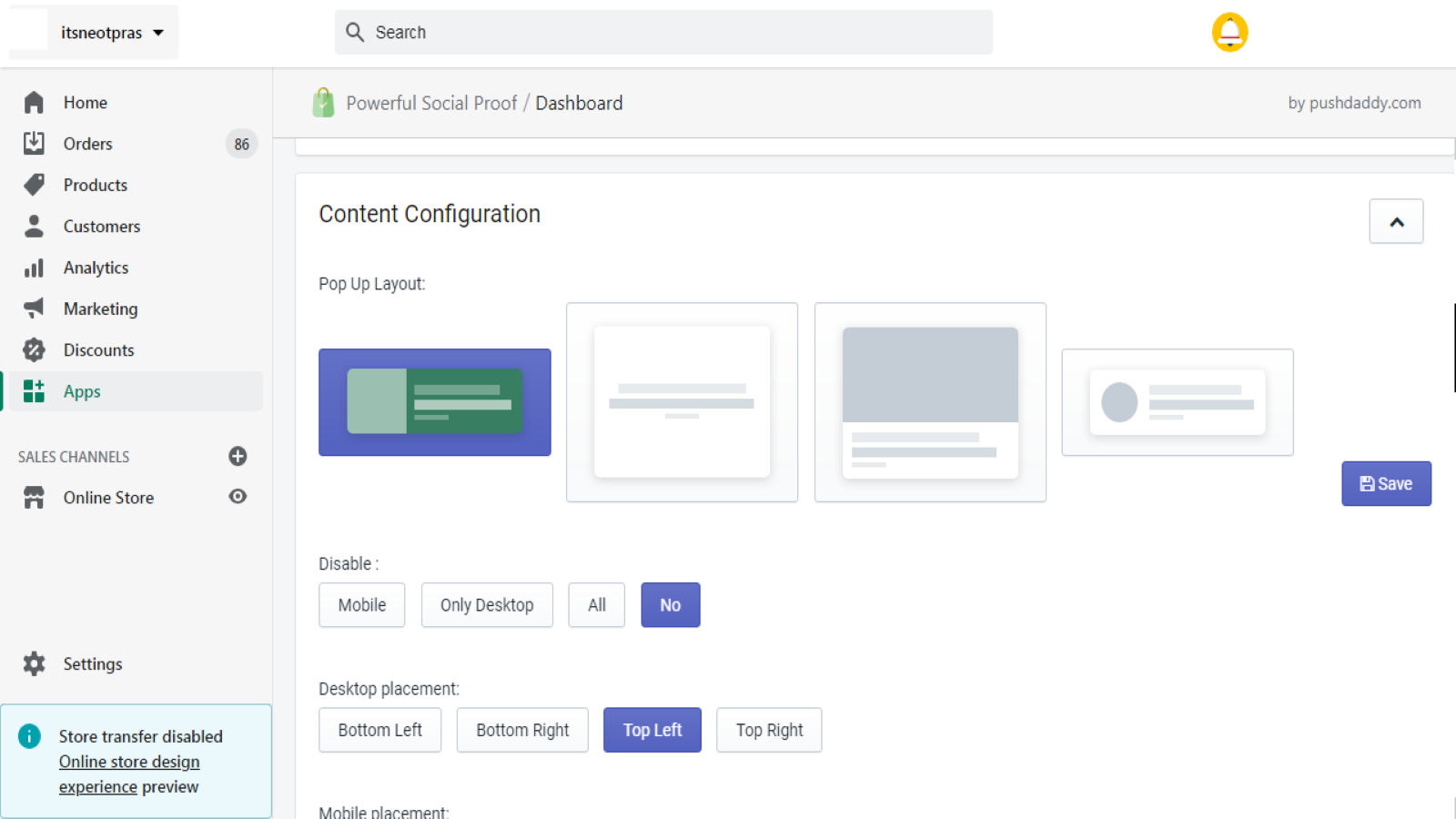
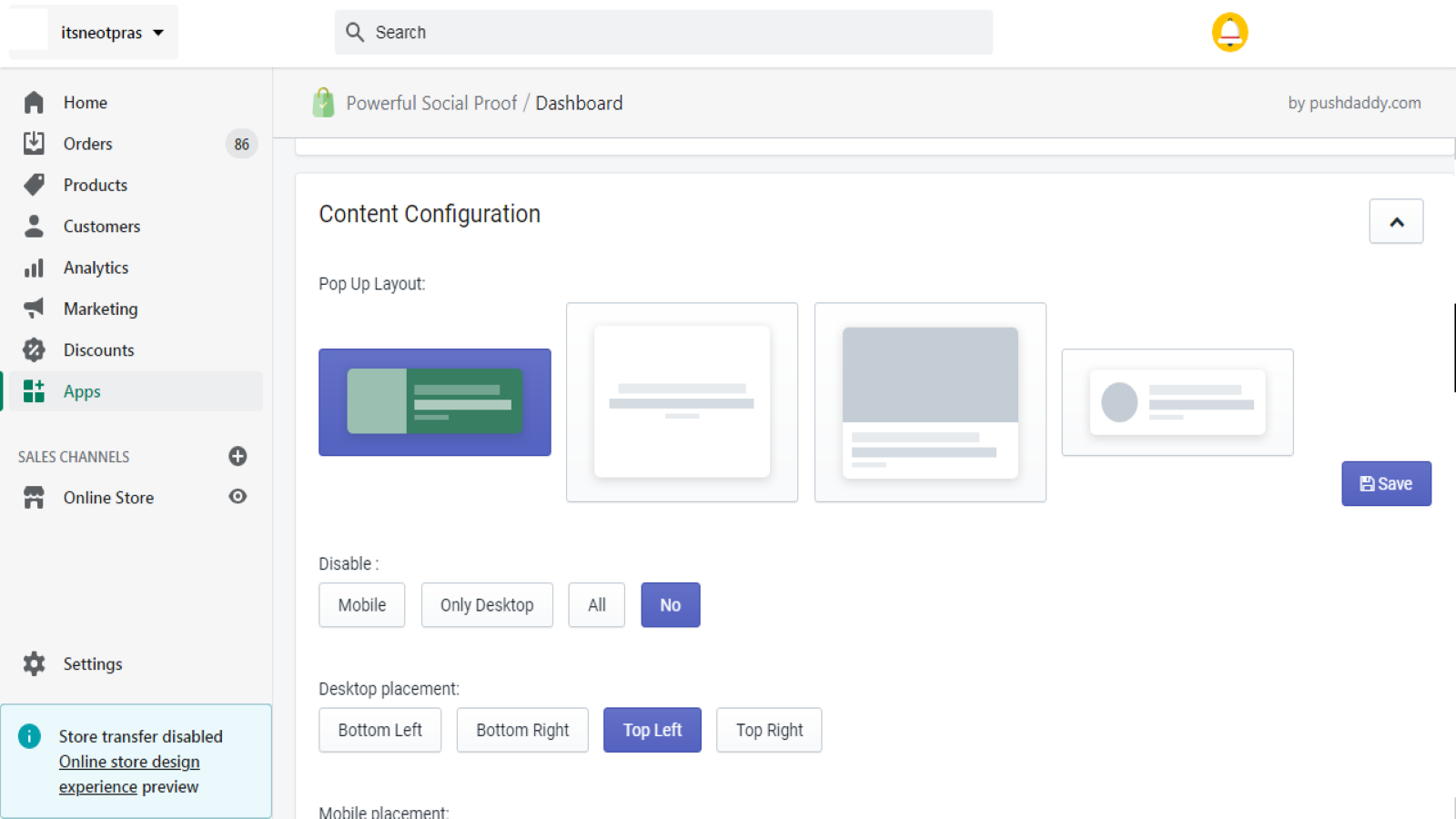
About Powerful Social Proof
Sales Pop for showing Social Proof of recent orders
Why Install Powerful Sales Pop up, Social Proof & Recent Sales Notification app on your Shopify store? Sales pop ups create urgency and allow you to show your visitors what items have been bought recently to build the trust and creating social proof that your store needs among new store visitors. Top available features now. Recent Sales Notifications Top Benefits of Sales Pop ups | Social Proof Show off live sales popup Creating social proof by displaying sales activity Create urgency
- Sale more by showing the recent sales and boost customer confidence in seconds
- Different styles to choose from
- Easy to add, just click save and social proof is added to your store
Features
- Conversion tracking
- Custom code
- Custom notifications
- Editor tool
- Recent purchases
- Recent visitors
- Sales count
- Sales pop-ups
- Social links
Shopify stores using Powerful Social Proof
We haven't detected Powerful Social Proof on a live Shopify store yet. We recognise the apps that leave a trace in a store's code; some apps run only in the admin or the checkout.
Detect apps on any storeFAQ
Powerful Social Proof: FAQ
Sales Pop for showing Social Proof of recent orders
Yes, Powerful Social Proof is free to use.
We haven't detected Powerful Social Proof on a live Shopify store yet. Scan any store on ShopScan to see the apps it runs.
Powerful Social Proof is built by Pushdaddy, based in India, and launched in April 2021.
5.0 out of 5 from 3 reviews on the Shopify App Store.