


Boost sales with tailored post purchase offers, intuitive upsell funnels and one-click upsells
- Stores using it
- — Not detected yet
- Rating
- 4.1 / 5 91 reviews
- Price
- $10 / mo Free plan available
- Launched
- October 2020 United Kingdom
Screenshots
About CartHook Post Purchase Upsell
Merchants highly recommend this app for boosting average order value through effective post-purchase upselling. They appreciate its user-friendly interface, seamless Shopify integration, and the ability to set up upsell funnels easily. The support team is praised for their quick and expert assistance, including personalized onboarding. Features like A/B testing and the option to create product bundles are also valued for optimizing sales strategies and increasing revenue.
Boost sales with tailored post purchase offers, intuitive upsell funnels and one-click upsells
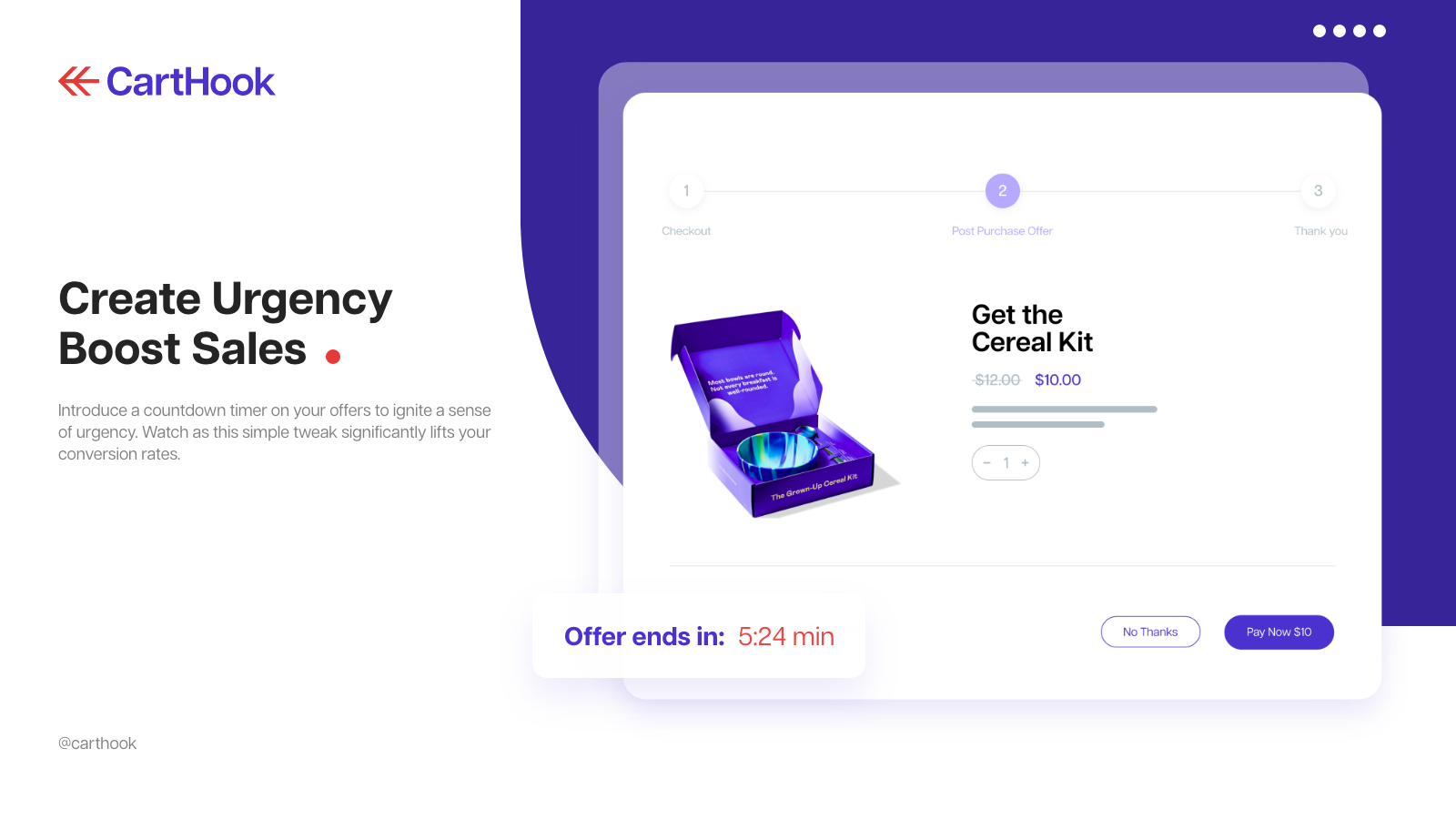
Increase AOV (average order value) with post purchase upsells using CartHook. Offer tailored product recommendations, BOGO deals, bundles, cross-sells and discounts. Upsell after checkout with 1-click offers, no need to re-enter payment or shipping details. Use our drag-and-drop upsell builder to create 3-step upsell funnels with up to two upsells or downsell offers. Track performance with upsell A/B testing and analytics. Also featuring TYP upsells with checkout extensibility.
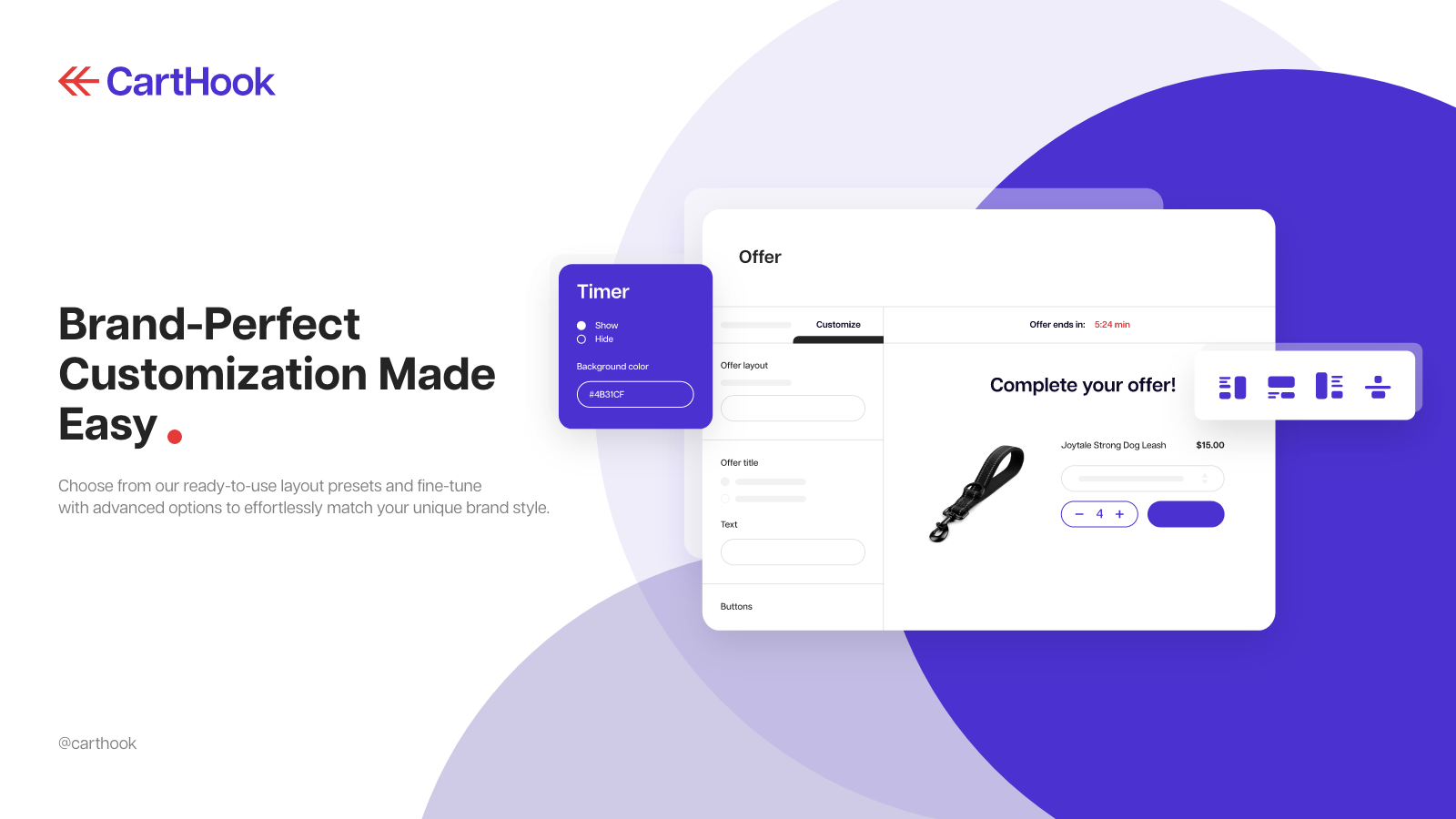
- Drag & Drop builder for BOGO, discounts, post-purchase offers, and TYP upsells
- Our One-Click Upsells allow easy repeat purchases without re-entering details
- Effectively refine sales strategies with our A/B Testing feature
- Customize offers based on customer location and tags with advanced funnels
- Get insights on AOV and conversion rates with our Analytics Dashboard
Features
- A/B testing
- Conversion rates
- Drag and drop editor
- Funnel performance
- Multi-language
- One-click add-ons
- Product recommendations
- Thank you page upsell
CartHook Post Purchase Upsell pricing
Free plan available · Free trial · From $10 / month. Prices in USD; check the App Store for the latest.
-
0-100 Orders/M
Free to install
- 1% Revenue Generated by App
- Up to 100 monthly store orders
- One-Click Upsells
- Drag & Drop Funnel Builder
- A/B Testing
- Advanced Analytics
-
101-200 Orders/M
$10 / month
- 1% Revenue Generated by App
- Up to 200 monthly store orders
- One-Click Upsells
- Drag & Drop Funnel Builder
- A/B Testing
- Advanced Analytics
-
201-500 Orders/M
$25 / month
- 1% Revenue Generated by App
- Up to 500 monthly store orders
- One-Click Upsells
- Drag & Drop Funnel Builder
- A/B Testing
- Advanced Analytics
-
501-1000 Orders/M
$40 / month
- 1% Revenue Generated by App
- Up to 1K monthly store orders
- One-Click Upsells
- Drag & Drop Funnel Builder
- A/B Testing
- Advanced Analytics
Shopify stores using CartHook Post Purchase Upsell
We haven't detected CartHook Post Purchase Upsell on a live Shopify store yet. We recognise the apps that leave a trace in a store's code; some apps run only in the admin or the checkout.
Detect apps on any storeFAQ
CartHook Post Purchase Upsell: FAQ
Boost sales with tailored post purchase offers, intuitive upsell funnels and one-click upsells
CartHook Post Purchase Upsell has a free plan; paid plans start at $10 a month.
We haven't detected CartHook Post Purchase Upsell on a live Shopify store yet. Scan any store on ShopScan to see the apps it runs.
CartHook Post Purchase Upsell is built by CartHook, based in United Kingdom, and launched in October 2020.
4.1 out of 5 from 91 reviews on the Shopify App Store.