


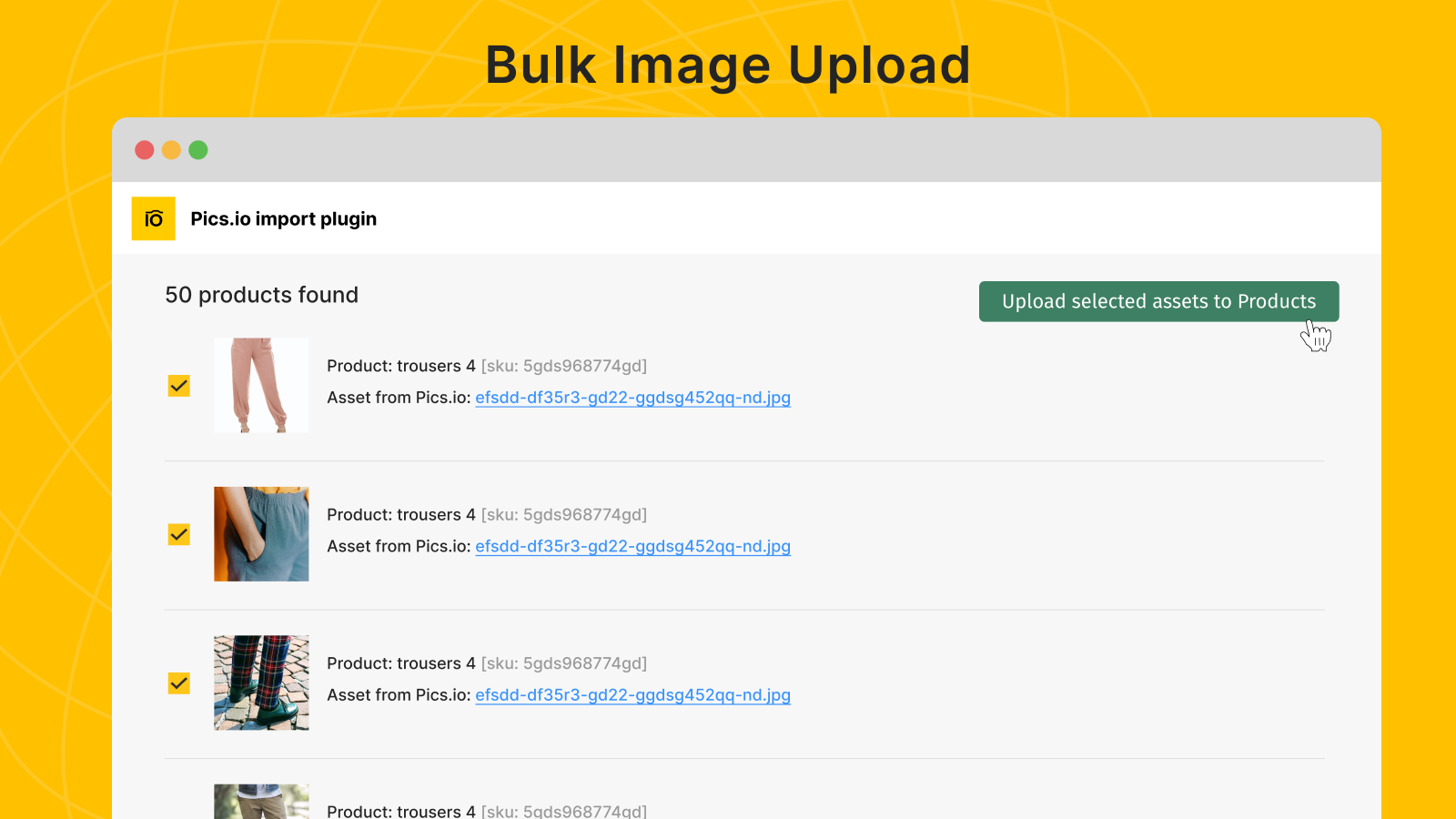
Add SKUs to images’ metadata in Pics.io and plugin will automatically match them to product variants
- Stores using it
- — Not detected yet
- Rating
- 1.6 / 5 9 reviews
- Price
- Free
- Launched
- February 2022 United States
Screenshots
About Picsio: Bulk Image Upload
Add SKUs to images’ metadata in Pics.io and plugin will automatically match them to product variants
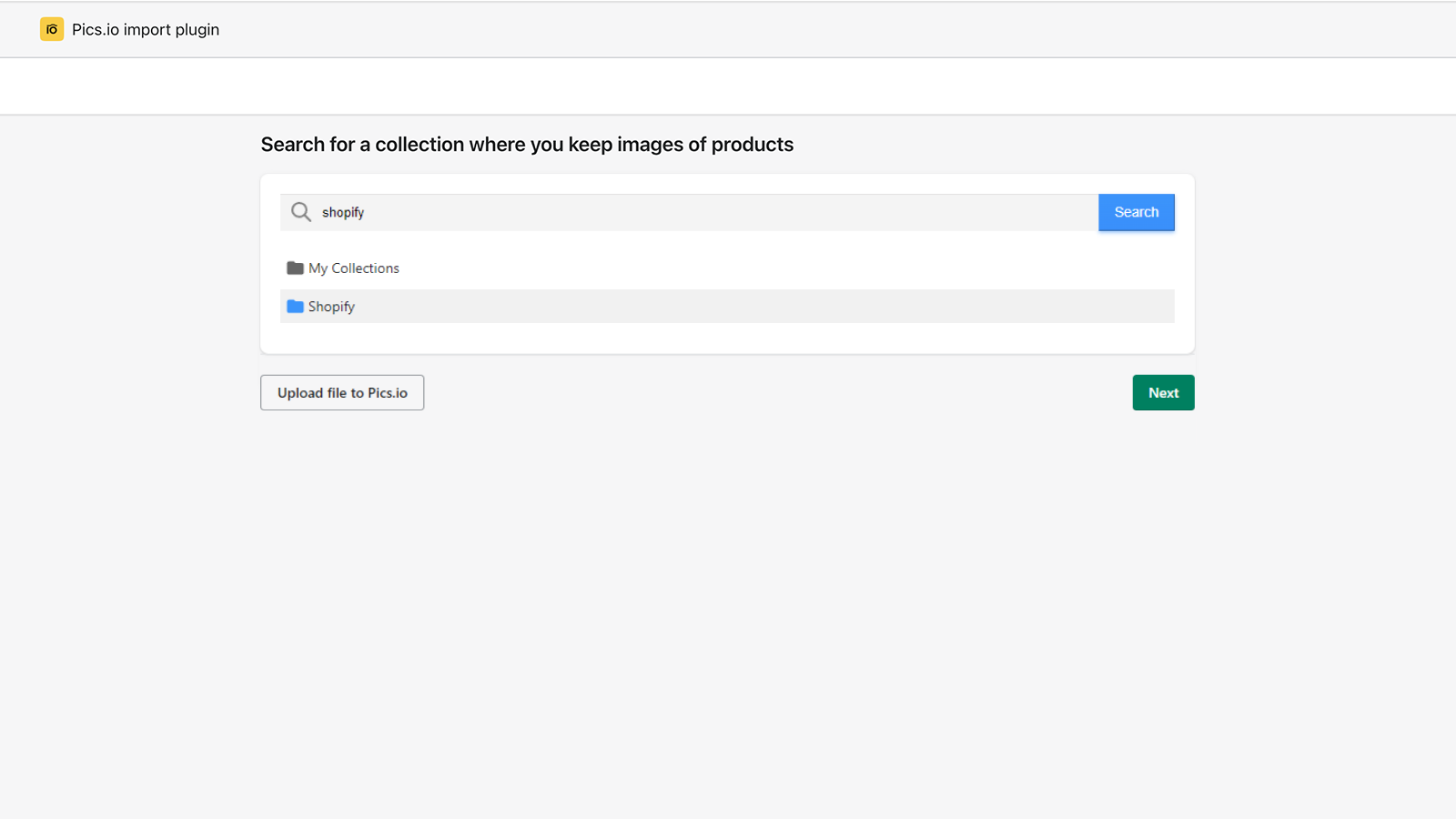
Together with Pics.io digital asset management (DAM) system, this plugin becomes a quick bulk image uploader! Subscribe to any Pics.io pricing plan and connect your GDrive or Amazon S3 bucket with product photos. Originals stay in your storage. Now, you only need to add SKUs to images’ metadata in custom fields in Pics.io DAM, or in files’ names. The plugin will locate them and match with product SKUs in your Shopify store. The necessary images will be uploaded directly to product variants.
- Bulk image upload from Google Drive or Amazon S3
- Library Organisation and Tagging
- Matching by SKU in file names or custom fields
Shopify stores using Picsio: Bulk Image Upload
We haven't detected Picsio: Bulk Image Upload on a live Shopify store yet. We recognise the apps that leave a trace in a store's code; some apps run only in the admin or the checkout.
Detect apps on any storeFAQ
Picsio: Bulk Image Upload: FAQ
Add SKUs to images’ metadata in Pics.io and plugin will automatically match them to product variants
Yes, Picsio: Bulk Image Upload is free to use.
We haven't detected Picsio: Bulk Image Upload on a live Shopify store yet. Scan any store on ShopScan to see the apps it runs.
Picsio: Bulk Image Upload is built by TopTechPhoto inc., based in United States, and launched in February 2022.
1.6 out of 5 from 9 reviews on the Shopify App Store.