


Sell viral print-on-demand jewelry for any occasion and without stock.
- Stores using it
- — Not detected yet
- Rating
- 3.2 / 5 9 reviews
- Price
- Free plan Free plan available
- Launched
- October 2021 Netherlands
Screenshots
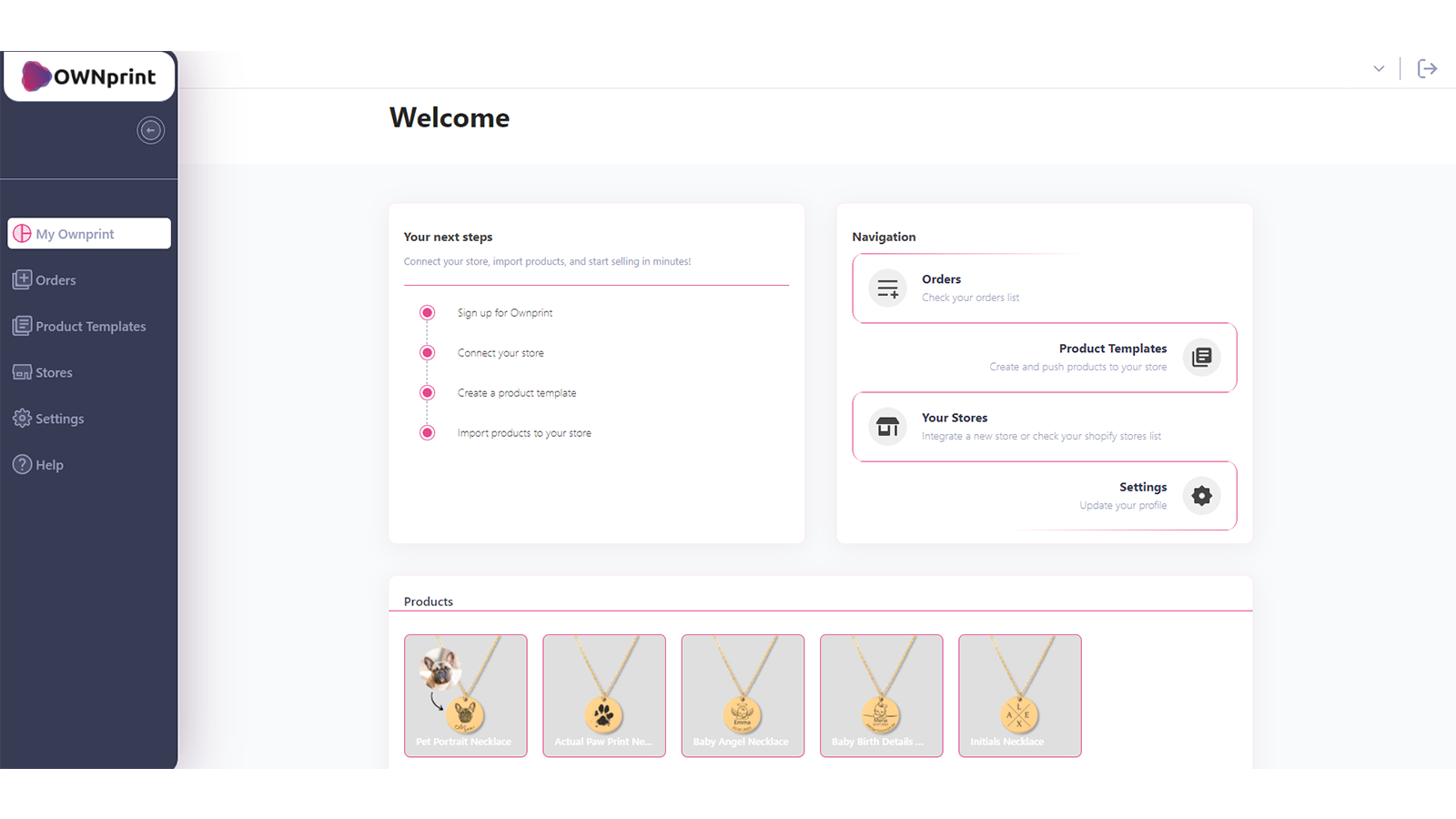
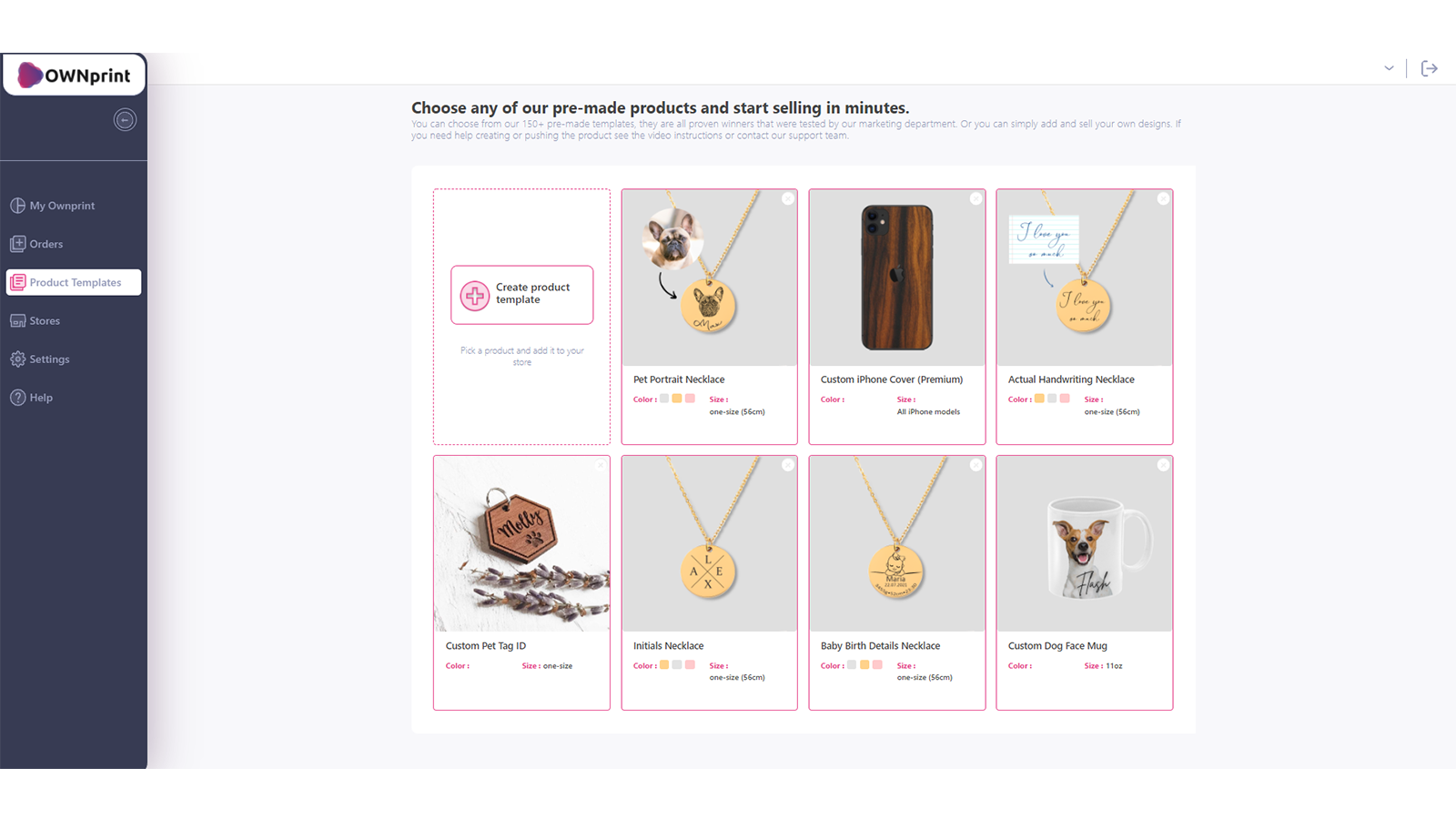
About Ownprint: Print on Demand
Sell viral print-on-demand jewelry for any occasion and without stock.
With Ownprint you can easily create and sell unique Print-on-Demand jewelry products without having to deal with stock and fulfillment. We print and ship your orders directly to your customers under your brand’s name so you can focus on all other important aspects of your business.
- Use existing winning product designs or sell your own
- Choose from a wide variety of niches
- Get your orders fulfilled fast
Ownprint: Print on Demand pricing
Free plan available. Prices in USD; check the App Store for the latest.
-
Free
Free
- Merchants will pay the cost of goods sold for the products they want us to fulfill and ship to their customers.
Shopify stores using Ownprint: Print on Demand
We haven't detected Ownprint: Print on Demand on a live Shopify store yet. We recognise the apps that leave a trace in a store's code; some apps run only in the admin or the checkout.
Detect apps on any storeFAQ
Ownprint: Print on Demand: FAQ
Sell viral print-on-demand jewelry for any occasion and without stock.
Ownprint: Print on Demand has a free plan.
We haven't detected Ownprint: Print on Demand on a live Shopify store yet. Scan any store on ShopScan to see the apps it runs.
Ownprint: Print on Demand is built by Ownprint: Print on Demand, based in Netherlands, and launched in October 2021.
3.2 out of 5 from 9 reviews on the Shopify App Store.