


Expand your sales with a new sales channel by supplying Open 4 Business.
- Stores using it
- — Not detected yet
- Rating
- —
- Price
- Free plan Free plan available
- Launched
- April 2024 Canada
Screenshots

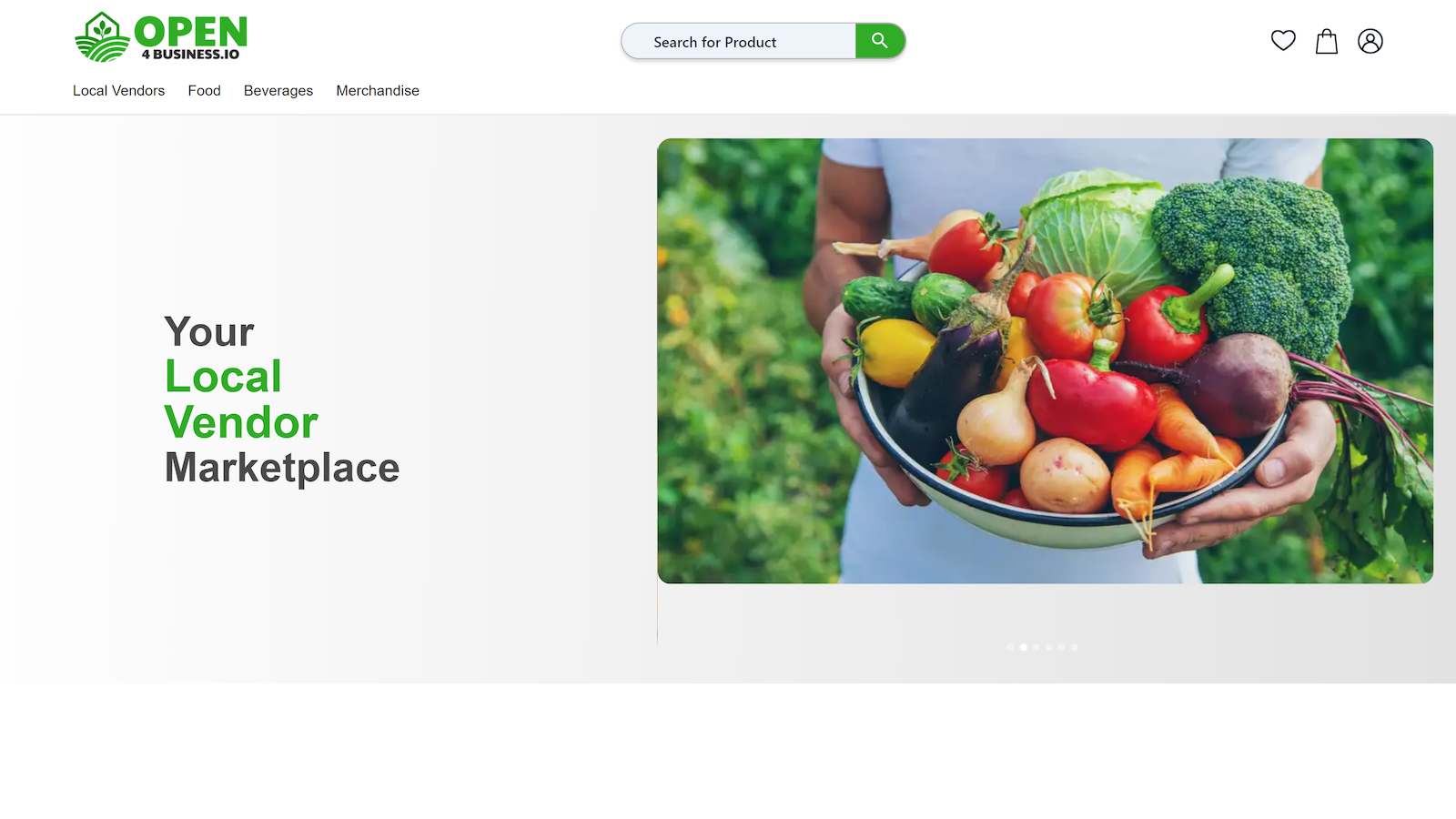
About Open 4 Business
Expand your sales with a new sales channel by supplying Open 4 Business.
Send a Product Data feed to the Open 4 Business sales channel to expand your sales. Orders flow back to your Shopify/Shopify Plus store for fulfillment by your staff. You can determine which of your products you add to this online Sales Channel using the Shopify Admin UI. See listings of new orders to fulfill in the O4B Dashboard on your Shopify store. Customers will place orders on your Shopify store directly.
- Get more sales on your Shopify store by expanding your reach
- Nothing new to learn, Once setup all administration is done in Shopify
- Full Control of what products you place in your Sales Channel
- Customers will place orders on your Shopify store directly
Open 4 Business pricing
Free plan available. Prices in USD; check the App Store for the latest.
-
Free
Free
- 0.25% of sales per order placed on your Shopify from Open 4 Business
Shopify stores using Open 4 Business
We haven't detected Open 4 Business on a live Shopify store yet. We recognise the apps that leave a trace in a store's code; some apps run only in the admin or the checkout.
Detect apps on any storeFAQ
Open 4 Business: FAQ
Expand your sales with a new sales channel by supplying Open 4 Business.
Open 4 Business has a free plan.
We haven't detected Open 4 Business on a live Shopify store yet. Scan any store on ShopScan to see the apps it runs.
Open 4 Business is built by Avetti.com Corporation, based in Canada, and launched in April 2024.