


Sync products, inventory, orders and fulfillment data with MyAtOnce B2B and marketplace connector.
- Stores using it
- — Not detected yet
- Rating
- —
- Price
- Free
- Launched
- September 2021 United States
Screenshots
About MyAtOnce
Sync products, inventory, orders and fulfillment data with MyAtOnce B2B and marketplace connector.
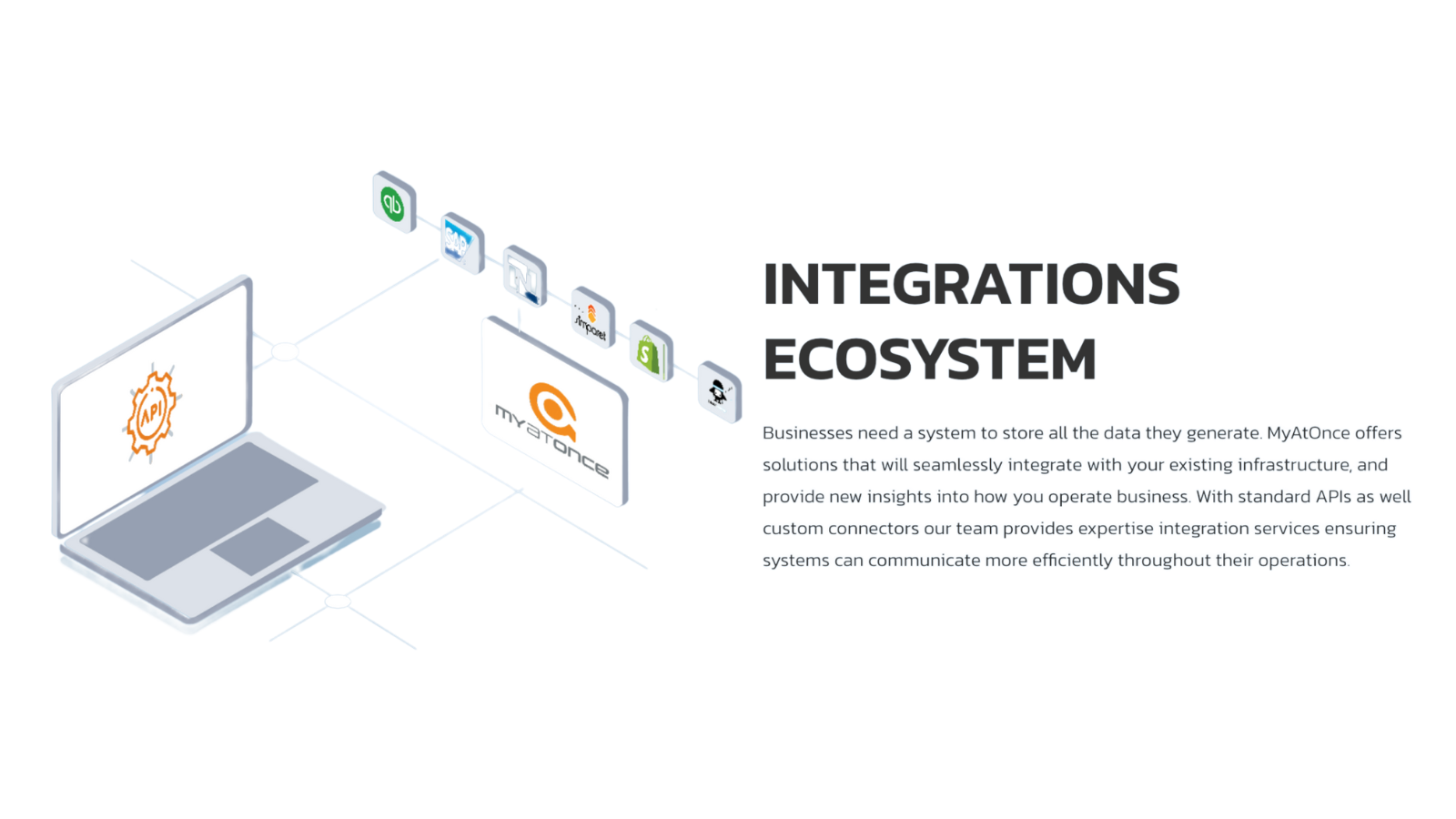
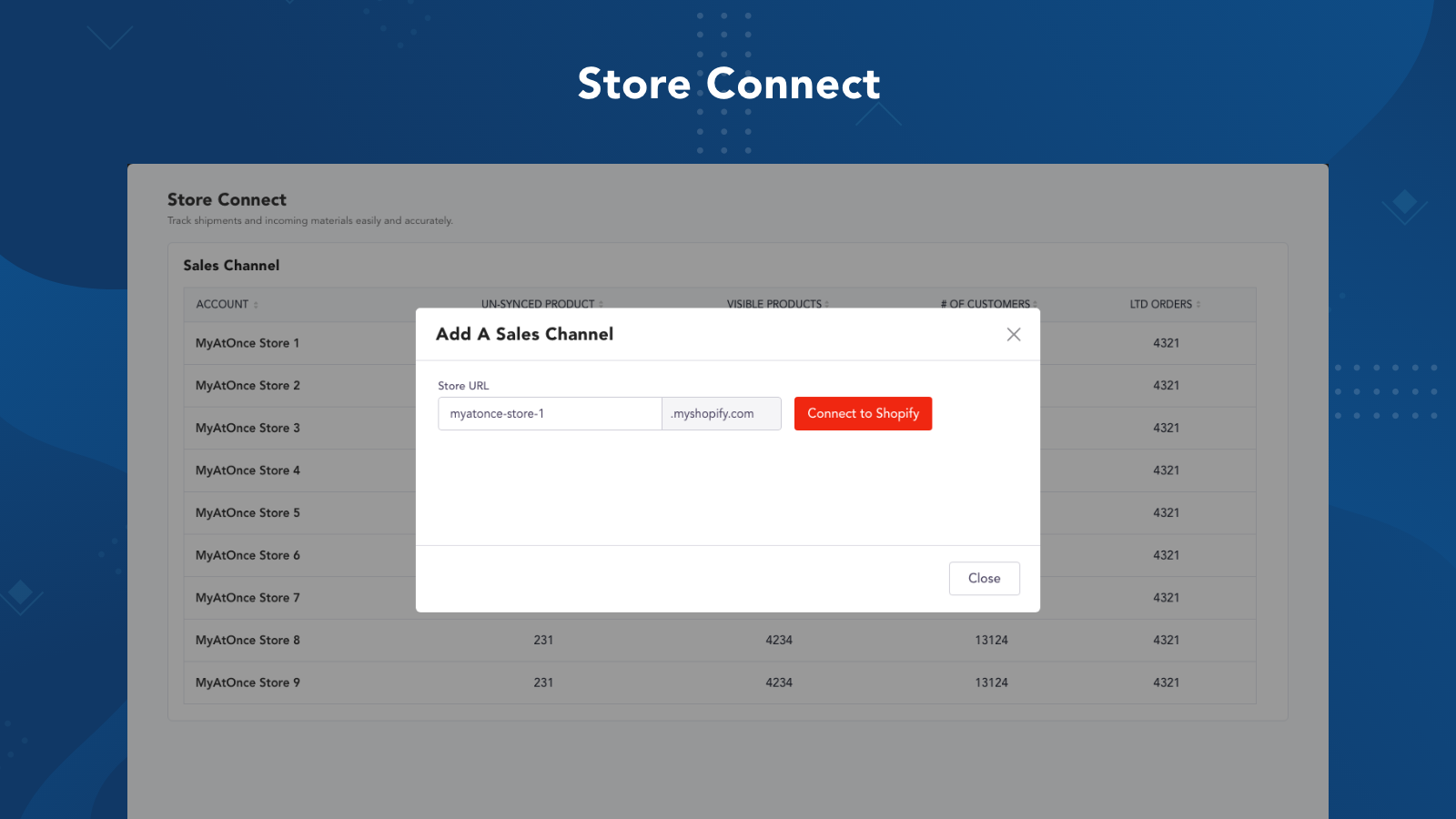
Save time and eliminate errors with two-directional syncing. Product data and inventory will push to Shopify, then when items sell, the inventory will sync back to MyAtOnce and other systems like ERP and 3PL. Orders from Shopify will push into MyAtOnce so the data can be sent to 3PL warehouse to ship and retrieve the fulfillment details then sync back into Shopify and ERP. All of this data back and forth is automated so our customers can focus on their brand, store, and worry less.
- Sync orders, inventory and fulfillment data between systems like 3PL, ERP and b2
- Maintain inventory between multiple b2c marketplaces like Amazon, Houzz, Wayfair
- Push product data and images from MyAtOnce b2b platform for Shopify when the pro
Features
- Automated alerts
- Automatic
- Fulfillment
- Inventory alerts
- Multi-carrier tracking
- Order updates
- SKU mapping
- Scheduled
- Stock adjustments
- Tracking links
Shopify stores using MyAtOnce
We haven't detected MyAtOnce on a live Shopify store yet. We recognise the apps that leave a trace in a store's code; some apps run only in the admin or the checkout.
Detect apps on any storeFAQ
MyAtOnce: FAQ
Sync products, inventory, orders and fulfillment data with MyAtOnce B2B and marketplace connector.
Yes, MyAtOnce is free to use.
We haven't detected MyAtOnce on a live Shopify store yet. Scan any store on ShopScan to see the apps it runs.
MyAtOnce is built by MyAtOnce, based in United States, and launched in September 2021.