


Add a Sticky cart button for product pages, customers can directly go to the cart page or checkout
- Stores using it
- — Not detected yet
- Rating
- 5.0 / 5 5 reviews
- Price
- Free
- Launched
- February 2019 United States
Screenshots
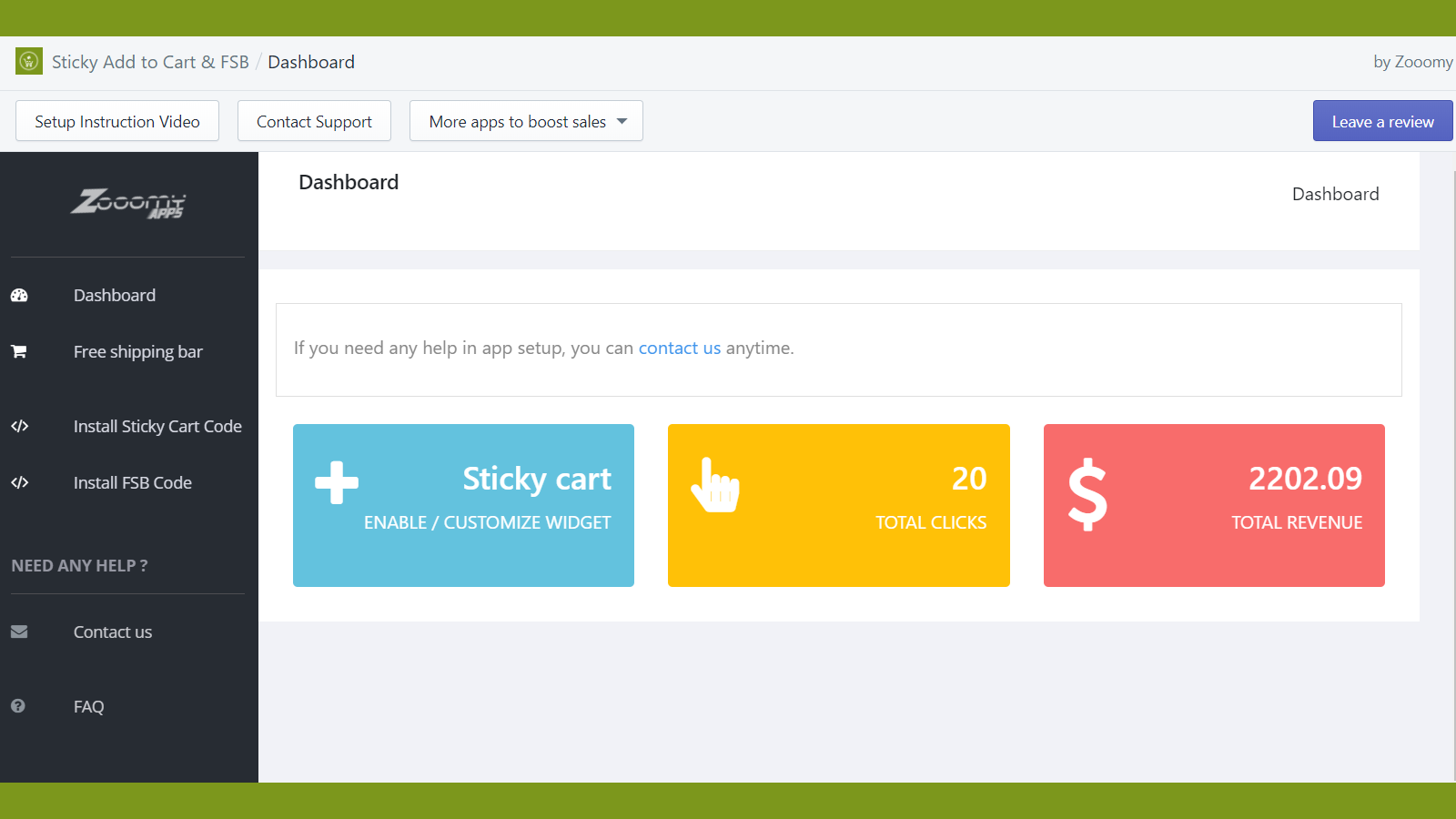
About Sticky Add to Cart Bar Ace
Add a Sticky cart button for product pages, customers can directly go to the cart page or checkout
Add to Cart / Buy Now button is not visible during the time the customer scrolls up and down the page. So , using this app you can have a sticky bar that has information about your product with add to cart button. This app avoids the scenario where the customer is required to scroll back to view the Add to Cart option. They can find the Add to cart button on stick bar and add an item to cart or checkout.
- Add a sticky cart bar for product pages & make the checkout process simple.
- You can add skip the cart and send customers to directly checkout.
- One click to install. No coding is needed.
Shopify stores using Sticky Add to Cart Bar Ace
We haven't detected Sticky Add to Cart Bar Ace on a live Shopify store yet. We recognise the apps that leave a trace in a store's code; some apps run only in the admin or the checkout.
Detect apps on any storeFAQ
Sticky Add to Cart Bar Ace: FAQ
Add a Sticky cart button for product pages, customers can directly go to the cart page or checkout
Yes, Sticky Add to Cart Bar Ace is free to use.
We haven't detected Sticky Add to Cart Bar Ace on a live Shopify store yet. Scan any store on ShopScan to see the apps it runs.
Sticky Add to Cart Bar Ace is built by Zooomy, based in United States, and launched in February 2019.
5.0 out of 5 from 5 reviews on the Shopify App Store.