


MetaTrack ‑ PayPal Track Sync
MetaTrack auto-sync your order tracking info to PayPal
- Stores using it
- — Not detected yet
- Rating
- 2.2 / 5 8 reviews
- Price
- Free plan Free plan available
- Launched
- August 2020 Hong Kong
Screenshots
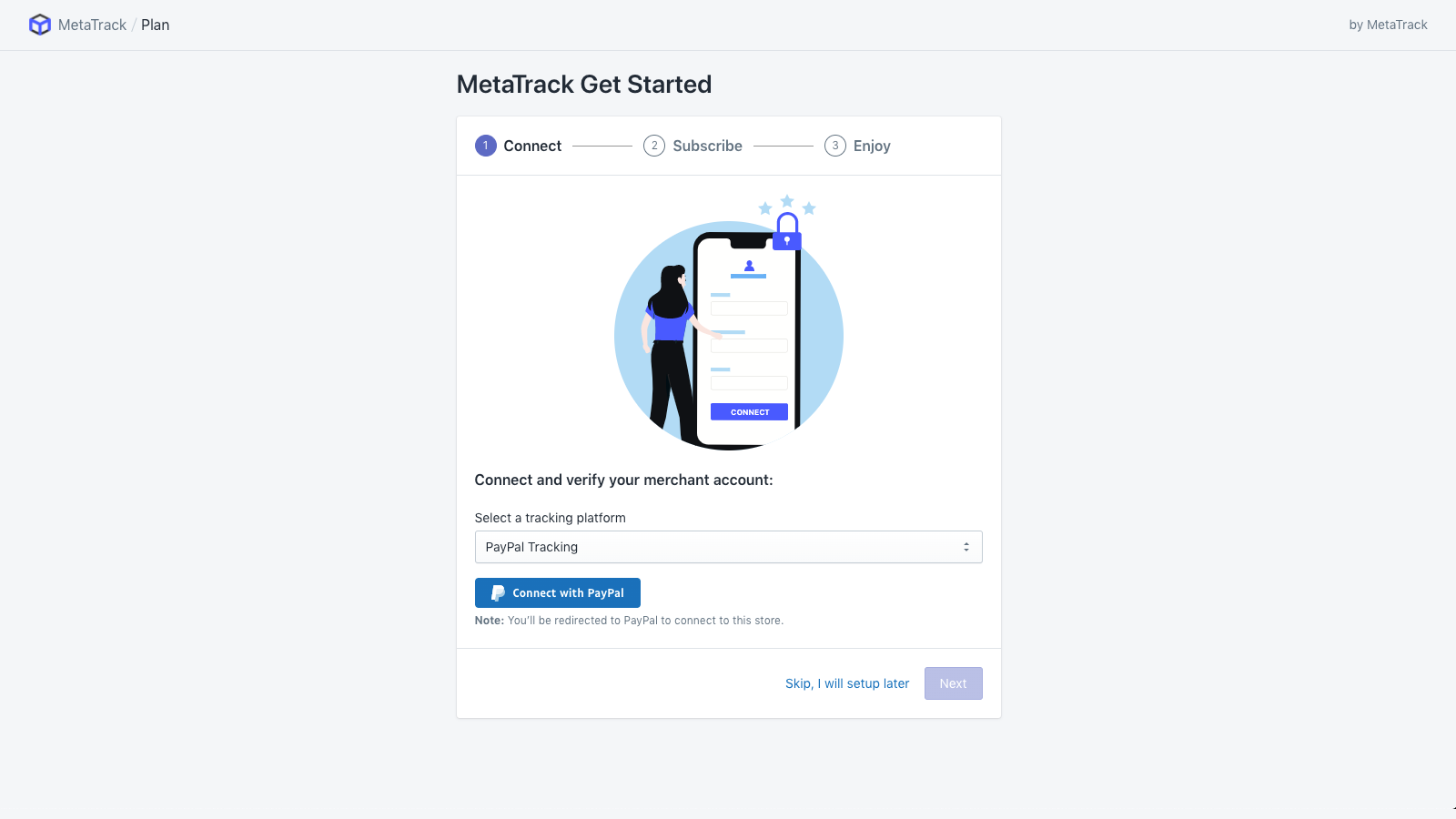
About MetaTrack ‑ PayPal Track Sync
MetaTrack auto-sync your order tracking info to PayPal
Synchronize your store’s tracking to reduce your account reserve and get PayPal funds more quickly. Stop worrying about Red Flags, or your funds being held in reserve. Automatically synchronize each transaction’s tracking information to reduce the risk of inappropriate chargebacks or disputes - which helps to increase your profits.
- Unlock Your Shopify Store's PayPal Account Reserve
- Win PayPal chargebacks and disputes
- Save time with automatic synchronization
Features
- Automations
- Global tracking
MetaTrack ‑ PayPal Track Sync pricing
Free plan available. Prices in USD; check the App Store for the latest.
-
Free
Free
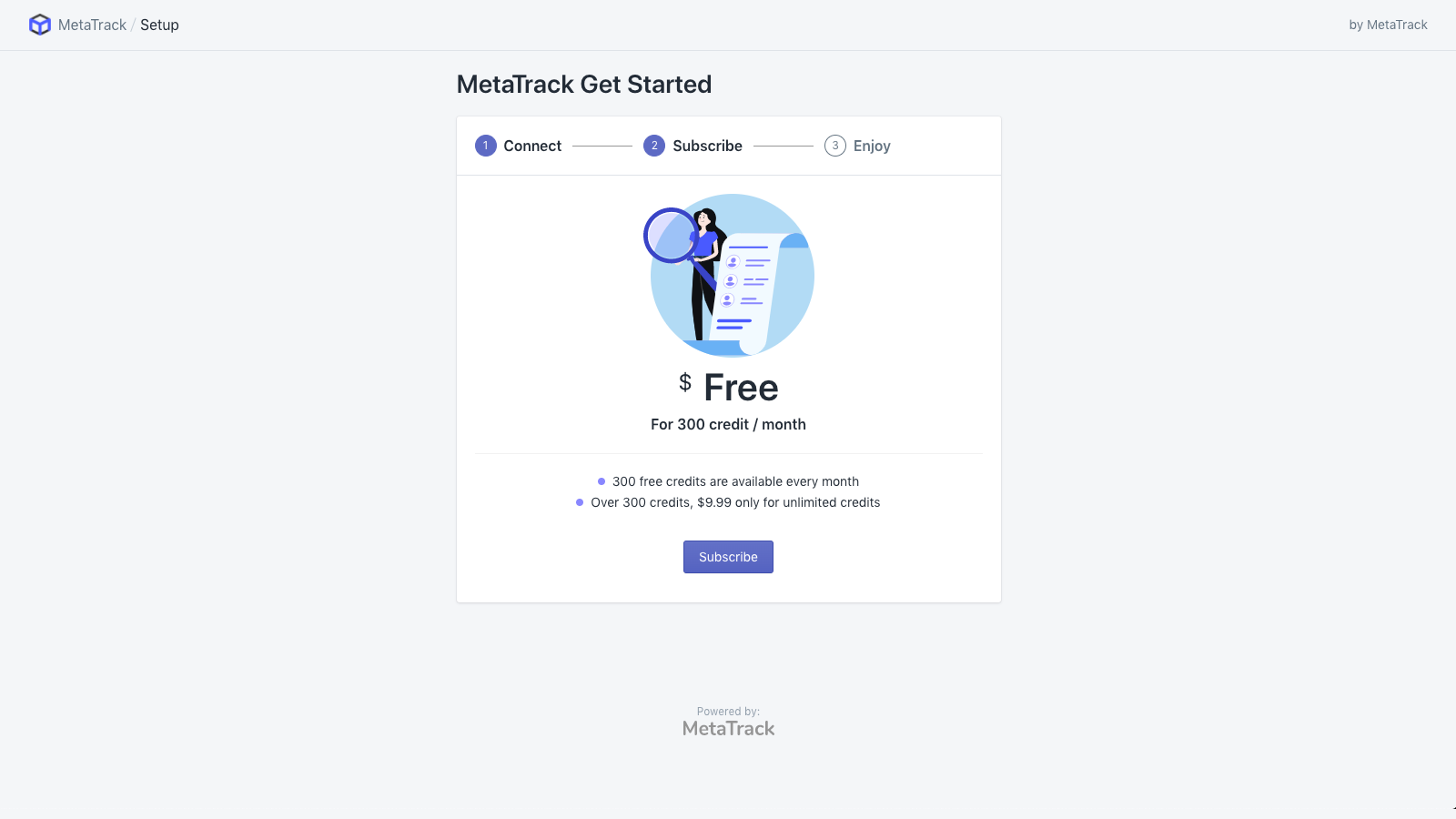
- FREE 300 credits every month, $9.99 for unlimited credits
Shopify stores using MetaTrack ‑ PayPal Track Sync
We haven't detected MetaTrack ‑ PayPal Track Sync on a live Shopify store yet. We recognise the apps that leave a trace in a store's code; some apps run only in the admin or the checkout.
Detect apps on any storeFAQ
MetaTrack ‑ PayPal Track Sync: FAQ
MetaTrack auto-sync your order tracking info to PayPal
MetaTrack ‑ PayPal Track Sync has a free plan.
We haven't detected MetaTrack ‑ PayPal Track Sync on a live Shopify store yet. Scan any store on ShopScan to see the apps it runs.
MetaTrack ‑ PayPal Track Sync is built by MetaTrack | Auto PayPal Tracking Sync, based in Hong Kong, and launched in August 2020.
2.2 out of 5 from 8 reviews on the Shopify App Store.