


Target the audiences that have viewed your promoted pins, already purchased, or added to the cart.
- Stores using it
- — Not detected yet
- Rating
- 4.8 / 5 4 reviews
- Price
- Free
- Launched
- March 2020 Canada
Screenshots
About Magic Pinterest Pixel
Target the audiences that have viewed your promoted pins, already purchased, or added to the cart.
It’s a time saver and a moneymaker! Shopify’s basic tracking system does not give you nearly enough data to thoroughly analyze what promoted pins on your Pinterest are working. We make it easy for you to check if your Pinterest ads are actually bringing in genuine sales! Magic Pinterest Pixel effortlessly tracks your data through the installed Pinterest conversion tag. Have the luxury of recovering abandoned sales by re-targeting more specific audiences.
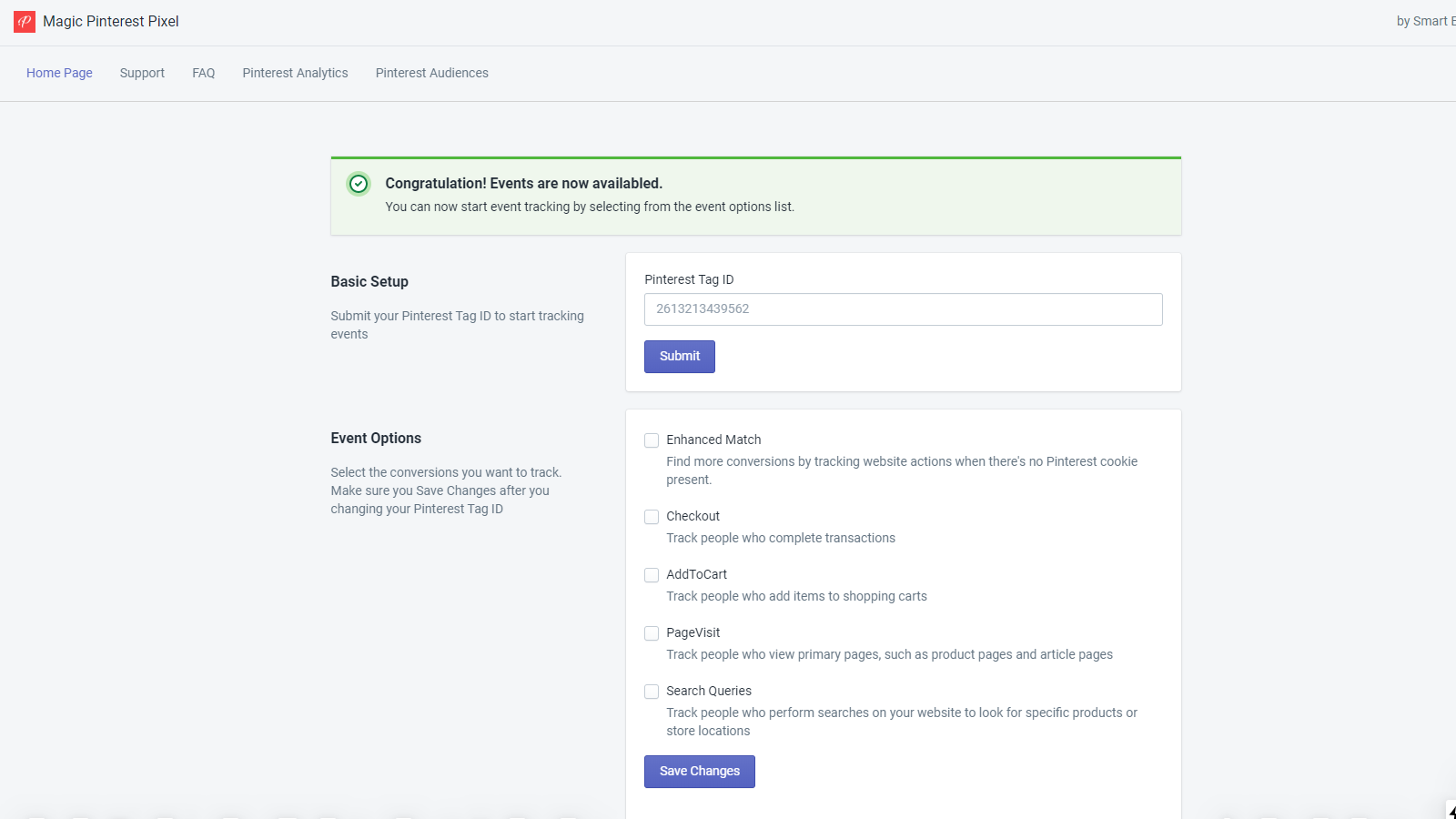
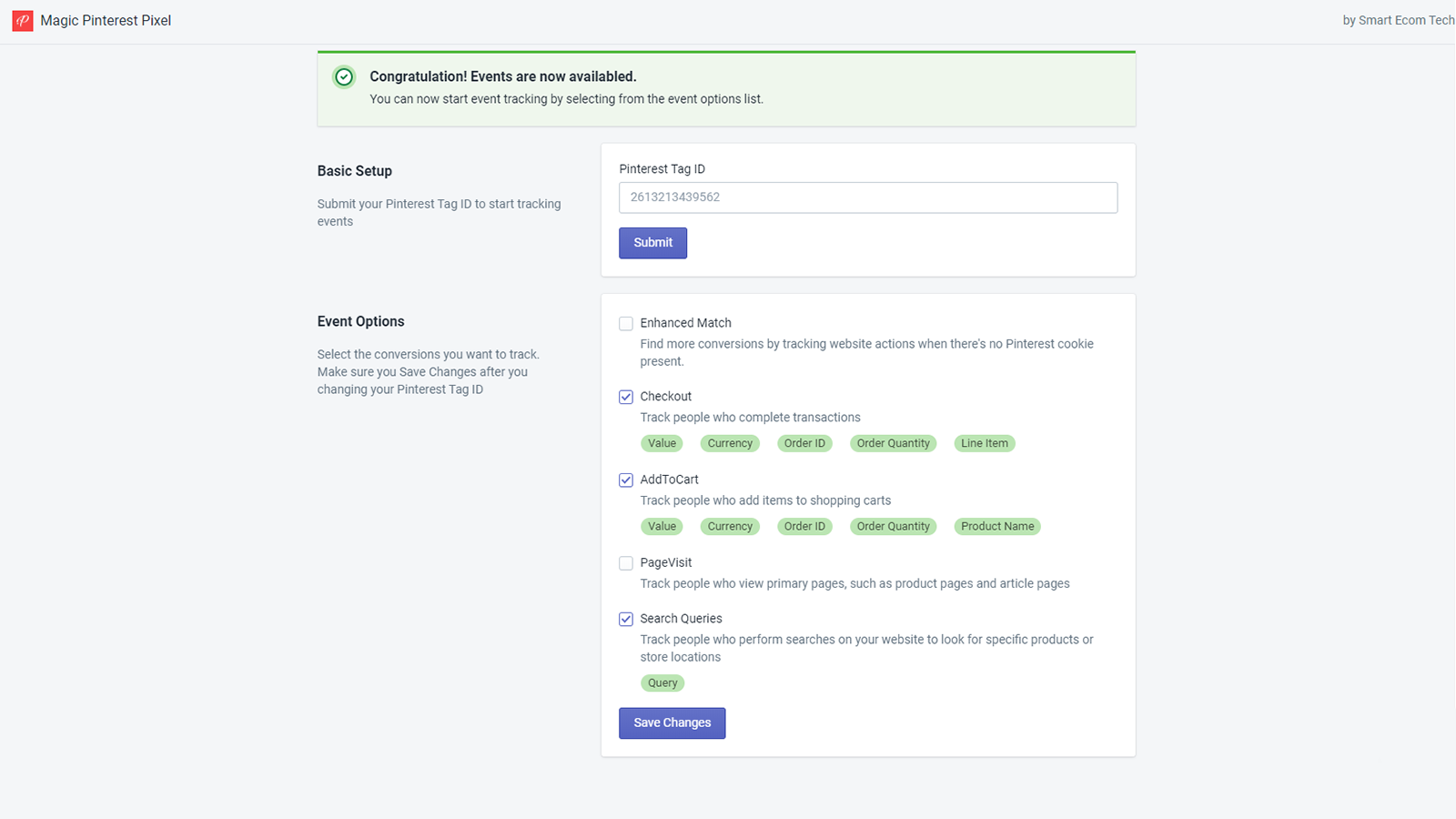
- Pinterest data tracked in just one click. Install, submit your Pinterest tag ID.
- Retarget correct audiences to recover lost sales!
- Receive accurate conversion data for your pins.
Features
- Activity tracking
- Pixel tracking
Shopify stores using Magic Pinterest Pixel
We haven't detected Magic Pinterest Pixel on a live Shopify store yet. We recognise the apps that leave a trace in a store's code; some apps run only in the admin or the checkout.
Detect apps on any storeFAQ
Magic Pinterest Pixel: FAQ
Target the audiences that have viewed your promoted pins, already purchased, or added to the cart.
Yes, Magic Pinterest Pixel is free to use.
We haven't detected Magic Pinterest Pixel on a live Shopify store yet. Scan any store on ShopScan to see the apps it runs.
Magic Pinterest Pixel is built by Smart Ecom Tech, based in Canada, and launched in March 2020.
4.8 out of 5 from 4 reviews on the Shopify App Store.