


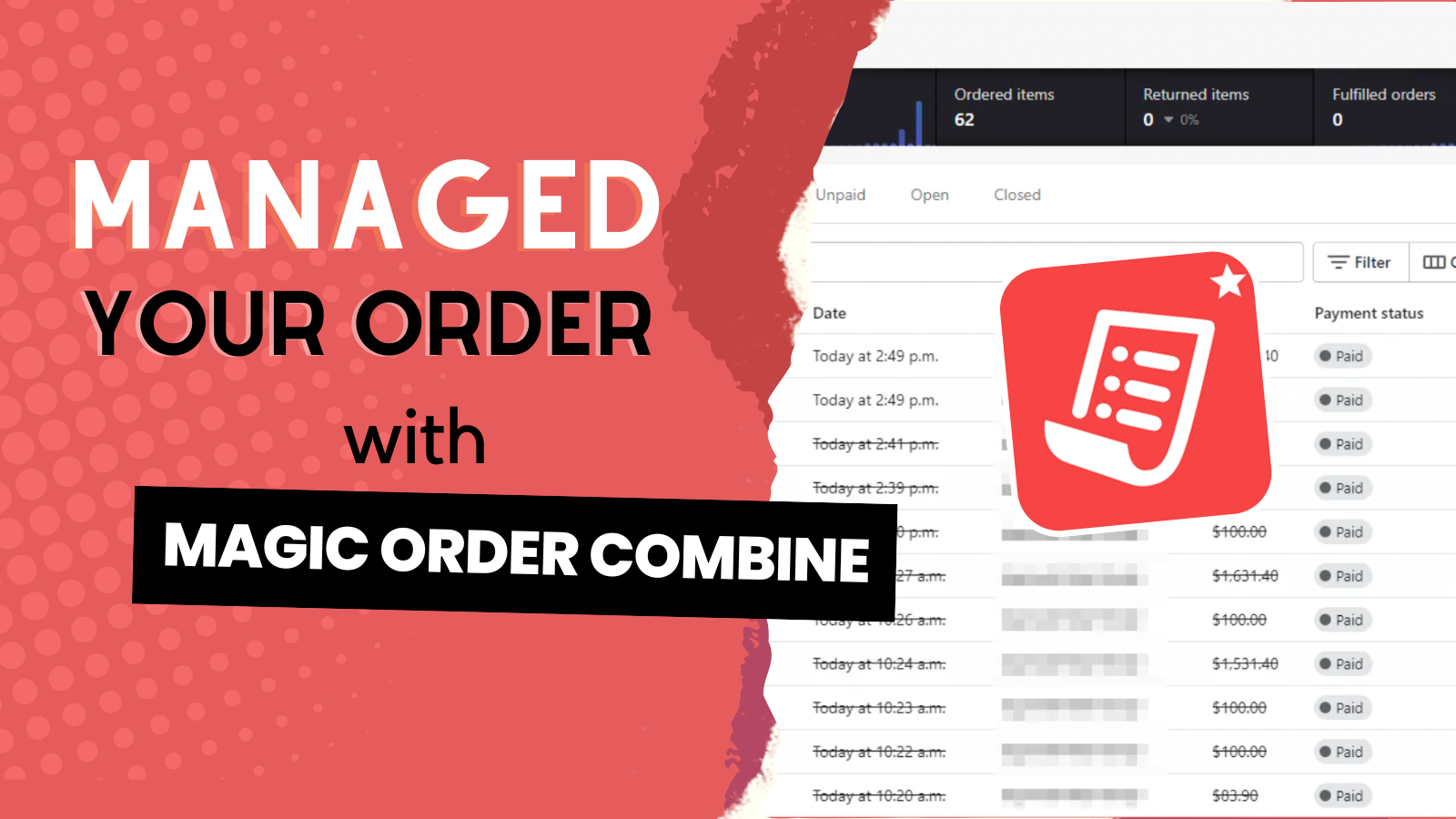
Magic Order Combine will automatically merge similar orders with a single click of a button.
- Stores using it
- — Not detected yet
- Rating
- —
- Price
- Free
- Launched
- November 2021 Canada
Screenshots
About Magic Order Combine
Magic Order Combine will automatically merge similar orders with a single click of a button.
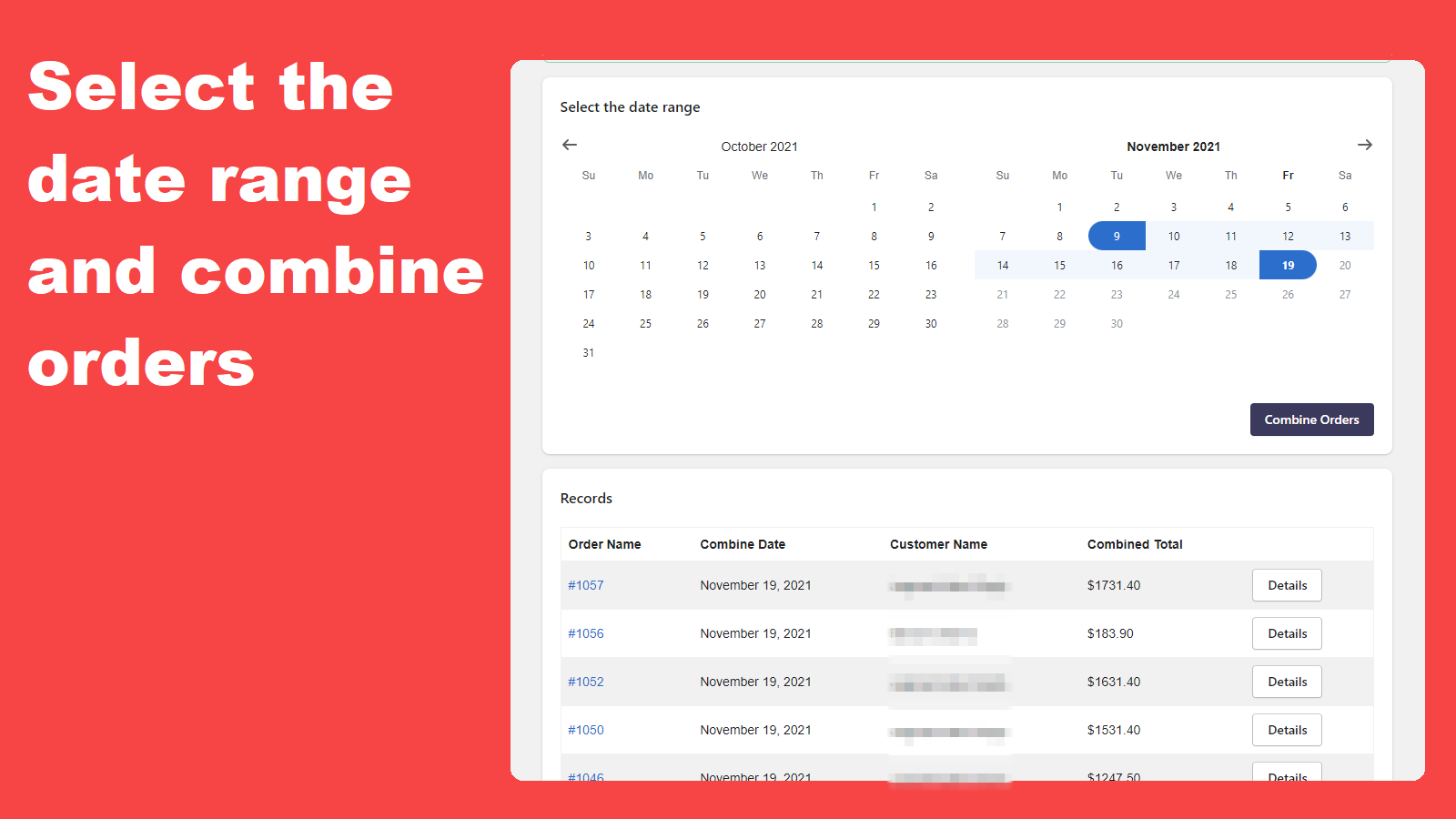
You are feeling a little overwhelmed because your store is expanding and now you are getting a lot of orders. You are wondering whether there is anything you can do to help simplify the process, make things easier, and save time. Do not be worried; Magic Order Combine is here to assist you. # Magic Order Combine Features: - Combine orders automatically - Date range select - Combined orders record - Email support
- All you have to do is select the date range for the orders you wish to merge and
- By automatically combining similar orders, you can streamline the shipping proce
- You can now allocate your time to do more important tasks that will generate mor
Features
- Automated workflows
Shopify stores using Magic Order Combine
We haven't detected Magic Order Combine on a live Shopify store yet. We recognise the apps that leave a trace in a store's code; some apps run only in the admin or the checkout.
Detect apps on any storeFAQ
Magic Order Combine: FAQ
Magic Order Combine will automatically merge similar orders with a single click of a button.
Yes, Magic Order Combine is free to use.
We haven't detected Magic Order Combine on a live Shopify store yet. Scan any store on ShopScan to see the apps it runs.
Magic Order Combine is built by Smart Ecom Tech, based in Canada, and launched in November 2021.