


You can now limit your order using Magic Cart Min & Max. - Set each product's min & max quantity.
- Stores using it
- — Not detected yet
- Rating
- 3.4 / 5 6 reviews
- Price
- Free
- Launched
- August 2021 Canada
Screenshots
About Magic Cart Min & Max
You can now limit your order using Magic Cart Min & Max. - Set each product's min & max quantity.
You may come across a circumstance where a customer purchases your product in bulk to resell it and generate profits. You find this frustrating because other customers are attempting to purchase the same product and it is sold out due to that customer's large purchase. Perhaps you have an overstock of a product and wish to get rid of it as soon as possible. Don't worry, Magic Cart Min & Max are here to assist you!
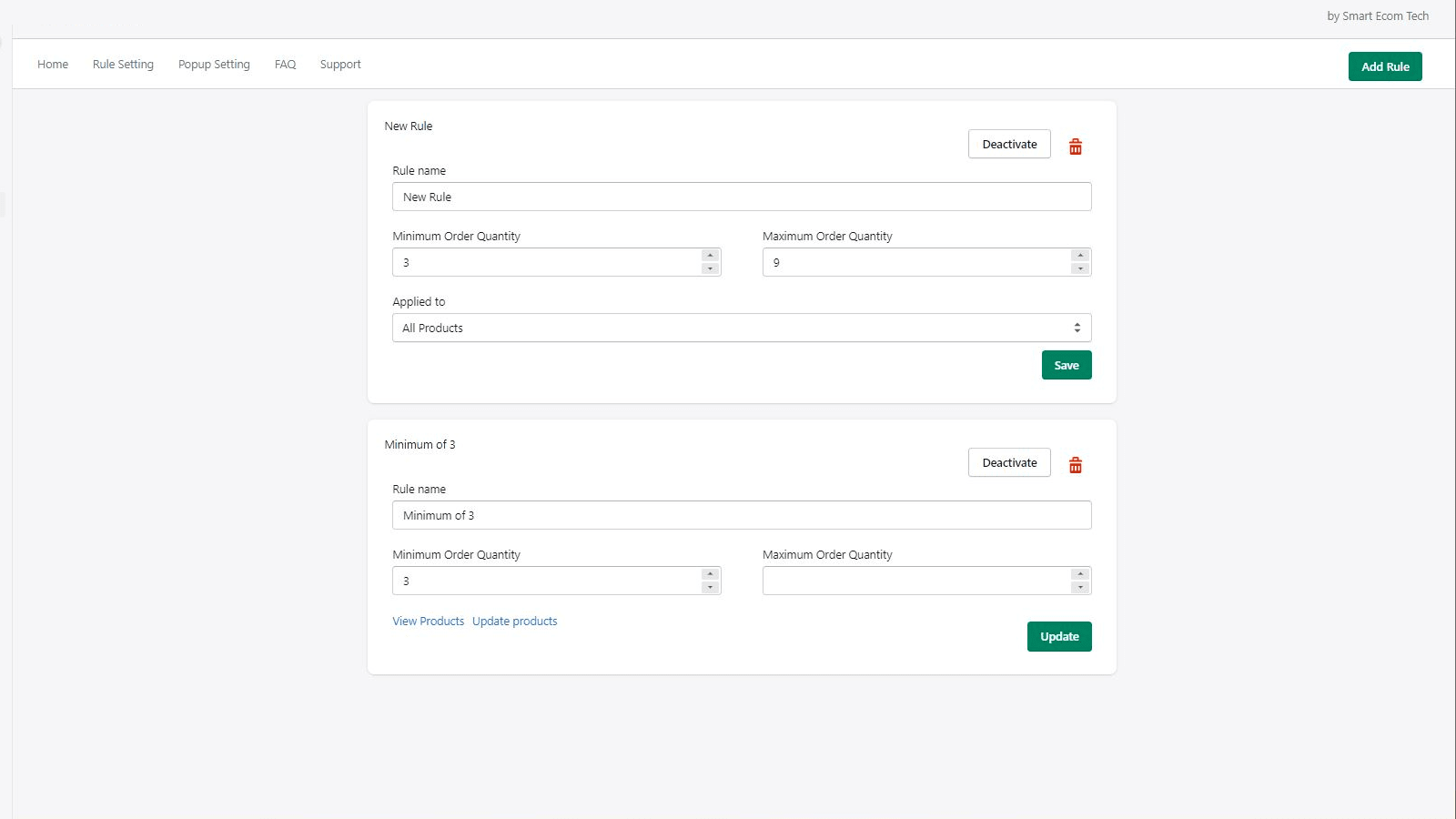
- Choose your products and assign a minimum and maximum quantity to each. Customer
- There's no need to install any extra code or seek developer assistance. With jus
- Customize the content and design of the popup to match your store's theme or lan
Features
- Cart drawer
- Cart-based
Shopify stores using Magic Cart Min & Max
We haven't detected Magic Cart Min & Max on a live Shopify store yet. We recognise the apps that leave a trace in a store's code; some apps run only in the admin or the checkout.
Detect apps on any storeFAQ
Magic Cart Min & Max: FAQ
You can now limit your order using Magic Cart Min & Max. - Set each product's min & max quantity.
Yes, Magic Cart Min & Max is free to use.
We haven't detected Magic Cart Min & Max on a live Shopify store yet. Scan any store on ShopScan to see the apps it runs.
Magic Cart Min & Max is built by Smart Ecom Tech, based in Canada, and launched in August 2021.
3.4 out of 5 from 6 reviews on the Shopify App Store.