


Order limits by minimum and maximum amount with a basic and friendly setting.
- Stores using it
- — Not detected yet
- Rating
- —
- Price
- $3 / mo Free trial
- Launched
- August 2021 Vietnam
Screenshots
About W2 Limit Order Amount
Order limits by minimum and maximum amount with a basic and friendly setting.
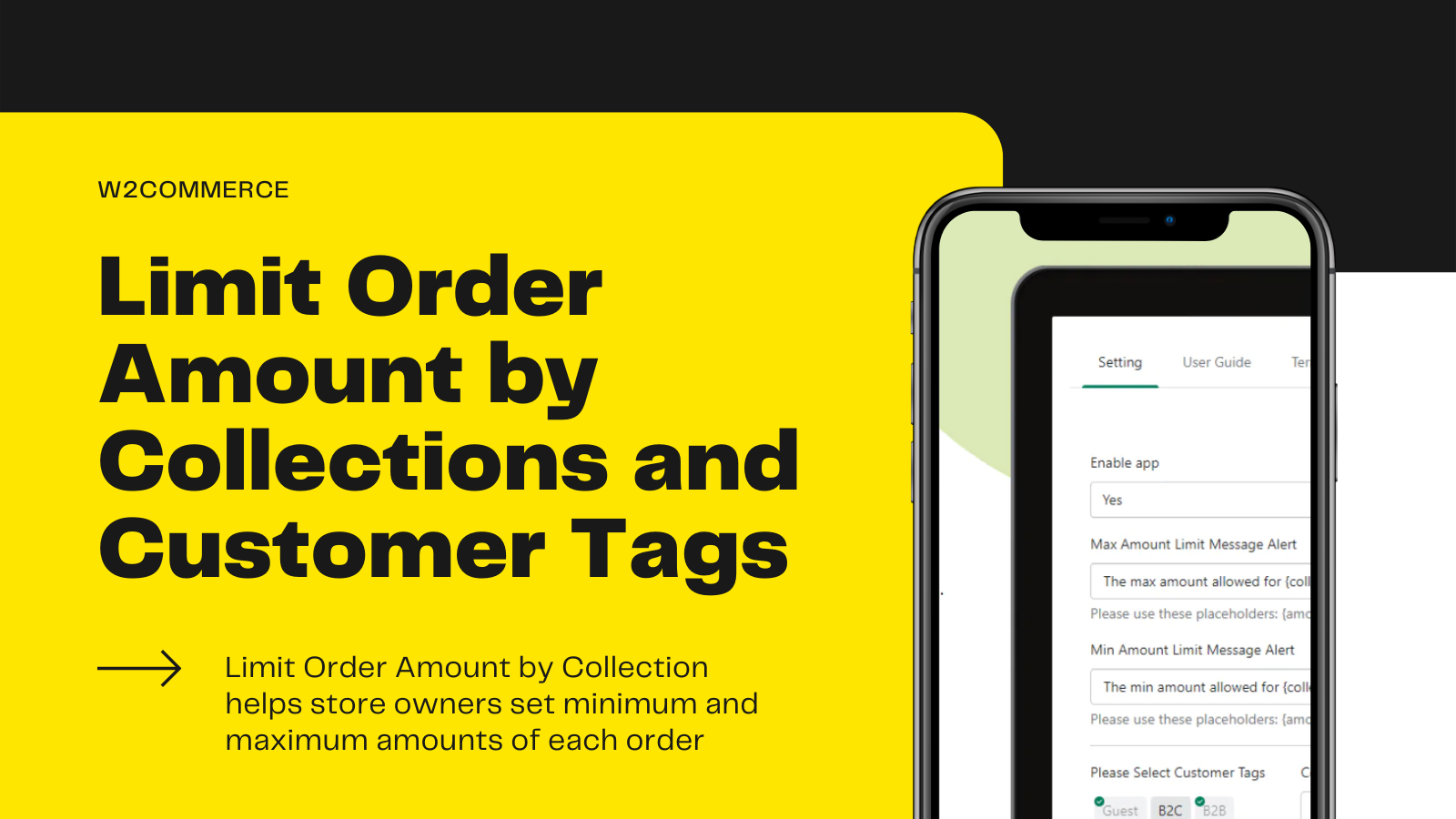
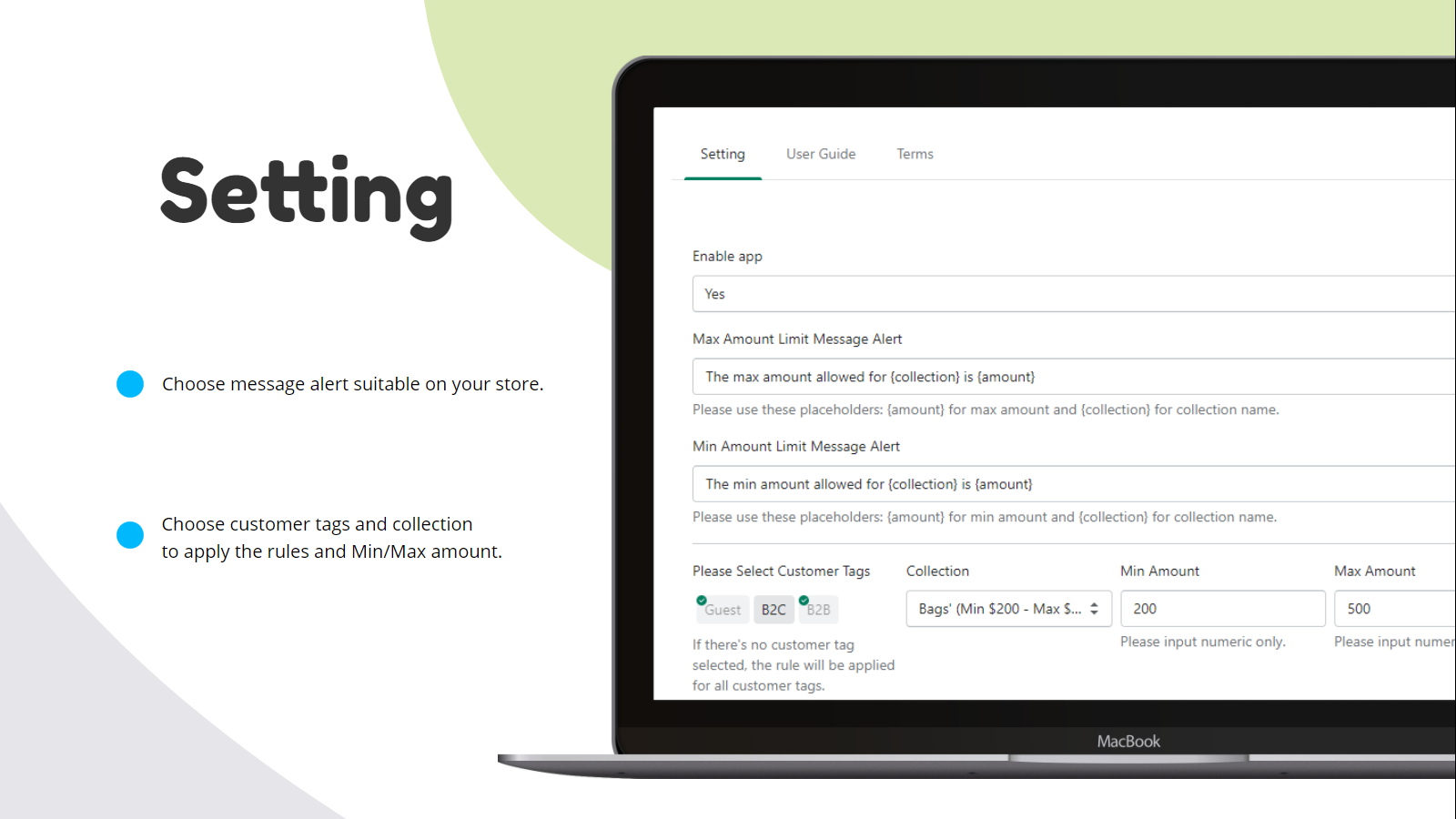
Do you want to restrict customers on how much or how little they purchase, in order to optimal packaging, shipping fee, or simply sales strategies? At e-commerce, specified resellers, wholesalers or b2b websites, shop owners could encounter low profits due to low amounts of orders, W2Commerce has built Order Limit by Amount to help store owners to set order limit by minimum and maximum amounts, based on collections and customer tags. Easy to set up with simplest configurations!
- Order limit by Minimum and Maximum Amount per Order
- Apply Restrictions for an Entire Cart, Specific Customers, or Groups of Products
- Customizable Order Limit Message Alert at Product Page and Cart Page.
W2 Limit Order Amount pricing
Free trial · From $3 / month. Prices in USD; check the App Store for the latest.
-
Monthly Basic Plan
$3 / month
Shopify stores using W2 Limit Order Amount
We haven't detected W2 Limit Order Amount on a live Shopify store yet. We recognise the apps that leave a trace in a store's code; some apps run only in the admin or the checkout.
Detect apps on any storeFAQ
W2 Limit Order Amount: FAQ
Order limits by minimum and maximum amount with a basic and friendly setting.
No. Plans start at $3 a month, with a free trial.
We haven't detected W2 Limit Order Amount on a live Shopify store yet. Scan any store on ShopScan to see the apps it runs.
W2 Limit Order Amount is built by W2Commerce, based in Vietnam, and launched in August 2021.