


Convert more sales with flexible and customized On-site Messaging about Klarna as a payment method.
- Stores using it
- — Not detected yet
- Rating
- 2.3 / 5 112 reviews
- Price
- Free
- Launched
- June 2019 United States
Screenshots

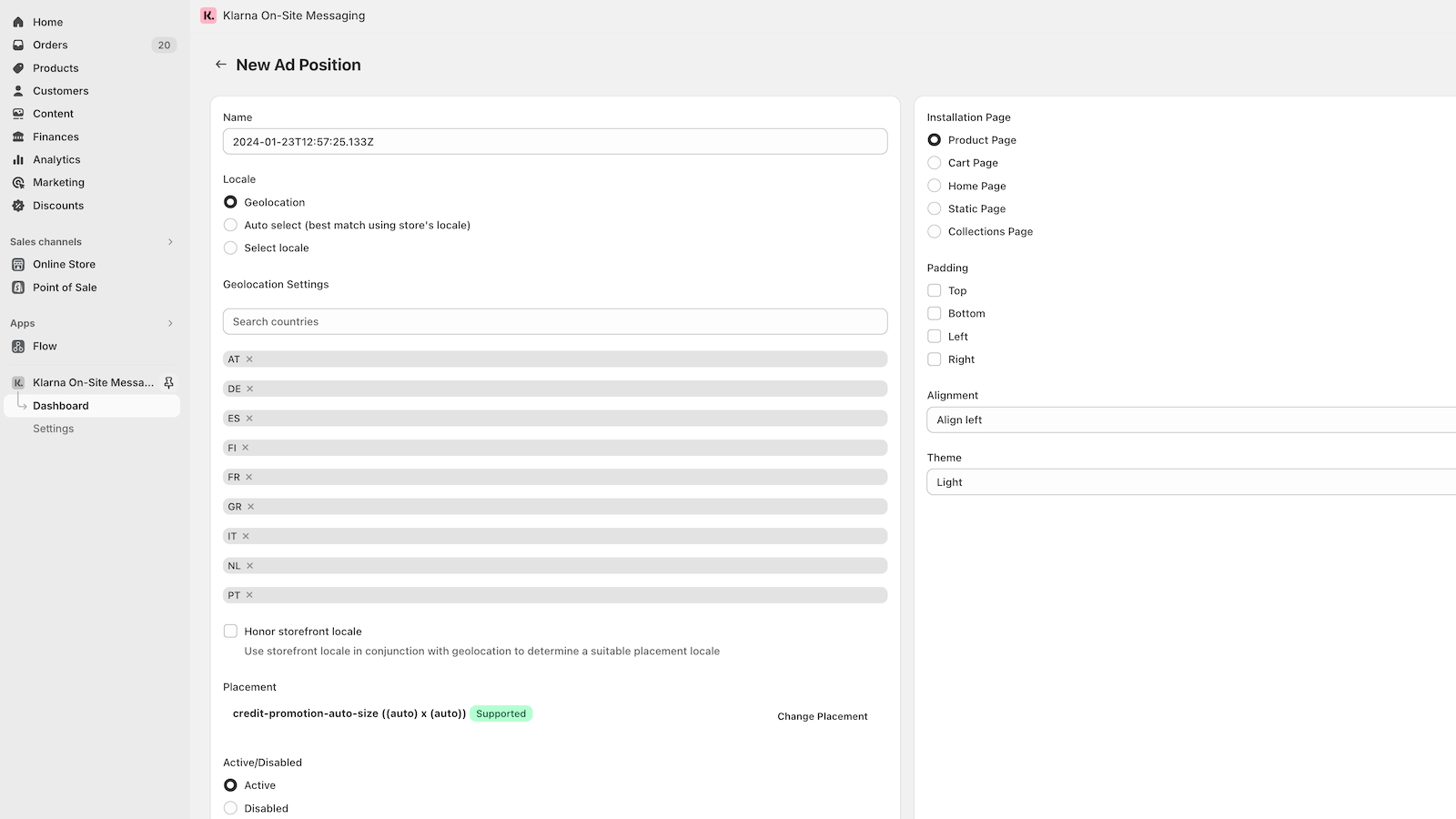
About Klarna On‑Site Messaging
Convert more sales with flexible and customized On-site Messaging about Klarna as a payment method.
This app is for merchants with an active Klarna Payments integration. Note: this app will not add Klarna as a payment method. Use this app to boost your business with messaging that lets your shoppers know that Klarna is an available payment option throughout the entire shopping journey.
- Promote the availability of payment options like Klarna and increase sales.
- Customize and personalize your messaging to maximize conversions.
- Optionally extend order data sharing.
Features
- Announcement bar
- Banner position
- Mobile responsive
- Multi-announcement
- Multi-language
- Product page
- Promotional
Shopify stores using Klarna On‑Site Messaging
We haven't detected Klarna On‑Site Messaging on a live Shopify store yet. We recognise the apps that leave a trace in a store's code; some apps run only in the admin or the checkout.
Detect apps on any storeFAQ
Klarna On‑Site Messaging: FAQ
Convert more sales with flexible and customized On-site Messaging about Klarna as a payment method.
Yes, Klarna On‑Site Messaging is free to use.
We haven't detected Klarna On‑Site Messaging on a live Shopify store yet. Scan any store on ShopScan to see the apps it runs.
Klarna On‑Site Messaging is built by Klarna, based in United States, and launched in June 2019.
2.3 out of 5 from 112 reviews on the Shopify App Store.