


Simplified LinkedIn conversion tracking, no codebase interaction needed.
- Stores using it
- — Not detected yet
- Rating
- 1.4 / 5 3 reviews
- Price
- $12 / mo Free trial
- Launched
- June 2020 Ireland
Screenshots
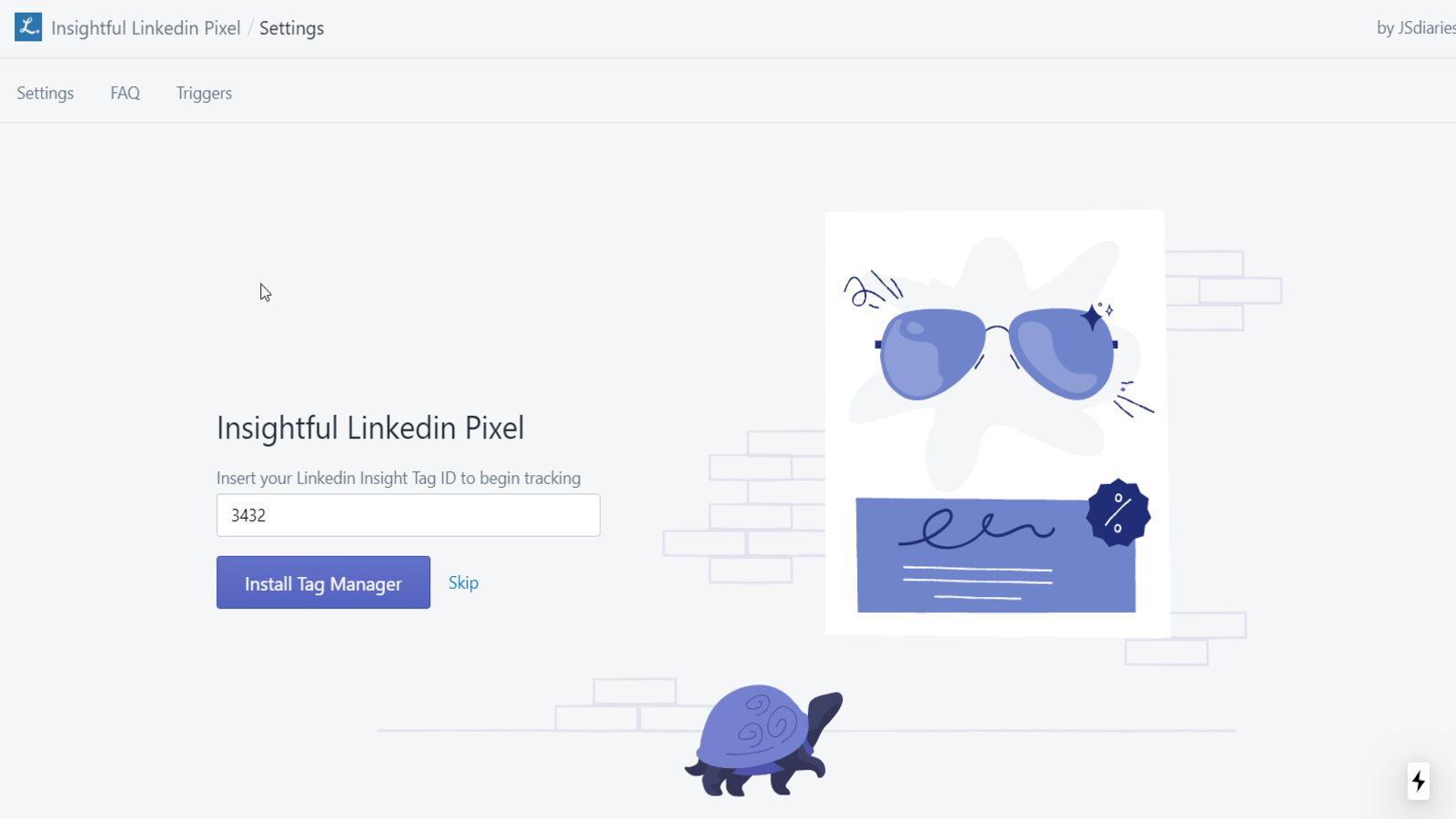
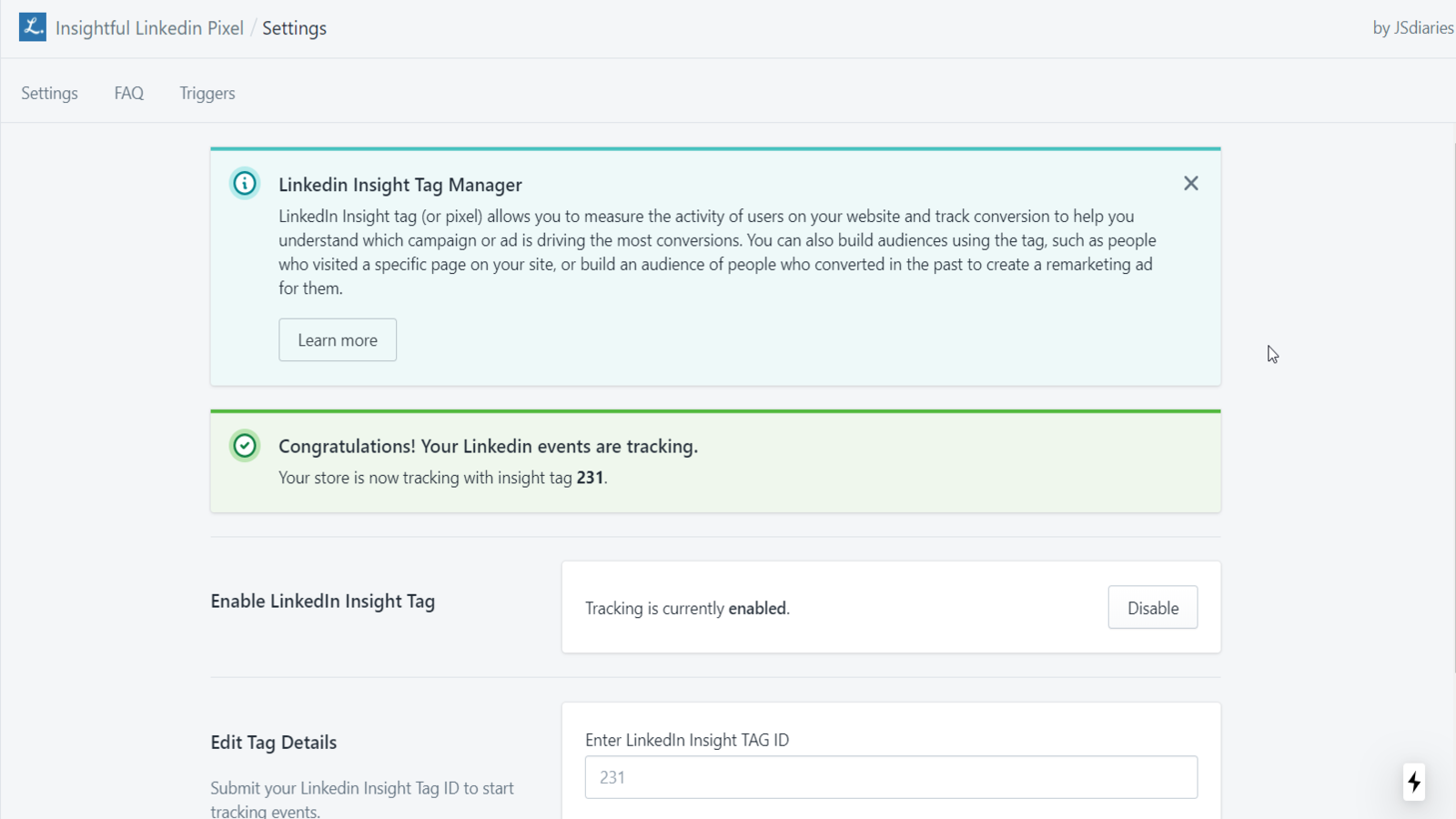
About Insightful LinkedIn Pixel
Simplified LinkedIn conversion tracking, no codebase interaction needed.
This tracking tool uses the LinkedIn insight tag to provide precise tracking for your ads. Avoid having to interact with your store's codebase to enable LinkedIn conversion tracking. Additionally, you can create your own rules known as triggers to be more specific with the events you want to track.
- Simple Conversion Tracking
- Create custom tracking triggers
- Analyze best performing ads
Insightful LinkedIn Pixel pricing
Free trial · From $12 / month. Prices in USD; check the App Store for the latest.
-
Essential Plan
$12 / month
- Tailored triggers for optimal conversions
- Complete event tracking capabilities
- Setup assistance for seamless integration
Shopify stores using Insightful LinkedIn Pixel
We haven't detected Insightful LinkedIn Pixel on a live Shopify store yet. We recognise the apps that leave a trace in a store's code; some apps run only in the admin or the checkout.
Detect apps on any storeFAQ
Insightful LinkedIn Pixel: FAQ
Simplified LinkedIn conversion tracking, no codebase interaction needed.
No. Plans start at $12 a month, with a free trial.
We haven't detected Insightful LinkedIn Pixel on a live Shopify store yet. Scan any store on ShopScan to see the apps it runs.
Insightful LinkedIn Pixel is built by Performant Ecommerce, based in Ireland, and launched in June 2020.
1.4 out of 5 from 3 reviews on the Shopify App Store.