


When products are without images your eCommerce store can look unprofessional let us fix it!
- Stores using it
- — Not detected yet
- Rating
- 3.0 / 5 2 reviews
- Price
- $3 / mo Lowest paid plan
- Launched
- October 2018 United States
Screenshots
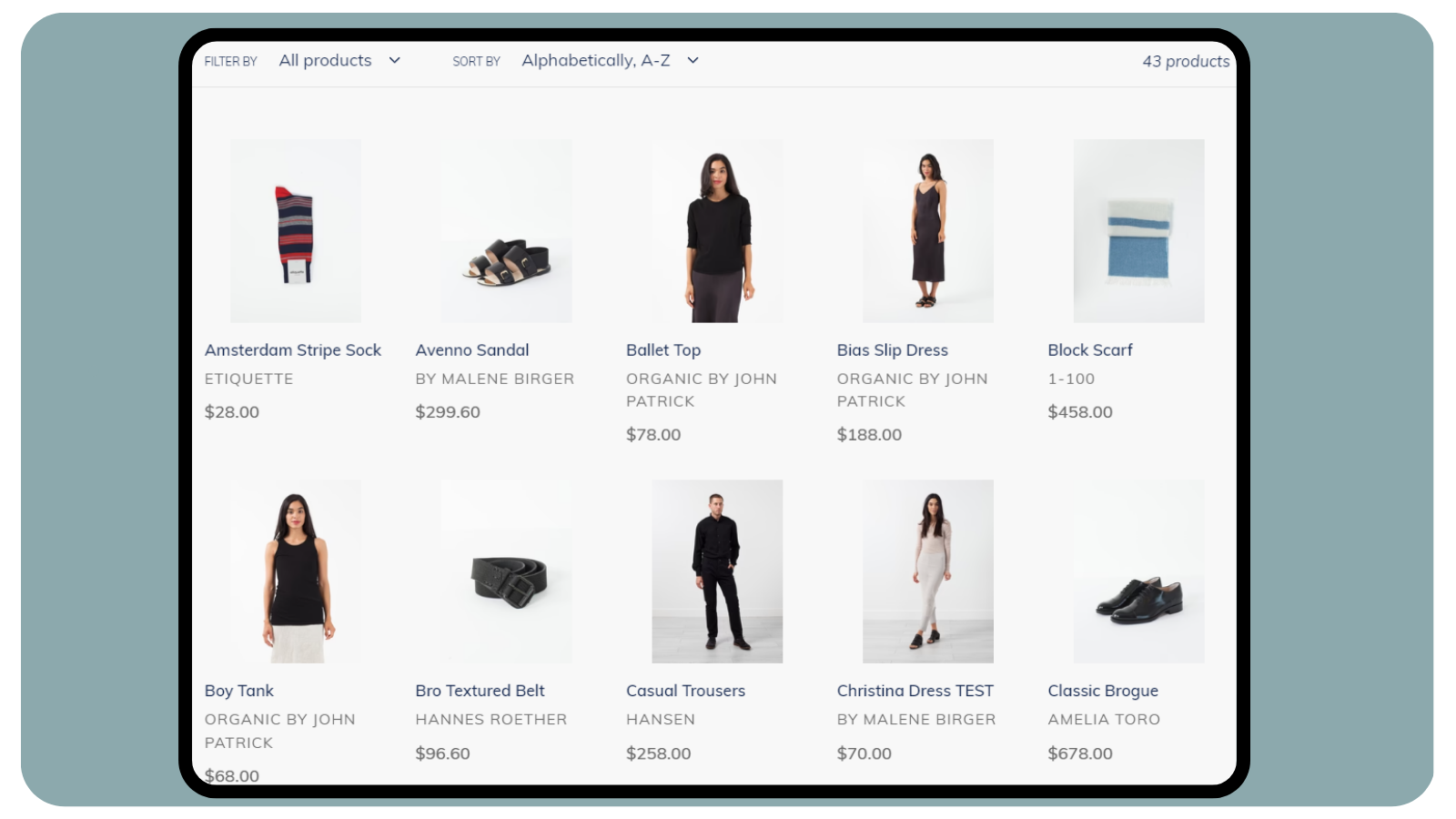

About Image Audit
When products are without images your eCommerce store can look unprofessional let us fix it!
When products are without images your eCommerce store can look unprofessional, like your store is 'Under Construction'. With many people and apps having access to your store there is the risk that your product images are compromised or are missing. Image Audit is here to solve this problem for you.
- Enter your own custom tag value when Image Audit tags a product with no images.
- Quickly unpublish products that have no images from your store front.
- Easily find a list of products that don't have any images attached in your admin
Features
- Custom workflows
- Product tags
- Scheduled tasks
- Time-based
Image Audit pricing
From $3 / month. Prices in USD; check the App Store for the latest.
-
Basic Plan
$3 / month
- There is an additional $32 per month if over 30,000 products
- Works through all of your products.
Shopify stores using Image Audit
We haven't detected Image Audit on a live Shopify store yet. We recognise the apps that leave a trace in a store's code; some apps run only in the admin or the checkout.
Detect apps on any storeFAQ
Image Audit: FAQ
When products are without images your eCommerce store can look unprofessional let us fix it!
No. Plans start at $3 a month.
We haven't detected Image Audit on a live Shopify store yet. Scan any store on ShopScan to see the apps it runs.
Image Audit is built by TranslatorHQ, based in United States, and launched in October 2018.
3.0 out of 5 from 2 reviews on the Shopify App Store.