


Accelerate development with all the tooling you need for production-ready headless storefronts.
- Stores using it
- — Not detected yet
- Rating
- 4.0 / 5 8 reviews
- Price
- Free
- Launched
- June 2022 Canada
Screenshots

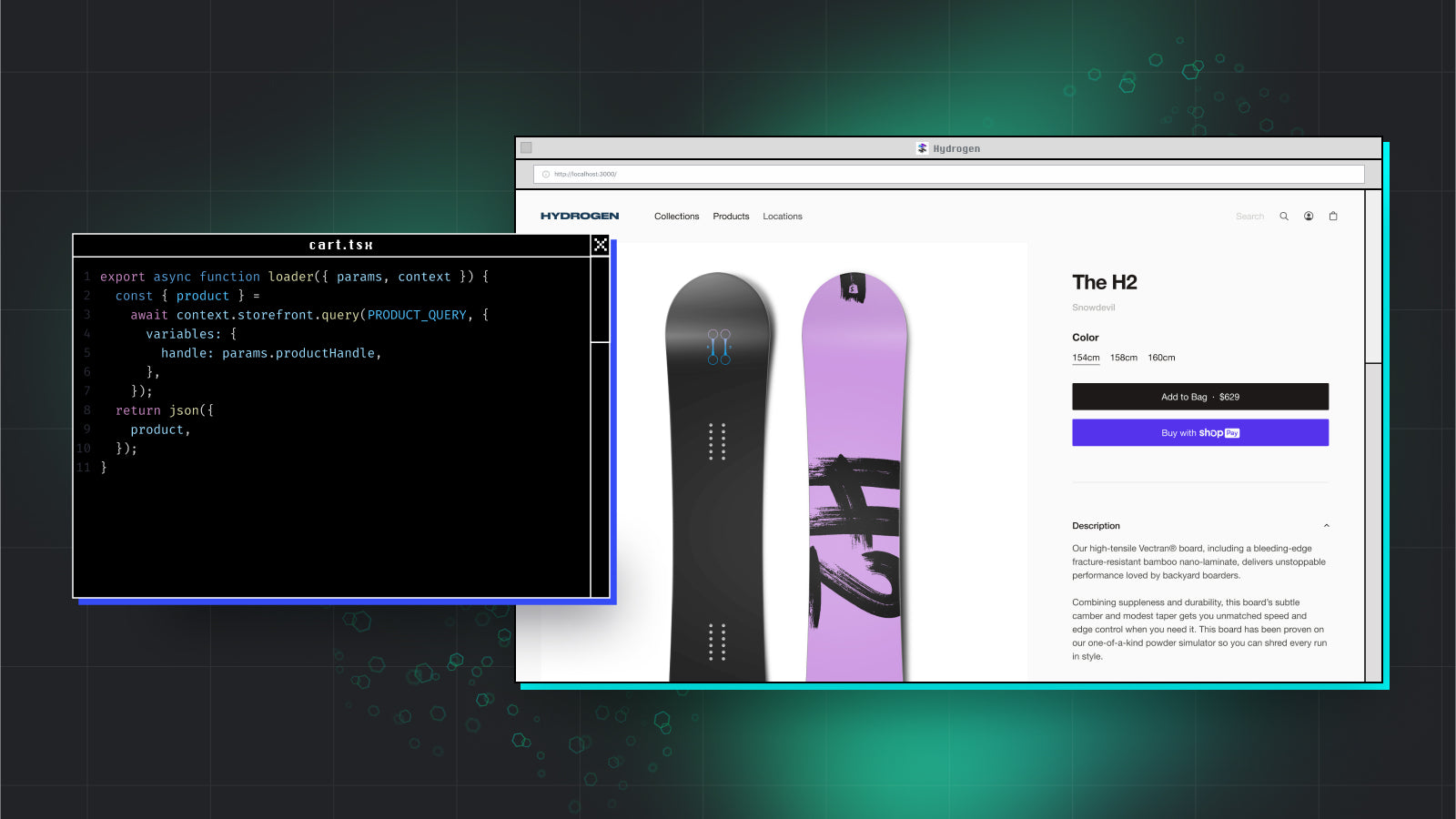
About Hydrogen
Accelerate development with all the tooling you need for production-ready headless storefronts.
Fast-track your storefront build with Hydrogen, our React-based headless commerce stack—now built on the open-source React Router framework. Optimized for performance with advancements like Optimistic UI, nested routes, and progressive enhancement. Unlock new levels of productivity with starter templates, pre-built components, hooks, and utilities all mapped to Shopify APIs. Then deploy your headless storefront at no cost on Oxygen, our global hosting solution.
- Use commerce components that map to Storefront & Customer Account API resources
- Build efficiently with in-IDE linting, TypeScript, and IntelliSense support
- Render at the edge for faster performance, flexible caching, and built-in SEO
- Integrate third-party apps, build with any React framework, and host anywhere
- Push-to-deploy support with Oxygen, Shopify’s globally distributed hosting layer
Shopify stores using Hydrogen
We haven't detected Hydrogen on a live Shopify store yet. We recognise the apps that leave a trace in a store's code; some apps run only in the admin or the checkout.
Detect apps on any storeFAQ
Hydrogen: FAQ
Accelerate development with all the tooling you need for production-ready headless storefronts.
Yes, Hydrogen is free to use.
We haven't detected Hydrogen on a live Shopify store yet. Scan any store on ShopScan to see the apps it runs.
Hydrogen is built by Shopify, based in Canada, and launched in June 2022.
4.0 out of 5 from 8 reviews on the Shopify App Store.