


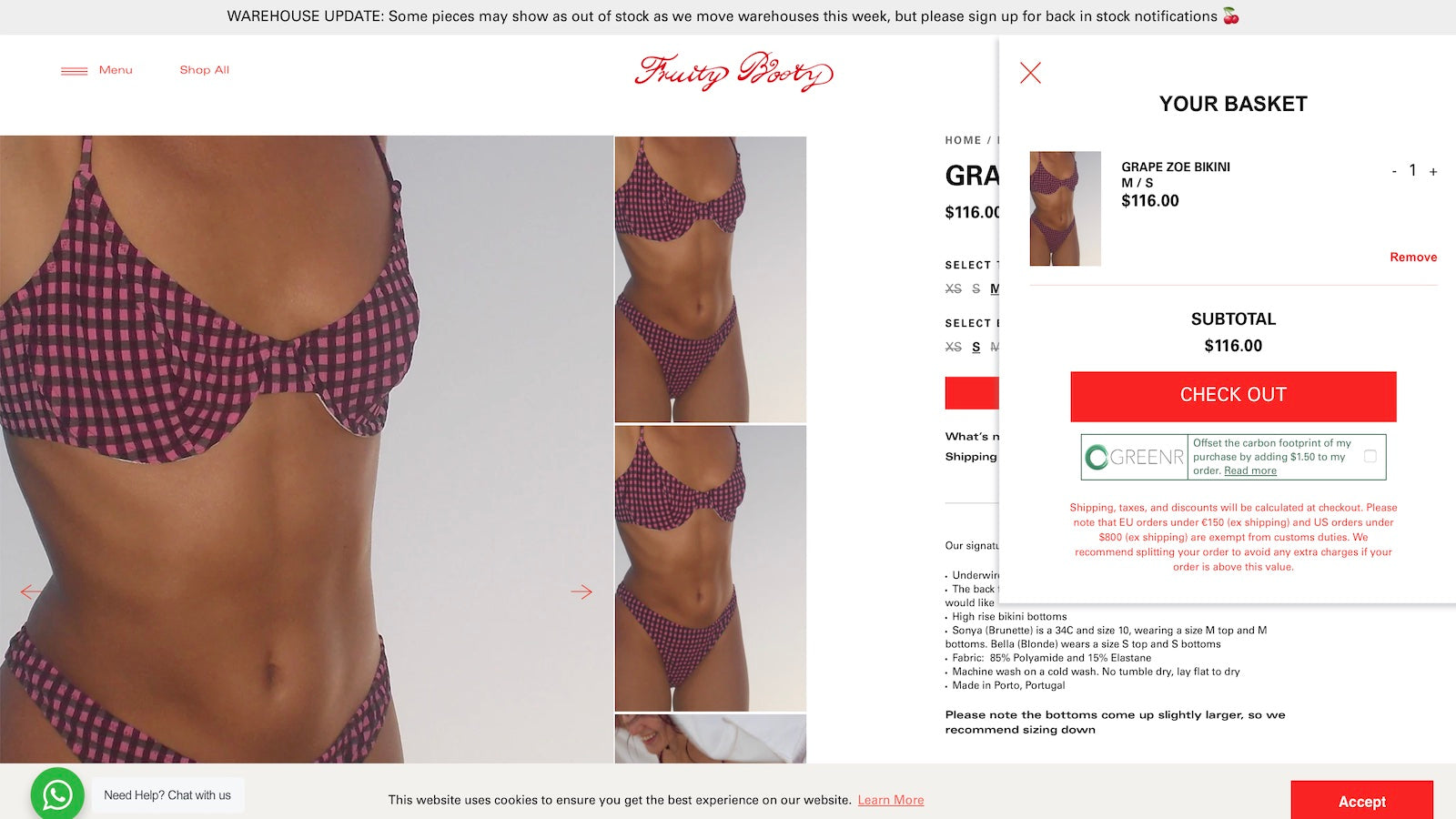
Offsettr lets your customers offset the carbon footprint of their purchase.
- Stores using it
- — Not detected yet
- Rating
- 4.3 / 5 7 reviews
- Price
- Free plan Free plan available
- Launched
- May 2020 United Kingdom
Screenshots
About Offsettr
Offsettr lets your customers offset the carbon footprint of their purchase.
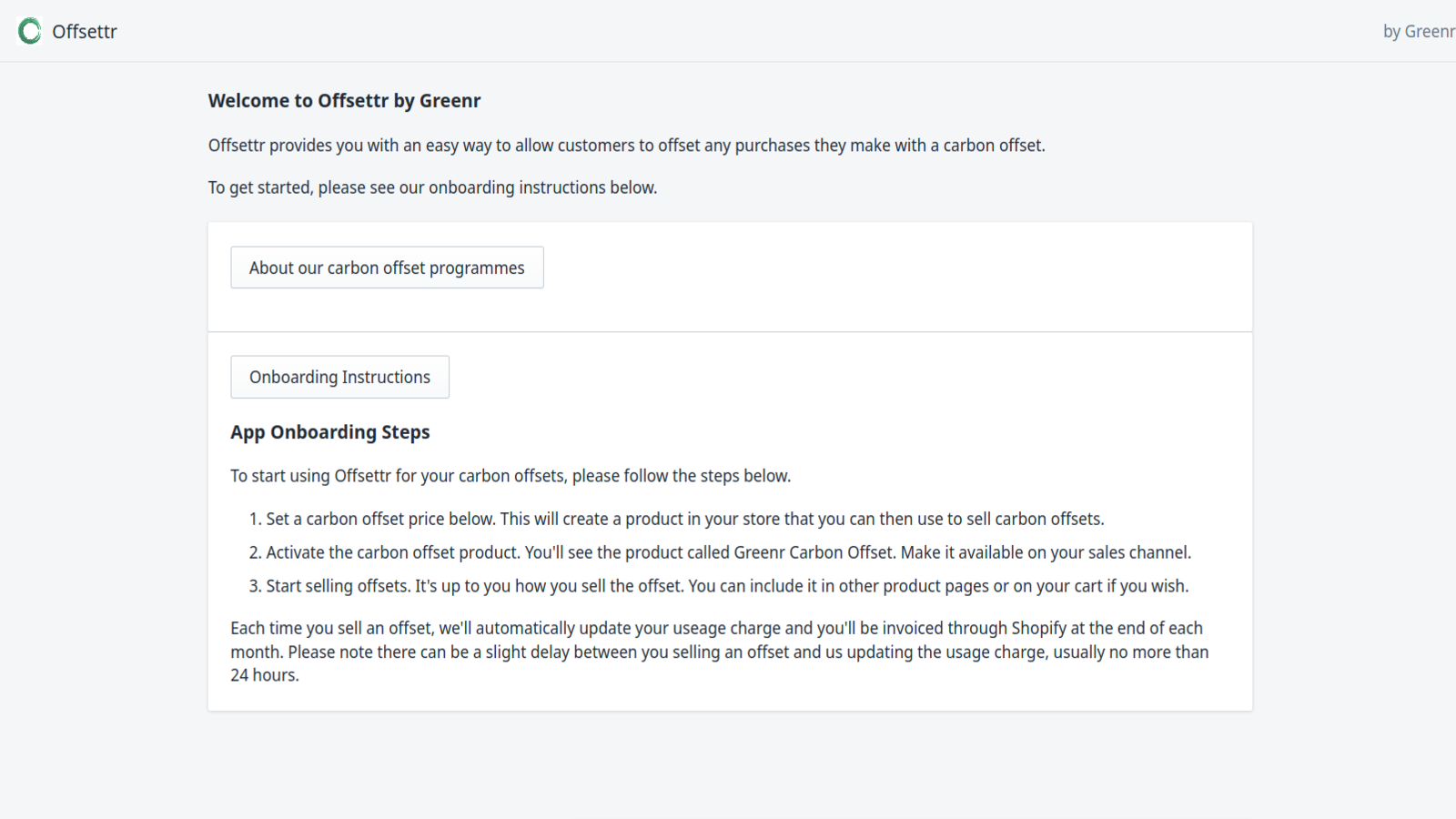
Offsettr allows you to drop a plugin into your checkout page which lets your customers contribute to reducing the carbon footprint of their purchase. All you need to do is install the app, choose and offset price, and drop our auto-generated code into your basket theme. Then customers will see the Offsettr widget and be able to offset their carbon footprint. Every month we buy carbon offsets on your behalf and send you an impact report you can share with your customers.
- Offset some or all of your product's carbon footprint with customisable prices
- A simple widget you can use to offer your customers offsets
- Impact reports so you can see the impact your customer's offsets and having
Offsettr pricing
Free plan available. Prices in USD; check the App Store for the latest.
-
Free
Free
- We charge each time a customer buys an offset
Shopify stores using Offsettr
We haven't detected Offsettr on a live Shopify store yet. We recognise the apps that leave a trace in a store's code; some apps run only in the admin or the checkout.
Detect apps on any storeFAQ
Offsettr: FAQ
Offsettr lets your customers offset the carbon footprint of their purchase.
Offsettr has a free plan.
We haven't detected Offsettr on a live Shopify store yet. Scan any store on ShopScan to see the apps it runs.
Offsettr is built by Greenr, based in United Kingdom, and launched in May 2020.
4.3 out of 5 from 7 reviews on the Shopify App Store.