

Protect your store with automatic theme backups. Easily restore your theme to an earlier version.
- Stores using it
- — Not detected yet
- Rating
- 5.0 / 5 3 reviews
- Price
- $4 / mo Free trial
- Launched
- January 2021 France
Screenshots
About Go back ‑ Auto Theme backups
Protect your store with automatic theme backups. Easily restore your theme to an earlier version.
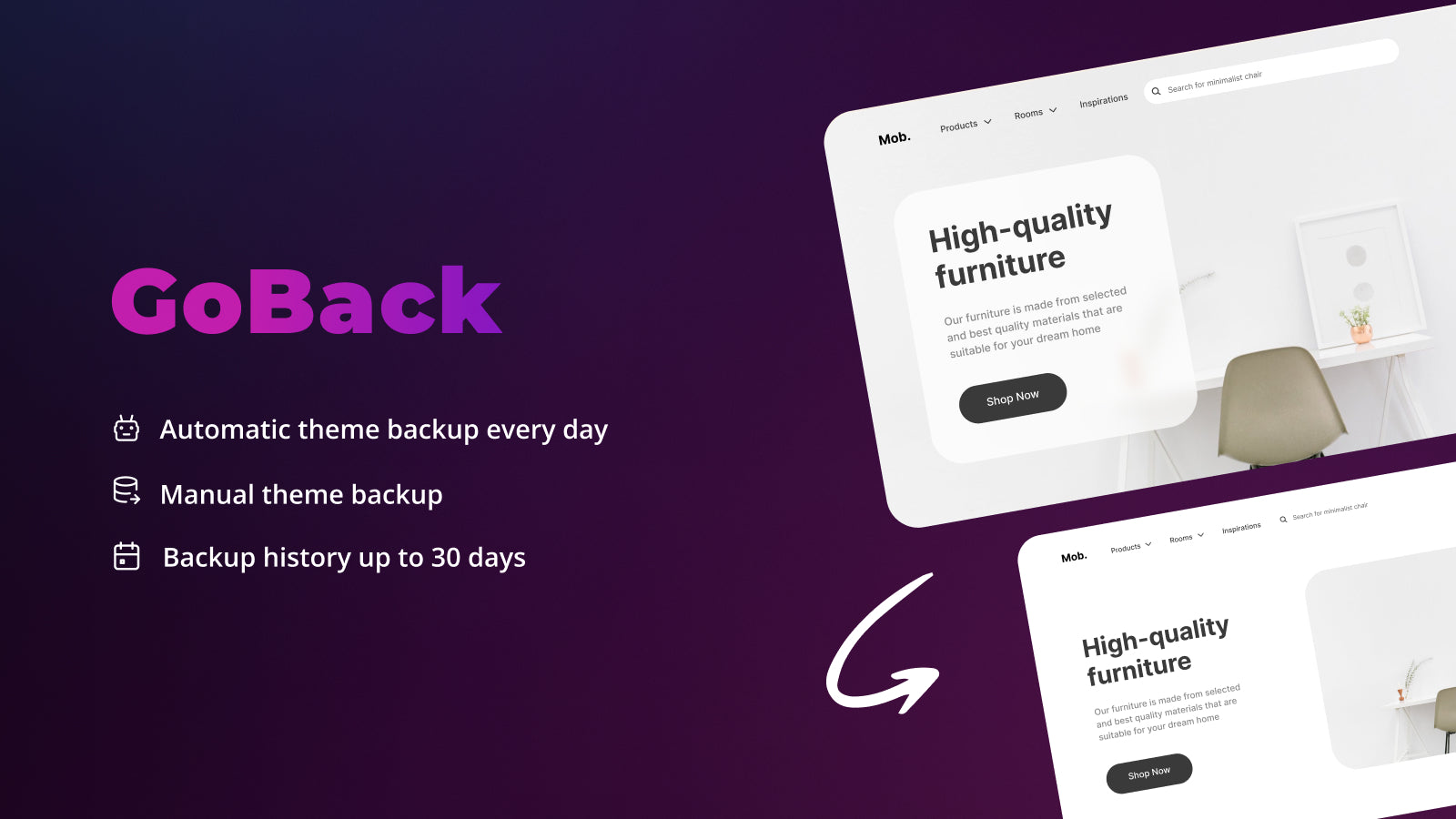
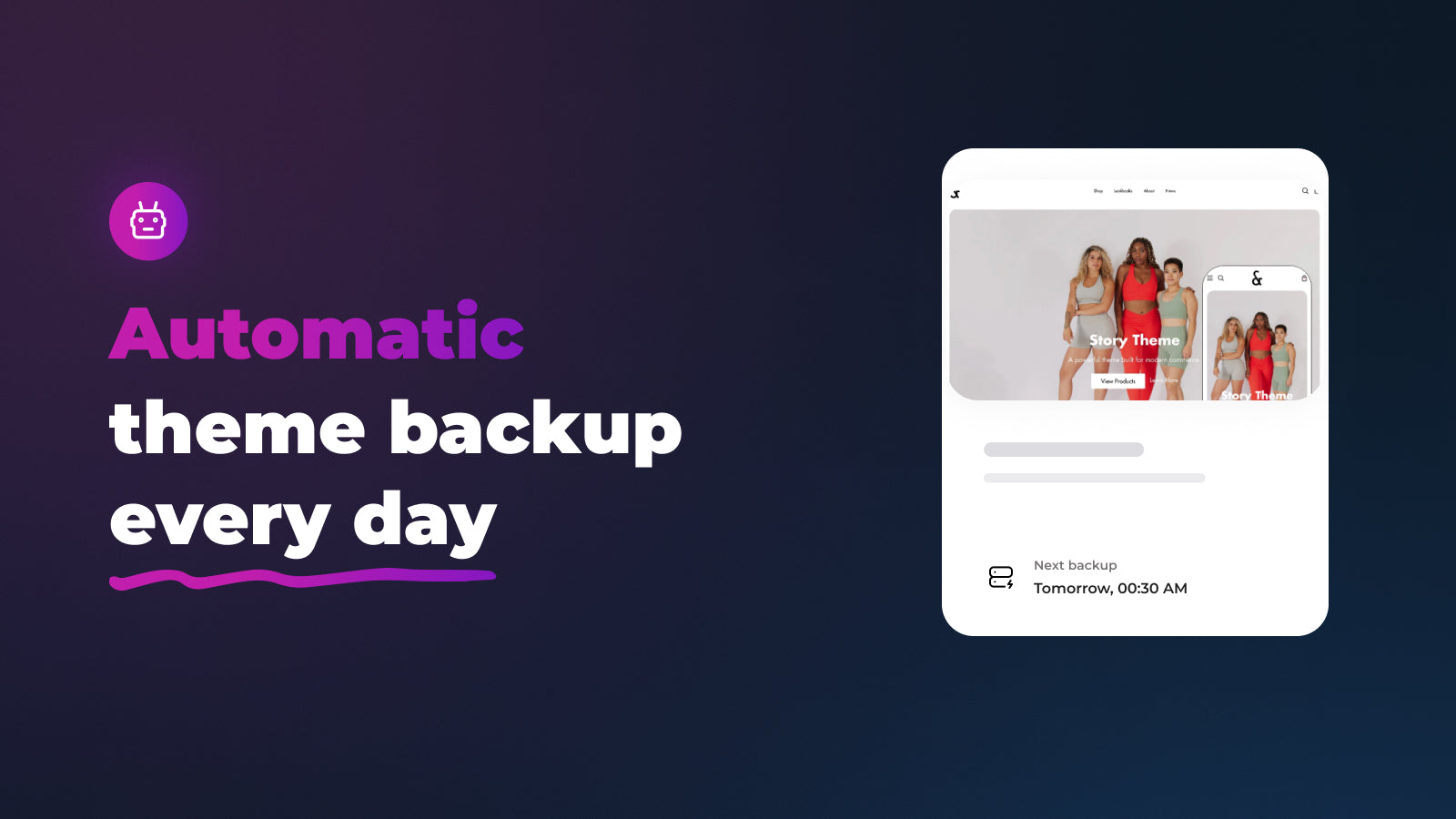
You've worked hard on your theme, don't suddenly lose all your work. Go Back will make backups of your theme every day, at the same times. If you ever have the slightest problem with your theme, you can easily download an older version. Focus on your business, don't be afraid to make mistakes, you are protected with Go Back.
- Automatic theme backup every day.
- Manual theme backup.
- Backup history up to 30 days.
Go back ‑ Auto Theme backups pricing
Free trial · From $4 / month. Prices in USD; check the App Store for the latest.
-
Standard plan
$4 / month
49 billed yearly
Shopify stores using Go back ‑ Auto Theme backups
We haven't detected Go back ‑ Auto Theme backups on a live Shopify store yet. We recognise the apps that leave a trace in a store's code; some apps run only in the admin or the checkout.
Detect apps on any storeFAQ
Go back ‑ Auto Theme backups: FAQ
Protect your store with automatic theme backups. Easily restore your theme to an earlier version.
No. Plans start at $4 a month, with a free trial.
We haven't detected Go back ‑ Auto Theme backups on a live Shopify store yet. Scan any store on ShopScan to see the apps it runs.
Go back ‑ Auto Theme backups is built by Fuznet, based in France, and launched in January 2021.
5.0 out of 5 from 3 reviews on the Shopify App Store.