


Go wagon is an online logistic service that provides easy, fast, and safe delivery.
- Stores using it
- — Not detected yet
- Rating
- —
- Price
- Free plan Free plan available
- Launched
- October 2022 Kuwait
Screenshots

About Go Wagon
Go wagon is an online logistic service that provides easy, fast, and safe delivery.
Go Wagon Go wagon is an online logistic service that provides easy, fast, and safe delivery of any personal or business order deliveries. You can send Local and international packages with ease. Using this extension we made shipping even simpler. Now every shop owner can ship their product using GoWagon delivery services. How does that work? By installing this application in your store you will push all the orders to be delivered to GoWagon and the rest is taken care of by GoWagon Team.
- Sync and push your orders products to delivery CRM with 1 click.
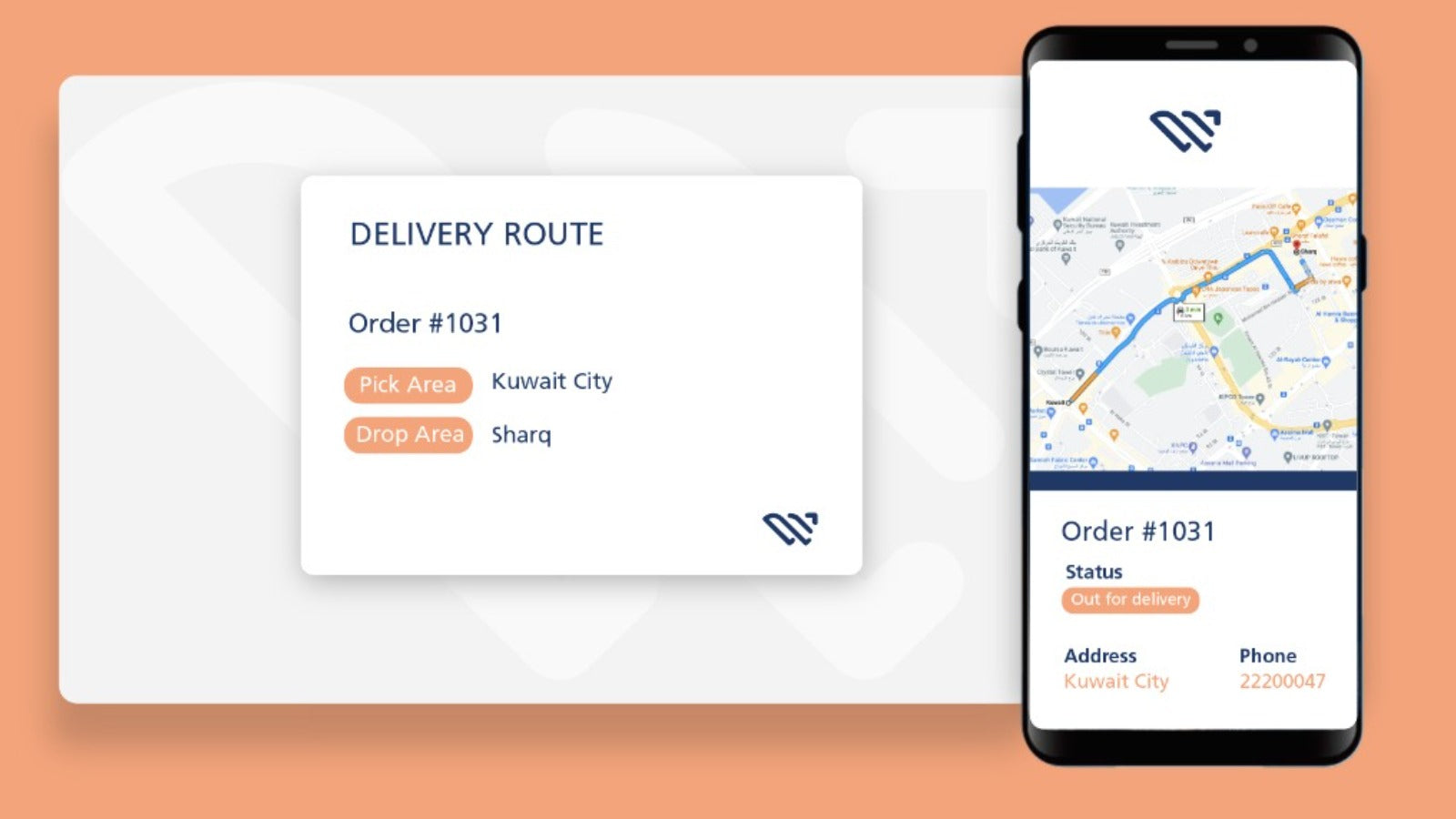
- Seamlessly track all your orders and know the location too.
- Our support team is available everyday to help.
Go Wagon pricing
Free plan available. Prices in USD; check the App Store for the latest.
-
Free
Free
- The fees of the integration will be Free of charge. However,charges will apply for the service usage
Shopify stores using Go Wagon
We haven't detected Go Wagon on a live Shopify store yet. We recognise the apps that leave a trace in a store's code; some apps run only in the admin or the checkout.
Detect apps on any storeFAQ
Go Wagon: FAQ
Go wagon is an online logistic service that provides easy, fast, and safe delivery.
Go Wagon has a free plan.
We haven't detected Go Wagon on a live Shopify store yet. Scan any store on ShopScan to see the apps it runs.
Go Wagon is built by Go Wagon, based in Kuwait, and launched in October 2022.